7+ Enterprise AI Tools That Will Change The Way You Work

The harsh reality is that many companies still aren’t using dedicated enterprise AI tools, and have their employees secretly pasting internal documents into ChatGPT. If you want to keep sensitive data safe – and you should, that has to change.
Our team of AI experts have compiled a list of enterprise-grade AI safety and governance tools that cover multiple functions for all and any company needs. To make the list even more diverse, we also collected a selection of tools recommended in AI communities.
Let’s dive in.
What Makes An AI Tool Ready For Enterprise
AI tools for enterprise have to offer the ability to be used by hundreds or thousands of employees simultaneously, with different roles and levels of access to sensitive data. They need to include compliance, so that the relevant team can audit everything the tool’s done.
Here’s what AI tools and platforms should include in their enterprise plans:
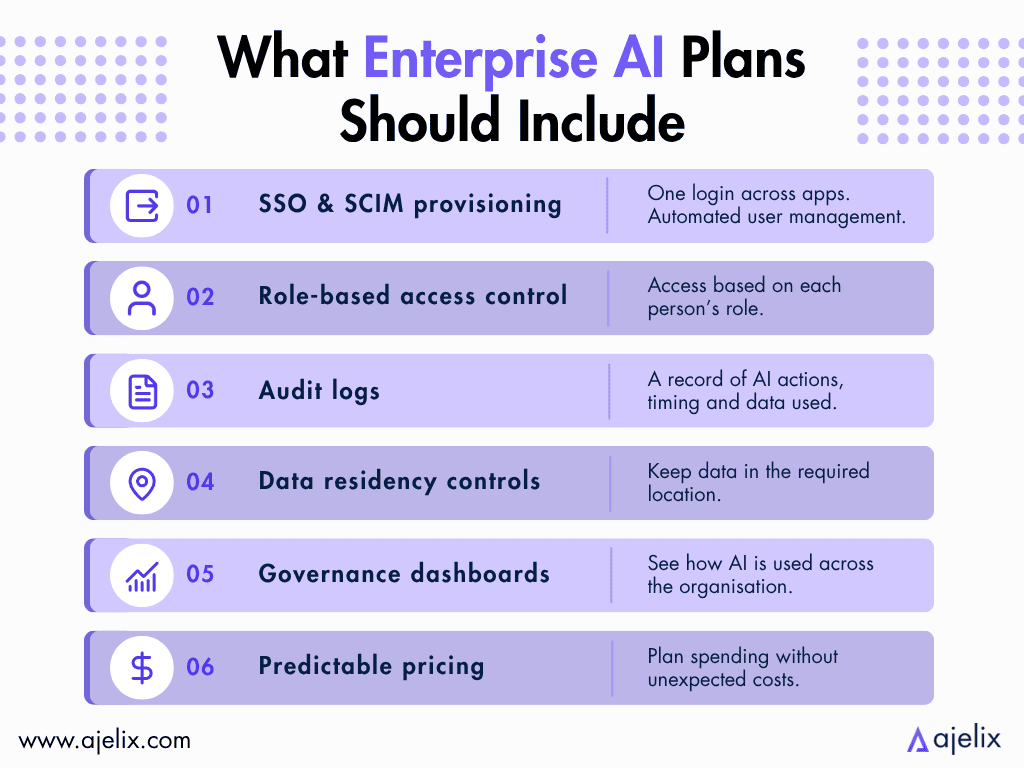
- SSO (single sign-on) and SCIM provisioning: an authentication process that lets users log in once with a single set of credentials to access multiple independent applications, as well as a protocol to automate user lifecycle management across different systems.
- Role-based access control (RBAC): depending on someone’s role in a company, they can access only what’s important to their work.
- Audit logs: for managers to access and prove what the AI did, when, and with what data.
- Data residency controls: for regulated industries to keep data in the relevant country or state.
- Governance dashboards: for the employee responsible for the AI to see what’s being used.
- Predictable pricing: for the finance team to avoid surprising costs.
The tools on our list include all the core enterprise requirements, making them the best AI tools for enterprises with secure data.
The 7 Best Enterprise AI Tools Now
Here is a comparison between the top AI tools for enterprise we have tested:
| Tool | Best For | Starting Price | Key Differentiator |
|---|---|---|---|
| Ajelix Enterprise | Enterprise AI agents + reporting automation | Custom (Enterprise) | Open-source models, secure deployment, Visual Agent & Workflow Builder, Custom API |
| Writer | Enterprise content and workflow automation with governance | Custom Enterprise pricing | Proprietary Palmyra LLMs + Knowledge Graph based on your data |
| Glean | Company-wide AI search and knowledge management | Custom (no public rate card) | Permissions-aware search across 275+ apps |
| UiPath | RPA + AI agent orchestration for complex processes | Custom (Community edition free) | Maestro orchestration: agents + robots + humans in one governed workflow |
| Salesforce Agentforce | CRM-native AI agents for GTM teams | Free with Salesforce Foundations | Native to Salesforce CRM data |
| Claude Enterprise | Company-wide LLM deployment with compliance controls | From $20/seat/mo | Full Claude suite (Chat, Code, Cowork, Design) under one governed account |
| Databricks | AI built on top of governed enterprise data | Pay-as-you-go (DBUs) | Unifies data engineering, ML, and generative AI on one open lakehouse |
Most of the tools offer enterprise pricing that isn’t public, due to different team usage needs and sizes.
Below, we cover what these enterprise AI platforms do well, what not so much, and who they’re built for.
1. Ajelix Enterprise
Who is it built for? Business teams and enterprises that need custom agents, connectors and workflows to carry out company processes.
- Pros: AI-native platform with granular RBAC, audit trails, reasoning logs, usage monitoring and quota management; connects to any system through a custom API; offers ability to self-host LLMs; the capability of visually building agents and workflows.
- Cons: Run by a smaller team than AI giants like OpenAI and Anthropic.
Ajelix is built as an operational layer for enterprise AI. Granular role-based access ensures employees work within their permissions, guardrails, a full audit trail for every agent and employee action. Usage monitoring with quota management by project or team keeps the platform under your control. Ajelix is a very secure enterprise AI option, as they have their own AI infrastructure.
Custom agents and connectors are built around your company’s specific workflows. A RAG system trained on your company’s documentation guides the AI to carry out processes that match your company’s standards and knowledge.
Ajelix offers the options to self-host your own LLMs, ready to deploy on kubernetes, and connect to any third-party source easily through an API key (including any LLM provider). Ajelix optimizes models for enterprise needs, and fine tunes them for each specific workflow.
Ajelix works with clients independently to customize workflows and make the company AI-native, regardless of industry. Pricing is a transparent custom enterprise contract, tailored to team size and the scope of the deployment. Contact the team for a quote.

2. Writer
Who is it built for? Mid-market and large enterprise teams in marketing, sales, legal, and support that need AI output to be on-brand, compliant, and grounded in internal knowledge.
- Pros: Knowledge Graph grounds AI outputs in your company data; strong compliance; AI Studio lets non-technical users build and run agents.
- Cons: The Palmyra models are strong for enterprise content use cases but are behind general-purpose models on complex reasoning tasks outside their training domains; AI Studio agent outputs can require significant iteration to get consistently on-brand.
Writer is an enterprise AI agent platform with a core product called Writer Agent, which lets teams delegate workflow. All you need to do is describe what you need, and Writer will execute the process from start to finish, producing brand-consistent and compliant outputs for marketing, sales, and operations teams.
Palmyra is Writer’s LLM family built specifically for enterprise use cases. Knowledge Graph grounds every AI output in your company’s data. AI Studio is a no-code environment for building custom agents.
Writer also offers Playbooks, repeatable workflows that encode your best team processes, and Connectors that gather live context from Snowflake, SharePoint, HubSpot, Salesforce, and other platforms.
3. Glean
Who is it built for? Enterprises with 500+ employees spread across a mixed SaaS stack, for example multi-ecosystem organizations using Microsoft, Google, Atlassian, and Salesforce simultaneously.
- Pros: Permissions-aware indexing; promises not to train on customer data; 275+ native connectors; strong compliance.
- Cons: Connector setup across your full tool stack is a long IT project; search quality is only as good as the content in the connected apps; complex multi-step autonomous workflows may require workarounds.
Glean is an enterprise AI platform that gives every employee complete context. It offers over 275 connectors and builds a knowledge graph that enforces all permissions. Employees can search or ask questions through a single interface, and only see what they are authorized to. The interface is what makes Glean one of the best enterprise generative AI tools on this list.
The Glean Assistant provides answers grounded in your organization’s data. Glean Agents autonomously complete multi-step tasks, capable of executing any needed business process.
According to Glean’s own published metrics, the platform delivers 110 hours saved per user per year and reaches 93% enterprise adoption within two years.
4. UiPath
Who is it built for? Large enterprises in banking, healthcare, insurance, manufacturing, and the public sector that need to automate complex processes involving legacy systems, documents, and human handoffs.
- Pros: Coordinates AI agents, RPA robots, and human-in-the-loop steps in one workflow; Maestro Flow ships coding-agent-built processes directly to production without the need to rebuild; on-premises and self-hosted deployment available; open ecosystem: orchestrates third-party agents from Azure AI Foundry, AWS Bedrock, LangChain, and others.
- Cons: Implementation is a long project, requiring a tech team; non-technical users are largely locked out of the platform’s most powerful capabilities; primarily built for process-heavy, multi-system environments.
UiPath’s core strength is in its ability to automate applications that have no API, such as desktop software, legacy systems, and browser-based tools. UiPath’s computer vision watches the screen and uses the UI directly.
The platform’s agentic layer combines robots for execution with AI agents for decision-making, and manual human escalation for exceptions. It is a credible option for complex, multi-system workflows in finance, healthcare, and manufacturing.
For basic web-based automation, simpler tools are more cost-effective. UiPath is among the truly large enterprise AI tools on this list.
5. Salesforce Agentforce
Who is it built for? Enterprises already using Salesforce as their primary system that want AI agents operating on their customer and operational data.
- Pros: Agents run natively on Salesforce data; Einstein Trust Layer ensures governance and data privacy; the free starting point via Salesforce Foundations makes evaluation low-risk; covers sales, service, marketing, field service, and employee support in one platform.
- Cons: Only valuable for organizations already using the Salesforce ecosystem; requires Salesforce admin or developer expertise; not the best fit for non-technical teams.
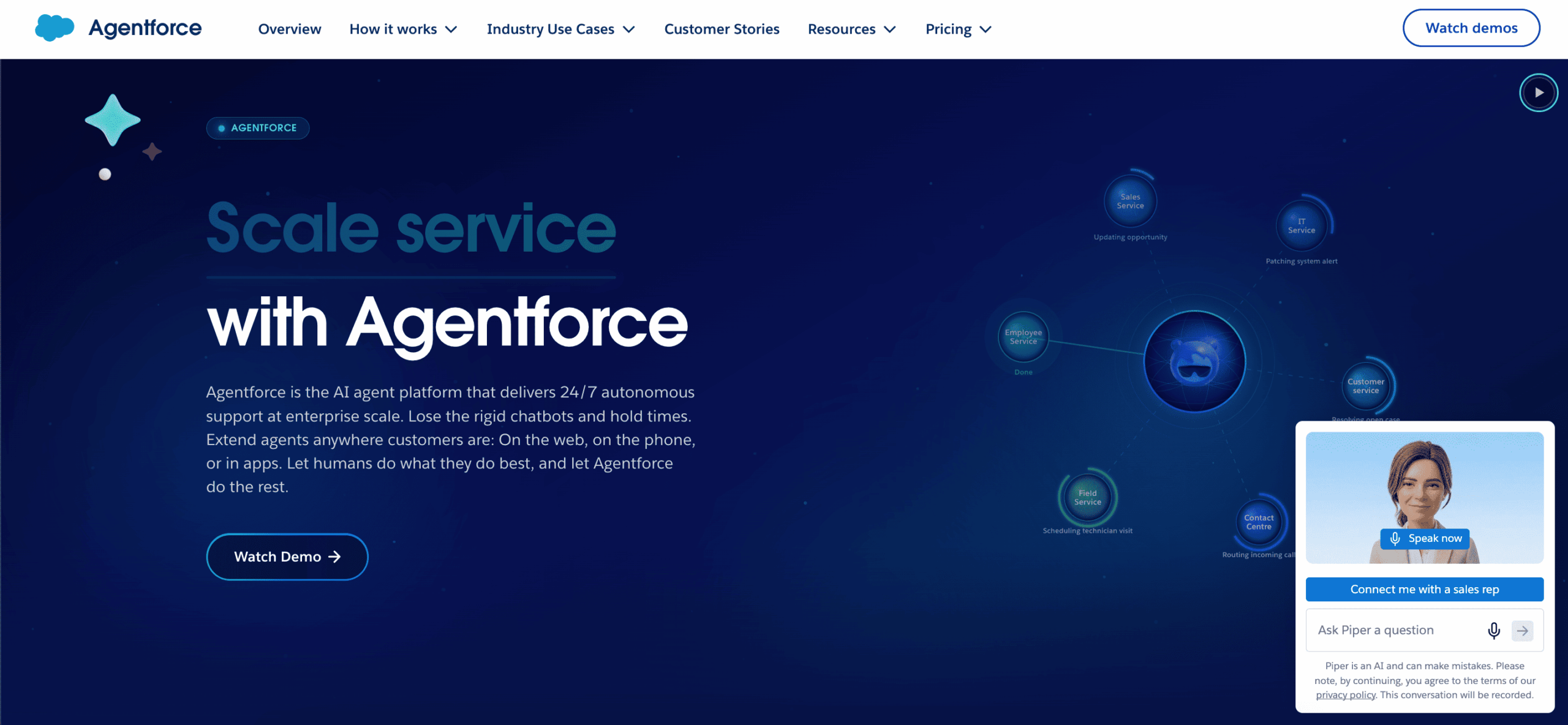
Agentforce is Salesforce’s AI agent platform, letting teams build autonomous AI agents for customer service, sales development, field service, employee support, and contact center operations. Agents are built using Agent Builder with natural language instructions, existing Flows, Apex, and MuleSoft APIs. Atlas Reasoning Engine reasons through each request, retrieving data securely, and taking actions within defined guardrails.
It uses Einstein Trust Layer, the same data privacy and access control framework IT already manages for the broader Salesforce platform. This makes it one of the best enterprise AI governance tools on this list.
Every Salesforce customer can start with Agentforce for free through Salesforce Foundations.
6. Claude Enterprise
Who is it built for? Enterprises that want a single, governed deployment of a single but top-tier reasoning model across all functions, especially legal, engineering, finance, and research teams.
- Pros: One seat covers Claude Chat, Claude Code, Claude Cowork, Claude Design, and Claude for Microsoft 365; comprehensive governance; Anthropic promises not to train on customer data.
- Cons: You’re committing to the Anthropic ecosystem with no option to route tasks to other model providers; memory and context persisting across long-running projects is improving but not yet as good as dedicated knowledge management tools like Glean.
Claude Enterprise is built for people wanting to use Anthropic’s models in their organization, without the ability to use other provider models. The core four products are:
- Claude Chat: for everyday thinking and writing work.
- Claude Code: for software development.
- Claude Cowork: for delegating multi-step research and document tasks.
- Claude Design: for turning prompts into visuals, prototypes, and slides.
The governance includes SSO, role-based access control, audit logs, custom data retention, customer-managed encryption keys, US-only inference, and more.
7. Databricks
Who is it built for? Engineering and data teams at large enterprises that need to build trustworthy AI applications and agents grounded in their own governed data.
- Pros: Unity Catalog governs data and AI together; Genie gives business users natural language access to company data; model and infrastructure flexibility; Agent Bricks supports multi-framework agent development.
- Cons: Requires a skilled technical team; most organizations only use a fraction of what’s available and need discipline to avoid over-engineering the initial deployment.
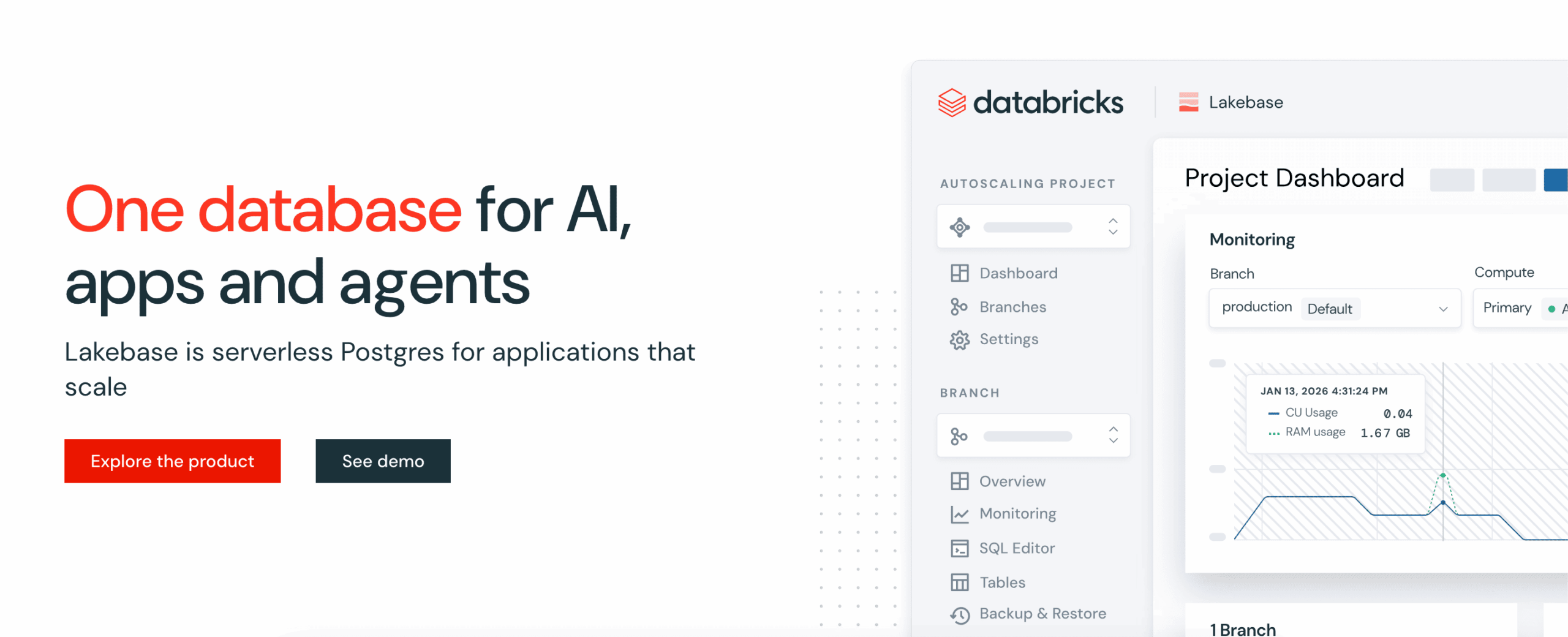
Databricks is a unified Data + AI Platform built around the principle that AI only works reliably in the enterprise when it’s grounded in your real business data. The platform combines data engineering, data warehousing, analytics, machine learning, and generative AI into a single governed workspace. Enterprises can use data from any source, build and deploy AI models, and run every workload on a single copy of their data.
Its Unity Catalog governs all data and AI assets in one place, and Genie, an AI assistant and agentic coworker, grounds responses in company data that is continuously being updated. Agent Bricks provides a multi-framework environment for building and deploying agents without being locked to just one model provider like Anthropic.
Databricks runs on AWS, Azure, and GCP.
What The AI Community Recommends
When evaluating tools, it’s worth paying attention to the unfiltered opinions of people in the artificial intelligence community, who use these tools in their daily operations.
Beyond the tools in this article, here’s what Reddit practitioners recommend for enterprise AI use cases:
- Snowflake Cortex AI: frequently recommended in r/dataengineering for enterprises already using Snowflake that want AI without moving their data to a separate platform.
- Moveworks (now part of ServiceNow): consistently cited in r/sysadmin and r/ITManagers for automating IT, HR, and finance support requests through conversational AI. It is even praised for reducing helpdesk ticket volume.
- Lindy: mentioned across productivity and automation subreddits for no-code AI agent workflows with good compliance. Also tends to come up for teams that want agent automation without deep technical setup.
- Datadog Watchdog AI: recommended in r/devops and r/sysadmin for AIOps use cases, particularly for enterprises with complex microservices environments where manual alert management tends to break down.
- Cursor / Kilo Code: both appear regularly in r/programming and r/devops enterprise threads as coding AI tools with proper governance options that engineering teams can get IT to approve.
Choose The Right Enterprise AI Tool For You
To decide what is the best enterprise AI tool for your needs, here is an overview comparison by use case:
| You need… | Best tool |
|---|---|
| A multi-tenant platform to build custom agents and visual agent workflows for your company’s processes, with hash-chained audit logs, spend controls and custom guardrails, isolated code sandboxes and secure inference | Ajelix Enterprise |
| AI-generated content and automated workflows grounded in company data and brand standards, especially in regulated industries | Writer |
| A single AI search and knowledge layer across many SaaS tools, with permissions enforced at every step | Glean |
| AI agents and RPA robots coordinated in a single governed workflow for complex, multi-system or legacy processes | UiPath |
| AI agents operating natively on Salesforce CRM data for sales, service, marketing, and field operations | Salesforce Agentforce |
| A governed, organization-wide deployment of a frontier LLM across all departments and functions | Claude Enterprise |
| AI applications built on top of your own governed enterprise data, with full model and infrastructure flexibility | Databricks |
| Also Worth Considering (Community Picks) | |
| AI directly on your Snowflake data without moving it to a separate platform | Snowflake Cortex AI |
| Automating IT, HR, and finance support requests through conversational AI | Moveworks (now part of ServiceNow) |
| No-code AI agent workflows with enterprise compliance and minimal technical setup | Lindy |
| AIOps monitoring for complex microservices environments where manual alert management tends to break down | Datadog Watchdog AI |
| AI coding tools with enterprise governance | Cursor / Kilo Code |
If you’re unsure where to start, consider Ajelix.
FAQ
Enterprise AI tools are designed to be deployed across an entire organization. They differ from consumer AI tools in that they include security controls like SSO and role-based access, audit logs, data residency settings, and governance dashboards that IT and compliance teams need to approve and manage.
The strongest platforms for building AI agents specifically for enterprise use are Ajelix (custom agent and workflow builder with governance and LLM self-hosting), UiPath (agent + RPA orchestration via Maestro), Salesforce Agentforce (agents built natively on CRM data), and Writer (no-code AI Studio for content and operations agents). The right choice depends on what systems your agents need to work with and who will be building them.
Enterprise AI optimization tools are platforms that use AI to improve the efficiency and output of existing business processes, actively reduce errors and route decisions intelligently. UiPath does this for document-heavy and legacy system processes. Databricks does this at the data layer, where AI is used to optimize queries and model outputs. Ajelix handles it at the workflow level, where agents can be configured to monitor and improve repeatable processes across teams.
The strongest options depend on where your data lives. Databricks is the most comprehensive: its Genie feature lets business users query company data without writing SQL, and the Unity Catalog governs everything underneath. Glean surfaces existing reports and documents across all your connected tools in one search interface. For teams that need AI-generated reports built from internal knowledge bases and brand standards, Writer handles the content layer.
For deploying and managing AI agents across an enterprise, the best options currently are Ajelix (governed agent builder with RBAC, audit trails, and custom LLM support), UiPath Maestro (coordinates agents alongside RPA robots in a single workflow), and Salesforce Agentforce (agents that operate natively on Salesforce data). If the requirement is a strong reasoning model behind the agents rather than a builder platform, Claude Enterprise provides the model layer with full IT governance.
All platforms on this list commit to not training on customer data by default, what varies is how your data is processed and where. Claude Enterprise offers US-only inference and customer-managed encryption keys. UiPath and Ajelix support on-premises and self-hosted deployment for teams that need to keep data entirely within their own infrastructure. Salesforce runs everything through its Einstein Trust Layer, so data never leaves the Salesforce environment.
Agentic AI chat that helps you complete projects
AI for work that ingests, transforms, and delivers the exact deliverables your team needs, while you stay focused on strategy. No more chatting, agents can get the job done.