2026’s Best AI Apps For Business Needs (By AI Experts)

What used to be a short list of AI chatbots has now become a full, deep market of specialized AI tools. Some built for writing, some for audiovisual content creation, some for business automation. The best AI apps are what most closely fit your specific needs.
This guide covers the best AI apps for business regardless of your industry, including AI expert and every day AI user recommendations from community sources.
Whether you’re a dev, marketer, business analyst, or someone who wants to replace manual human work, we have an app on this list fit for your situation.
What AI Apps Are
AI apps are artificial intelligence tools that use machine learning models to interpret user input, such as text, data, images, and audio, to produce a useful output. Outputs include written answers, generated videos, code, and business materials like spreadsheets.
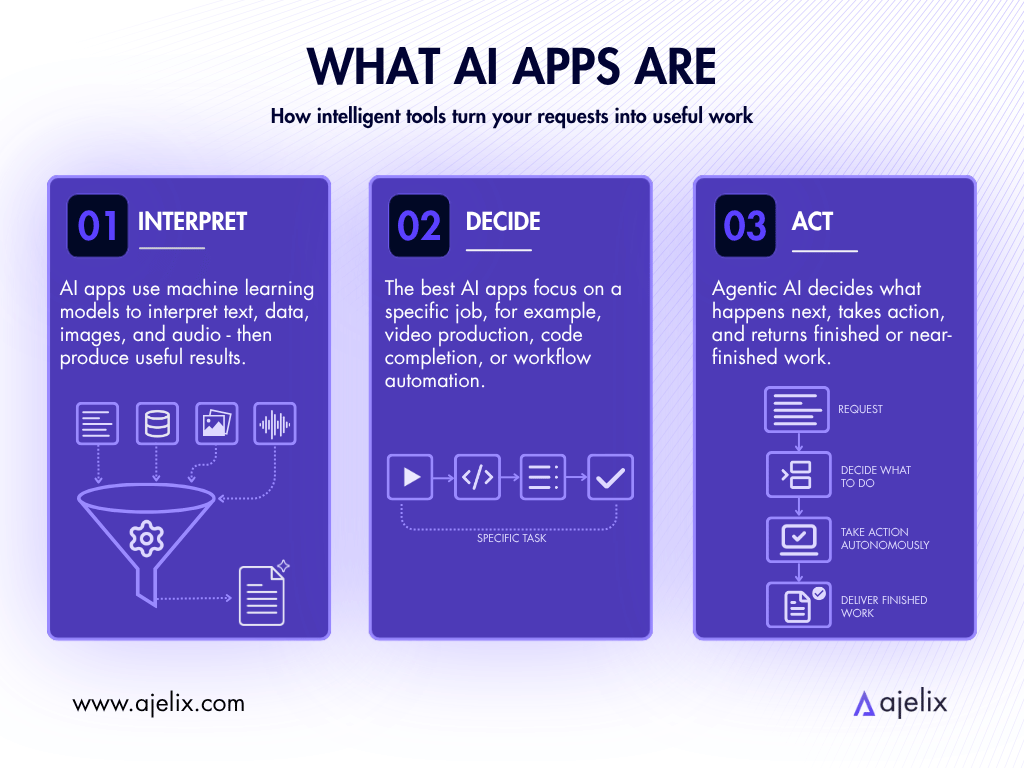
The best AI apps in 2026 are tools built to fulfill a specific purpose, like video production, code completion, and workflow automation. They are autonomous enough to make decisions on their own, without human prodding at every step.
This autonomy comes from the AI being agentic, thus taking actions and handing back a finished or near-finished project. More and more popular AI tools are going in the direction of becoming agentic*.
*According to a McKinsey report, 62% of organizations are now experimenting with AI agents, and 23% are already scaling them in at least one business function.
Top 7 AI Apps Now
The best AI app is one that most closely fits your needs. For that reason, we have compiled an AI tools list that has something for everyone:
| Tool | Best For | Pricing |
|---|---|---|
| Ajelix | Best for Business Teams and Enterprises – workflows, specialized agents, custom connectors, data, reports, Excel, dashboards & apps | Lite: $39/user/mo Pro: $99/user/mo Max: $199/user/mo Enterprise: custom |
| ChatGPT | Best for Everyday Productivity – writing, research & general tasks | Go: $8/mo Plus: $20/mo Pro: $100/mo Pro Max: $200/mo Business: $20/seat/mo Enterprise: custom |
| Claude | Best for Writing & Document Work – long-form, analysis & editing | Pro: $20/mo Max 5x: $100/mo Max 20x: $200/mo Team: from $25/seat/month Enterprise: custom |
| GitHub Copilot | Best for Developers – code completion, review & autonomous PRs | Pro: $10/month Pro+: $39/month Business: $19/user/month Enterprise: $39/user/month |
| n8n | Best for Building Workflows & AI Agents – visual automation for technical teams | Community Edition: free (self-hosted) Starter: ~$22/month (~€20) Pro: ~$55/month (~€50) Business: ~$730/month (~€667) Enterprise: custom |
| Synthesia | Best for Video Production – AI avatars, training & multilingual video | Starter: $29/month Creator: $89/month Enterprise: custom |
| Perplexity | Best for Research – real-time web search with cited answers | Pro: $20/month Max: $200/month Enterprise Pro: $40/seat/month |
These are proven to be the most popular AI tools for reasons we cover below, with the addition of who the AI software is for, the pros and cons.
1. Ajelix
Who is it for? Business teams and enterprises that need a fully compliant AI agent platform with custom agents, workflows and easy API integration to any external tool, platform and LLM.
- Pros: Their Enterprise plan offers multi-tenancy with granular RBAC, full audit trail and reasoning logs, usage monitoring, guardrails and quota management. The custom agents and connectors are built around your company’s processes. Provides self-host LLM support and connects to any third-party API or LLM provider.
- Cons: Run by a smaller team than giants like OpenAI.
While Ajelix still offers plans for individual users and remains one of the best AI tools for work, the platform has grown even more powerful with the introduction of its Enterprise plan.
Ajelix is built as an operational layer for enterprise AI. Granular role-based access ensures employees work within their permissions, guardrails, a full audit trail for every agent and employee action. Usage monitoring with quota management by project or team keeps the platform under your control.
Custom agents and connectors are built around your company’s specific workflows. A RAG system trained on your company’s documentation guides the AI to carry out processes that match your company’s standards or knowledge.
Ajelix offers the options to self-host your own LLMs, ready to deploy on kubernetes, and connect to any third-party source easily through an API key (including any LLM provider).
Ajelix works with clients independently to customize workflows and make the company AI-native, regardless of industry. Pricing is a transparent custom enterprise contract, tailored to team size and the scope of the deployment. Contact the team for a quote.

2. ChatGPT
Who is it for? Individuals, small teams, and anyone who needs a capable general assistant without a specialized use case.
- Pros: Handles almost any text-based task; Agent Mode and ChatGPT Work enable workflow automation; strong multimodal capabilities, such as, images, voice, file uploads, code execution; Business plan includes admin controls and shared workspaces.
- Cons: Is known for hallucinating facts, meaning anything critical needs verification; output quality requires a skilled prompter; data privacy protection is only fully included on Business and Enterprise tiers.

According to Reuters, ChatGPT is the most widely used AI app in the world. It handles a wide range of everyday tasks, such as drafting emails, writing copy and code, summarizing data, generating ideas, and answering questions. Its ChatGPT Work runs agentic workflows, which connect directly to Slack, Gmail, Google Drive and other widely used business apps.
It’s an excellent starting point if you’re just getting familiar with AI, but is less likely to be the best AI app for you forever. Regardless, it is considered one of the best AI chat apps.
3. Claude
Who is it for? Writers, editors, legal and compliance teams, executives, anyone whose work depends on careful, precise language.
- Pros: Handles very long documents without losing context; strong at nuanced reasoning, editing, and summarizing complex material; tends to produce more precise output than competitors.
- Cons: No native image generation; Pro plan usage limits are restrictive; occasionally over-cautious.
Claude Anthropic as an assistant has the reputation for being one of the top AI apps and the most careful writer in the AI app market – which is both a good thing, and can sometimes make the work too cautious. Claude is more willing to say when it’s uncertain than ChatGPT, and is better at working with long, complex data. It’s a good fit for anyone who demands careful language.
Claude Managed Agents are built for long-running, multi-step tasks that deliver a finished result. Sessions can run for multiple hours and persist through disconnections, with the agent picking up where it left off. The platform handles the operational work, so that devs don’t need to write their own retry logic.
4. GitHub Copilot
Who is it for? Software developers, DevOps engineers, technical teams building or maintaining codebases.
- Pros: Deep IDE integration; understands repo context; Copilot agent can autonomously handle GitHub issues and open PRs; Business plan includes IP indemnity, security vulnerability filtering, and audit logs.
- Cons: Limited value outside of a development context; code suggestions still need review, as blindly accepting output introduces bugs.
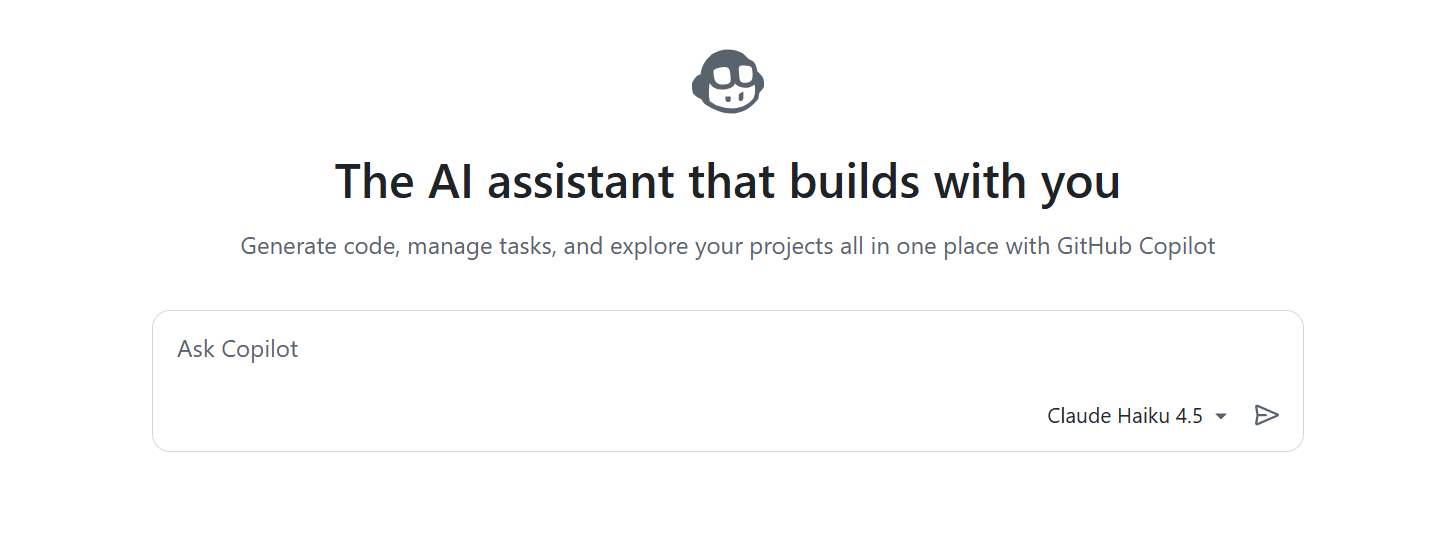
GitHub Copilot is the dominant AI tool specifically for software developers. It autocompletes code as you type, answers technical questions, reviews and suggests fixes for code you’ve written.
Copilot Workspace can take a GitHub issue and produce a full implementation plan. Copilot coding agents can work on requests autonomously.
5. n8n
Who is it for? Technical teams, RevOps, IT, and developers who need custom AI agents and workflow automation.
- Pros: Source-available and self-hostable; full LangChain, RAG, and multi-agent orchestration support.
- Cons: Requires technical knowledge to build and maintain workflows; not designed for non-technical users.
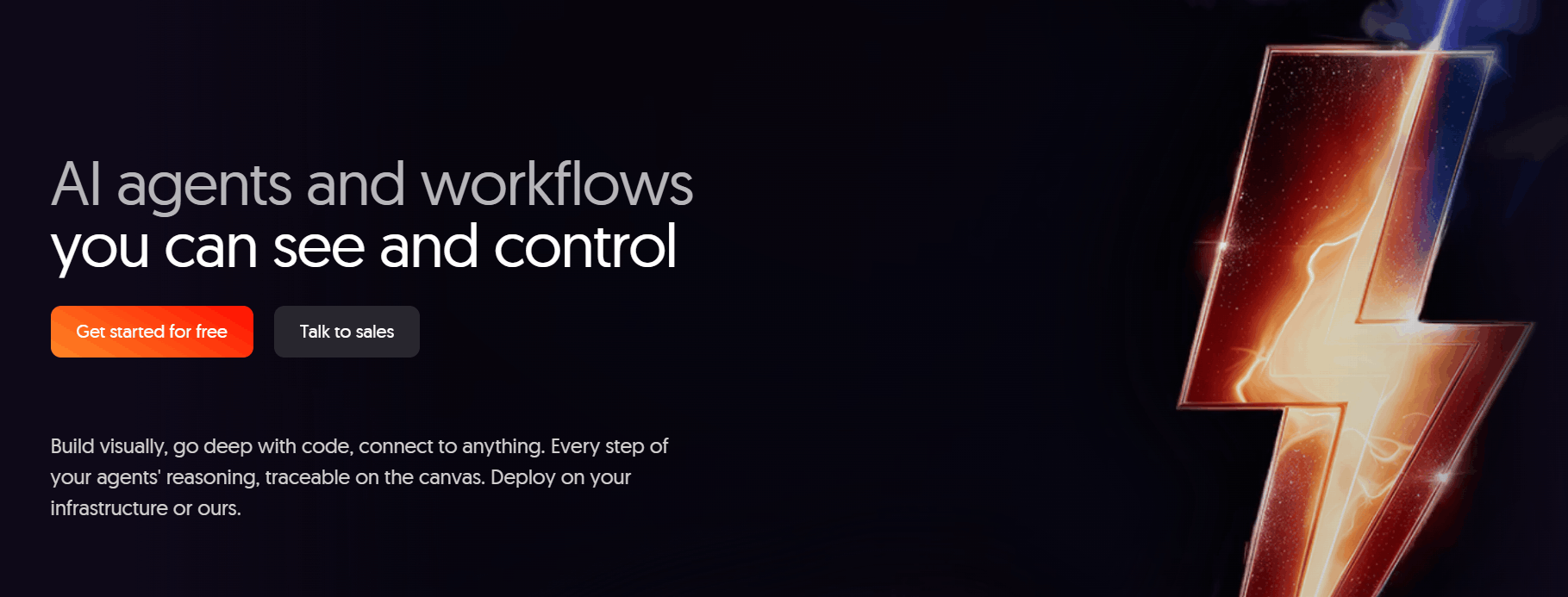
n8n is a source-available, self-hosted workflow automation platform that technical teams choose because they can control and own it. It treats AI as an integral component of workflow automation.
Alongside a universal HTTP node that can connect to virtually any API, it offers 400+ native integrations, local models, and major LLM providers, such as OpenAI, Anthropic and Gemini.
It is one of the best AI tools if you’re looking to build your own AI infrastructure, rather than borrowing someone else’s.
6. Synthesia
Who is it for? L&D teams, corporate communications, global marketing teams, agencies that produce regular training or explainer video content.
- Pros: 240+ realistic AI avatars, 160+ languages with lip-sync; drastically faster and cheaper than traditional video production; SCORM export and direct LMS integrations.
- Cons: Avatars might feel stiff in longer videos, meaning they’re less suited for emotionally-driven content; custom avatar is an Enterprise-only feature.
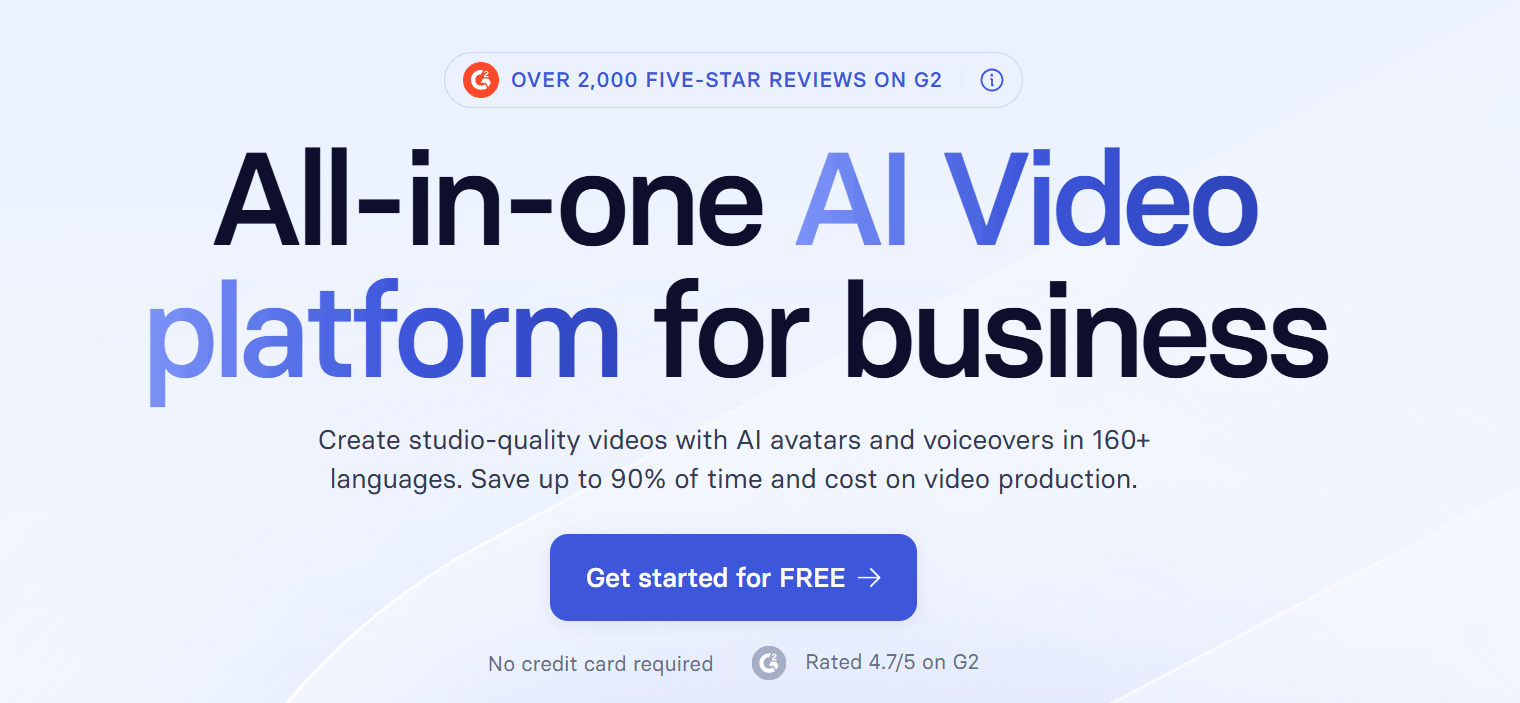
Synthesia turns scripts into professional videos with speaking AI avatars. It’s used for corporate training, employee onboarding, product explainers, and multilingual marketing content.
Synthesia supports 160+ languages with natural lip-sync, meaning a video can be recorded once and then localized into multiple languages. The Enterprise tier offers a “digital twin” avatar that you can customize to your desired appearance.
7. Perplexity
Who is it for? Researchers, content marketers, analysts, journalists, and anyone who works with information that needs to be accurate and traceable.
- Pros: Real-time web search; every answer is cited, making it easy to verify and follow up; Deep Research produces structured multi-source reports.
- Cons: Output is meant for research purposes, not ready to publish immediately; Deep Research has usage limits on lower plans; weaker than Claude or ChatGPT for tasks requiring nuanced text generation.
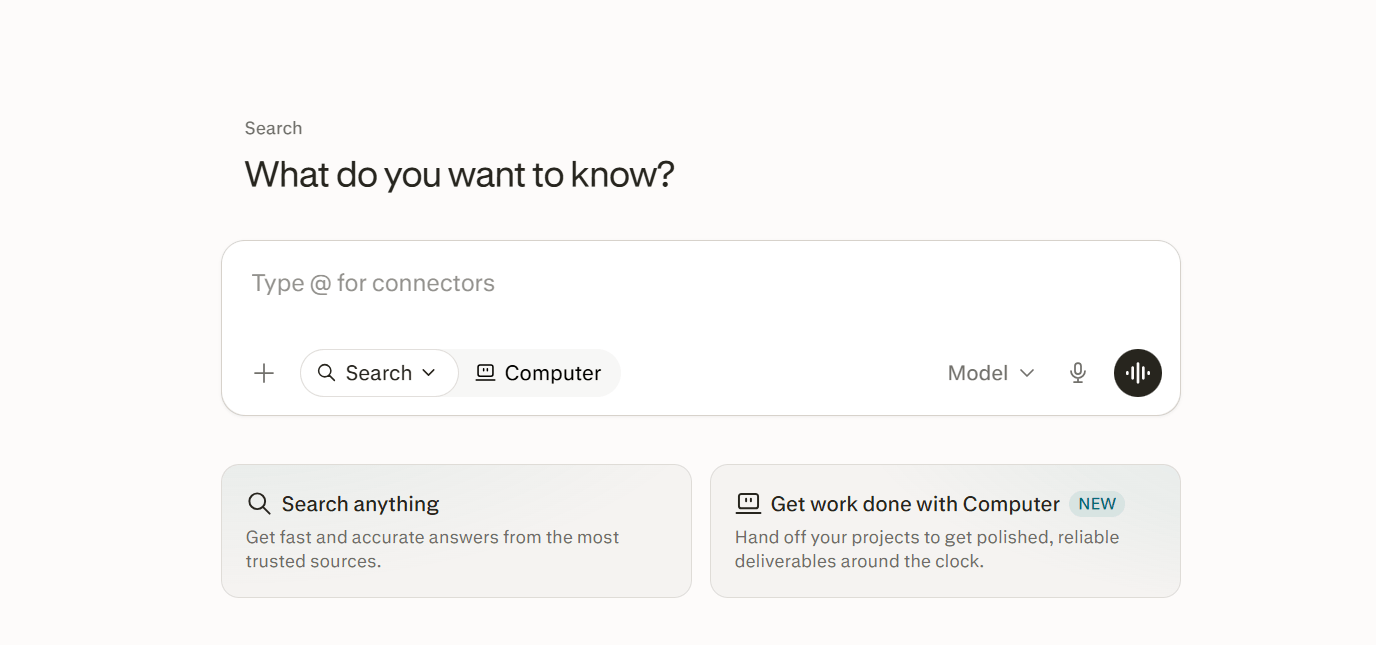
Perplexity is what you use when accurate, sourced information is needed, as it searches the web in real time and gathers cited answers you can verify. The Pro plan, which adds Deep Research, can run multi-step research processes across dozens of sources. It’s the fastest way to research competitors, check market data, verify claims before publishing, or get a quick brief on a topic.
In early 2026, Perplexity launched Perplexity Computer, which handles multi-step projects inside a cloud sandbox with a browser, file system, and hundreds of app integrations.
Apps Recommended By The Ajelix AI Experts
Alongside more versatile tools like the Ajelix agentic chat and ChatGPT, the Ajelix team uses a mix of development tools and AI infrastructure software.
Pi Agent
Pi is an open-source, terminal-based coding agent built around four tools (read, write, edit, bash) and a system prompt. Everything else is opt-in via a TypeScript extension system.
It’s fast, and supports 15+ AI providers, including Anthropic, OpenAI, and local models. For developers who have previously used OpenCode – also a solid open-source option better suited to those earlier in their coding journey – Pi is the natural next step when you want something more customizable.
vLLM
vLLM is an infrastructure layer, an open-source inference engine that handles how AI models run on GPU hardware. Its core innovation, PagedAttention, brings GPU memory waste below 4% and keeps hardware 75-90% utilized through continuous batching.
If you’re building or running your own AI models rather than calling third-party APIs, vLLM is the most common starting point.
Axolotl
This is the primary tool our team uses for fine-tuning models. Axolotl is an open-source training framework that simplifies training and fine-tuning large language models on custom datasets.
Axolotl handles tasks that require a purpose-built model rather than a general-purpose one. The rest of the workflow relies on custom Python and C++/.NET scripts built for specific internal tasks.
Apps Reddit Users Recommend
These are tools that keep coming up in r/productivity, r/Artificial, r/ChatGPT, and r/AIToolMadeEasy threads when people ask what AI programs are worth using:
- Notion AI: The AI summarizes pages, drafts content, and answers questions from your existing knowledge base. The most common Reddit comment: “If you’re using Notion anyway, it’s a no-brainer.”
- Cursor: AI-native code editor that Reddit users seem to choose over GitHub Copilot when they want deeper codebase understanding. Popular in r/MachineLearning and r/vibecoding.
- Descript: For video and podcast editing by transcript. As soon as you delete a word in the transcript, Descript makes the clip disappear. Reddit’s recommendation for anyone editing spoken content who doesn’t want to learn a traditional timeline editor.
- Fireflies: It automatically records, transcribes, and summarizes meetings. Works with Zoom, Google Meet, and Teams. Shows up in almost every “tools I use daily” thread.
Choose The AI App For You By Use Case
To decide what is the best AI app for your needs, here is an overview comparison by use case:
| You need… | Best app |
|---|---|
| Workflows, custom agents and connectors, data handling | Ajelix |
| General writing, research & everyday tasks | ChatGPT |
| Long-form writing, editing & document analysis | Claude |
| Code completion, review & autonomous pull requests | GitHub Copilot |
| Custom AI agents & workflow automation | n8n |
| AI video creation for training or marketing | Synthesia |
| Real-time research with cited sources | Perplexity |
| Terminal-based AI coding (open-source) | Pi Agent |
| Self-hosted LLM inference on GPU hardware | vLLM |
| Fine-tuning & training custom AI models | Axolotl |
| Knowledge management inside an existing Notion workspace | Notion AI |
| AI-native code editing with full codebase context | Cursor |
| Video & podcast editing by transcript | Descript |
| Automatic meeting recording, transcription & summaries | Fireflies |
If you’re unsure where to start, consider Ajelix.
FAQ
It depends on the job. Ajelix is built for all and any business needs. ChatGPT handles general tasks. Synthesia creates video content. GitHub Copilot or Cursor are for code.
A chat AI responds to prompts. An agentic AI takes actions, like opening a file, processing it, building something, and handing back a finished project. In 2026, the best AI apps are increasingly agentic, which is what separates tools like Ajelix or n8n from a basic chatbot.
They’re good at different things. ChatGPT handles a wider range of tasks and has stronger integrations. Claude produces more careful, precise writing and handles long documents better. Most teams that try both end up keeping both.
GitHub Copilot for IDE-integrated autocomplete and autonomous pull requests. Cursor if you want deeper codebase understanding in an AI-native editor. Pi Agent if you prefer a fast, minimal, open-source terminal agent you can fully customize.
On free and lower-tier plans, most platforms use conversations to improve their models by default. Business and Enterprise tiers on tools like ChatGPT, Claude, and Ajelix include contractual data privacy guarantees. If you’re handling client or sensitive data, always use a paid business-tier plan and check the privacy policy before uploading anything.
Pi Agent (MIT license), vLLM (Apache 2.0), Axolotl, and n8n (source-available under its Sustainable Use License) are all open source or source-available.
Agentic AI chat that helps you complete projects
AI for work that ingests, transforms, and delivers the exact deliverables your team needs, while you stay focused on strategy. No more chatting, agents can get the job done.