


Self-Hosted AI Tools: 5 Picks For Your Own Servers

Your team uses AI already… But who operates it?
For most companies, it’s someone else’s system – consumer chatbots an employee has open in a secret tab, a vendor API behind a data processing agreement, or an open-source product rented as a service. Each option works until a client wonders where their contract was processed. A region you did not choose, on hardware you cannot inspect, is not a good answer.
Self-hosted AI tools become useful here. You run the software and hold the model files yourself, while the prompts and logs stay on equipment your own team administers.
Our guide delves into the five self-hosted tools worth knowing.
What Counts As Self-Hosted
To test if a setup is self-hosted, whether that is a laptop, a server room or GPU instances in your own cloud account, trace a single prompt and see if it reaches machines your team administers.
The definition of ‘self-hosted’ often gets stretched, so we compiled the most common situations:
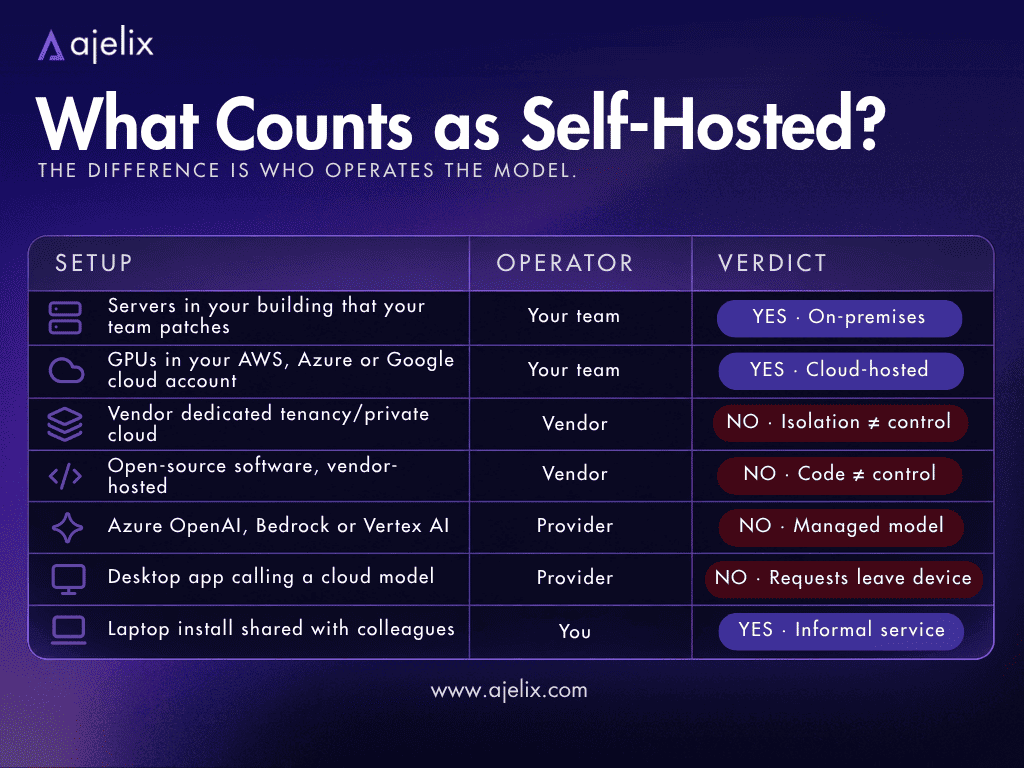
If a vendor patches the inference server or is in possession of the logs, the deployment is managed, not fully self-hosted. On-premises deployment is not always self-hosted either. A vendor can offer on-premises deployment without ever handing over operational control.
Most working setups combine three layers: an inference server, an interface, and something that turns models into repeatable work.
Self-Hosted AI vs ChatGPT
ChatGPT’s business tiers are not careless with data. OpenAI states that business data is not used for training by default, admins control retention, SOC 2 Type II is in place, and enterprise workspaces get SSO and an audit log. For most companies that is enough.
What a managed service cannot give you, but self-hosted options can:
- Version pinning. A hosted model can change and update, while a self-hosted one runs only what you’ve approved.
- No rate limits or policy changes. No sudden change can suddenly remove a capability your process depends on.
- A predictable bill. You pay for capacity instead of tokens, which is a good choice for high-volume processes.
- A shorter data path. When it comes to answering where something was processed, you can confidently say your own systems.
Self-hosted AI hardware, electricity and an on-call rota replace the token bill you would have for a managed platform, and make you the one responsible for patching, uptime and backups.
Top 5 Self-Hosted AI Tools
We compiled a list of the top self-hosted AI tools, each with slightly different features to fit any process you want to involve the AI in:
| Tool | Best for | Layer |
|---|---|---|
| Ajelix Enterprise | Custom agents, governance and EU or on-prem deployment | Full platform |
| LocalAI | A private OpenAI endpoint on hardware you own | Inference server |
| Open WebUI | A chat interface your entire team can log into | Interface |
| Dify | Visual workflows and AI apps | App builder |
| LibreChat | One window for local and cloud models | Interface |
Below, we cover what each tool is built for, what they’re good for, and what not so much.
1. Ajelix Enterprise
Who is it for? Enterprise teams that need agents executing processes across a company, with IT able to prove what happened, and a choice about where the technology runs.
- Pros: Three deployment types, including a fully disconnected on-premises one; role based access, spend limits and audit trails with reasoning logs; MCP connectors; knowledge bases that link every answer to a source passage; EU inference on GPUs the vendor owns.
- Cons: Sold as a custom enterprise contract.
Ajelix Enterprise offers three deployment types, the latter being its self-hosted option:
- Ajelix cloud, where prompts are processed on GPU servers Ajelix owns in a European data centre, with no third party model provider in the request path;
- Inside your own AWS, Azure or Google Cloud account in an EU region, under your contract, billing and keys;
- On your own hardware (on-premises) with Kubernetes, including a fully disconnected installation where you set the upgrade schedule, the model list and the network boundary.
Because agents act on sensitive company systems, the platform comes with a governance layer. The cost of each team, role, connection, and model is configured by your admins. Policy runs on every message in and out, and each agent action is logged for audit needs. Credentials are stored as secrets.
Custom agents carry a role, instructions, their own tools and data access, and playbooks (workflows) turn a process into steps with checks and human approval points.
Ajelix is also the practical answer for European organisations that want self-hosted alternatives. If you need the disconnected install, that can be arranged with their engineers. If EU processing is enough, you just need to decide the settings.

2. LocalAI
Who is it for? Teams that want a private OpenAI replacement on the servers they already have, without buying a GPU first.
- Pros: MIT licensed with no branding conditions; text, image and audio models on CPU or GPU; understands the OpenAI, Anthropic and ElevenLabs APIs.
- Cons: Without a GPU, answers arrive at a crawl, which suits transcription but frustrates chat.
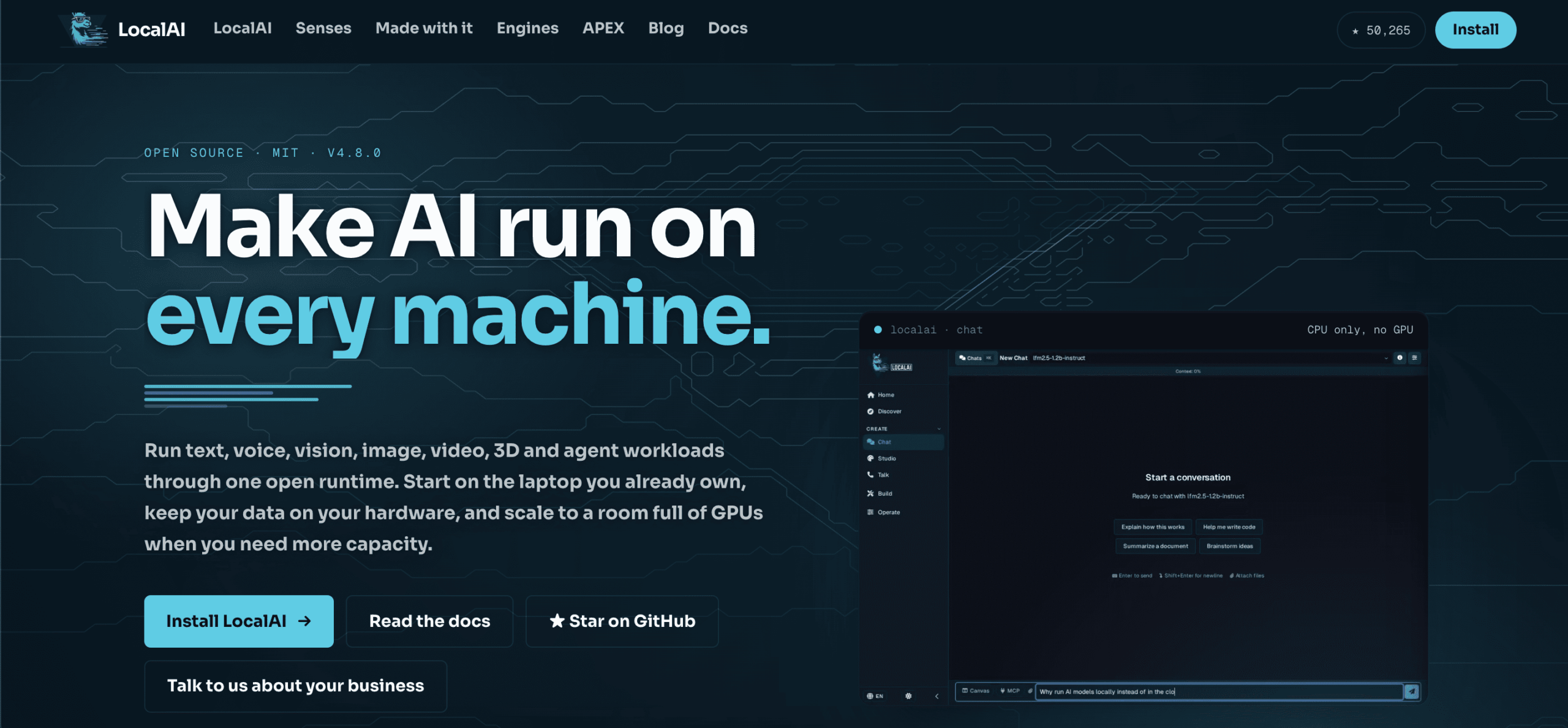
LocalAI is for teams that do not have GPUs to spare. The instal doesn’t require a GPU.
The reason to use it is its API compatibility. Anything your team might have already built against OpenAI, Anthropic or ElevenLabs keeps working. LocalAI runs more than 60 engines, one per job, such as llama.cpp for text, whisper.cpp for transcription, diffusers for images. Each engine downloads the first time it is needed, so the base install stays small.
Chat on CPU is slow enough that people will notice, so only keep CPU nodes for transcription, OCR and image work, and use a GPU behind anything conversational.
3. Open WebUI
Who is it for? Teams that already have a model server running and need a browser interface with users, permissions and knowledge.
- Pros: Works with your own LocalAI or llama.cpp server, or any hosted model that speaks the OpenAI API; agents, MCP apps, terminal and browser tabs inside a chat; two factor sign-in; audit log; per team knowledge bases.
- Cons: If you have more than 50 users, you can’t remove its name and logo without permission or an enterprise licence.
Open WebUI is a self-hosted AI interface that uses your models, data, and machines.
One interface connects to your own server, OpenAI’s, Anthropic’s, or several at once. Voice, vision, document retrieval, web search and extensions written in Python come as built-in features.
Open WebUI offers single sign-on, role based access, audit logs and data residency, with on-premises or air-gapped deployment. Install doesn’t require an account.
4. Dify
Who is it for? Teams that want to build AI apps and workflows visually rather than write code around an API.
- Pros: Workflow canvas with agents and tools; portable app packages that carry their workflow dependencies; skills managed through an API and CLI; model providers, tools, data sources and MCP servers from a marketplace.
- Cons: The licence forbids multi-tenant hosting without a commercial agreement; upgrades need care and a backup.
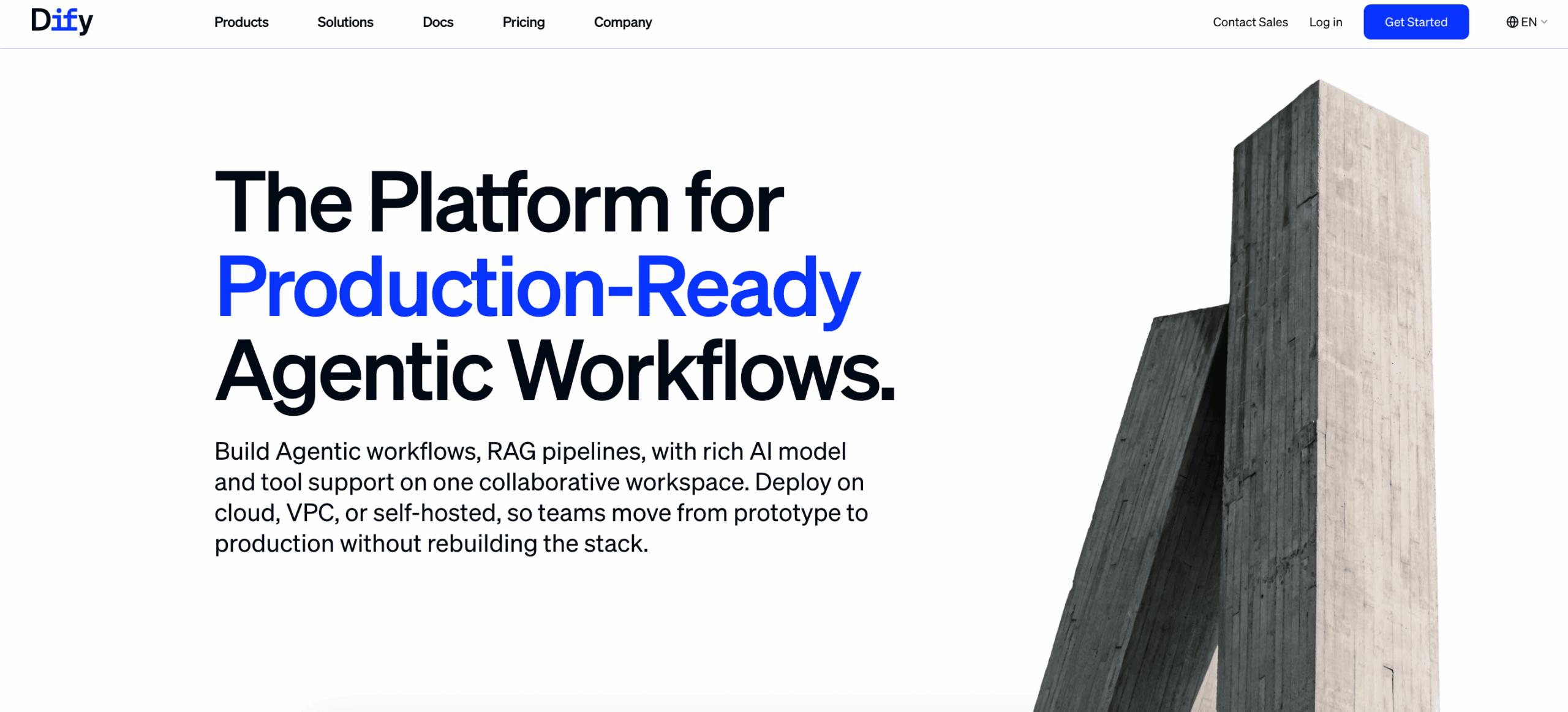
Dify is a platform for production ready agentic workflows, and the canvas is the product. Prompts, retrieval, decisions, tool calls and human approval steps are drawn as blocks, so the logic stays visible and someone who did not build it can still debug it. Agents can be built by chatting or configured by hand, then reused as a node inside a larger workflow.
The canvas consist of:
- A knowledge builder that extracts, cleans, chunks and indexes documents, and lets you test retrieval before anything is connected;
- A marketplace that supplies model providers, tools, data sources and MCP integrations;
- Publishing that produces a hosted app, an embed, an API or an MCP compatible tool, with logs, feedback and latency tracking.
The Community Edition starts with Docker: one command brings up the app, its database and its search index together, so none of those are installed separately. The enterprise edition adds single sign-on, role based access, audit logs, SOC 2 Type II and ISO 27001.
5. LibreChat
Who is it for? Teams that want one interface for local models and cloud providers, without giving up per-user access control.
- Pros: MIT licensed with no branding regulations; agents with MCP support; artifacts and a sandboxed code interpreter; connects to your own LocalAI server or any hosted model that speaks the OpenAI API.
- Cons: You assemble and maintain the components yourself.
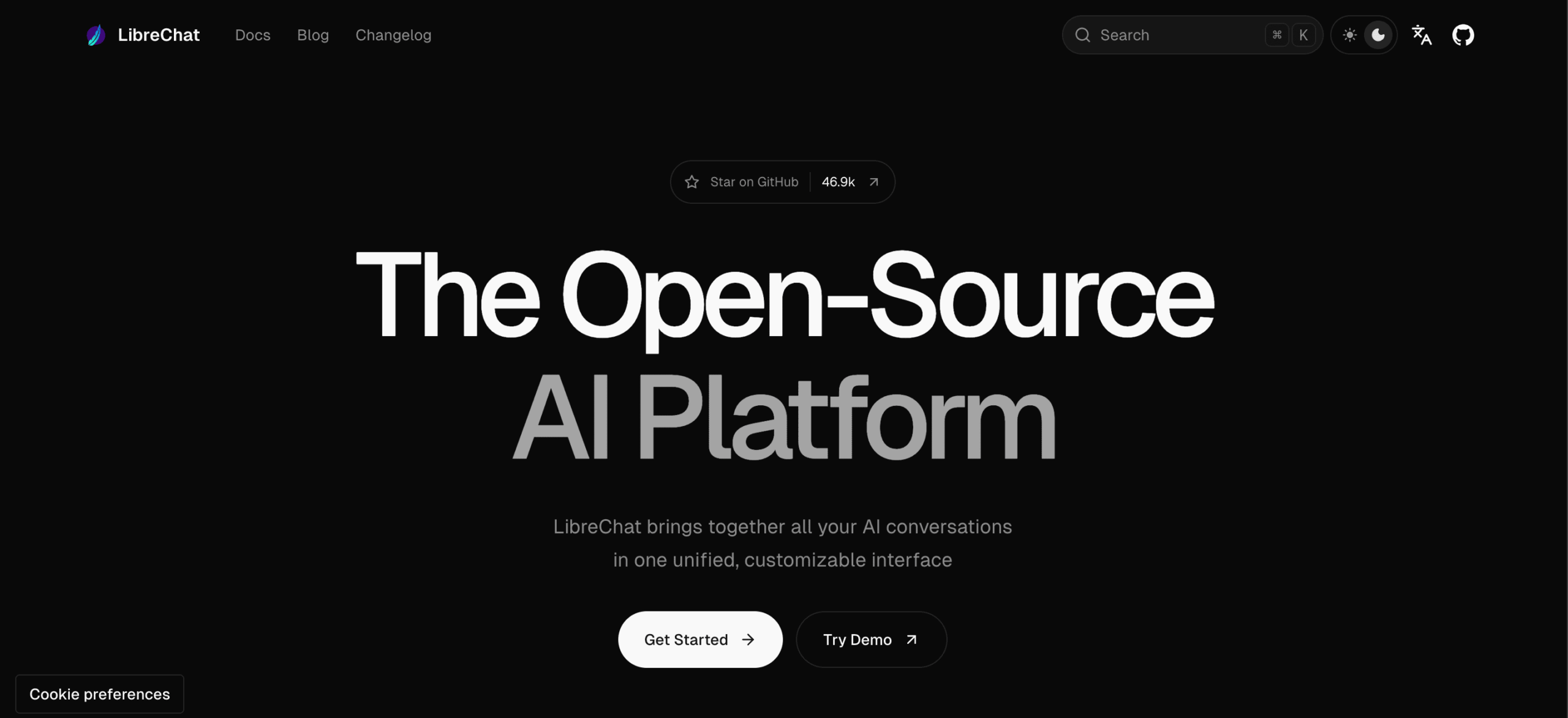
LibreChat is an open-source AI platform with one interface using an OpenAI, Anthropic, Google, Azure, Bedrock, xAI, DeepSeek, OpenRouter server, or a model server you run yourself.
LibreChat’s most useful features:
- Agents that carry their own files, tools, reusable skills and delegated subtasks;
- Artifacts that turn a conversation into an app, a diagram or a document;
- Projects that group related work;
- A sandboxed code interpreter that runs code in several languages;
- MCP that connects outside services.
Web search, memory and message search are built-in parts of the product.
The enterprise controls include OAuth, SAML and LDAP with two-factor authentication.
Choose The Right Tool For You
The best self-hosted AI tools depend on the situation at your company that you need to solve, and whether you have your own servers or not. We compiled a short reference guide covering what each tool can give you:
| You need… | Best tool |
|---|---|
| Agents on company processes, with audit trails and a choice of EU cloud, own cloud or on-premises | Ajelix Enterprise |
| Running open models privately on servers you already own | LocalAI |
| A chat interface for a team with SSO and knowledge bases | Open WebUI |
| Visual workflows and internal AI apps without code | Dify |
| One window for local models and cloud APIs, MIT licensed | LibreChat |
If keeping AI inside your own infrastructure is your priority, contact the Ajelix team.
FAQ
The software often is, but the hardware is not.
Yes. Token generation on a CPU is slow, so most teams keep CPU nodes for transcription and image work and put a GPU behind anything conversational.
Not automatically. You trade a vendor’s security team for your own responsibility, and the surface grows to cover compute, storage, network paths, prompts and logs. It is more controllable, not inherently safer.
Self-hosted describes who operates the technology. On-premises describes where the hardware is located. A GPU box in your own cloud account is self-hosted without being on-premises.
Agentic AI chat that helps you complete projects
AI for work that ingests, transforms, and delivers the exact deliverables your team needs, while you stay focused on strategy. No more chatting, agents can get the job done.


