8 Best Agentic AI Tools in 2026 (Reviewed by Our Team)

AI is becoming a workforce. A new generation of agentic platforms can plan, decide, and act across complex tasks with little to no human input.
This is redefining how businesses operate. From automating multi-step workflows to generating full reports and managing files, these tools go far beyond simple chatbots.
The agentic AI market is projected to grow from $7.6 billion in 2025 to over $139 billion by 2034. According to Gartner, 40% of enterprise applications will be integrated with task-specific AI agents by the end of 2026.
Table of Contents:
- What Are Agentic AI Tools? (And Why They’re Different)
- What Makes an Agentic AI Tool the Best? My Evaluation Criteria
- The Top 8 Best Agentic AI Tools in 2026: Ultimate Comparison
- How They Score: Capability Ratings Across 8 Criteria
- Best Agentic AI Tools By What You Need Them For
- How to Choose the Right Agentic AI Tool for Your Business
- FAQ
What Are Agentic AI Tools? (And Why They’re Different)
Agentic AI tools are software systems that can plan, decide, and act on multi-step tasks without being directed at every stage. Unlike chatbots that respond to prompts, agentic tools set their own intermediate steps, use external tools, check their own outputs, and deliver a finished result.
The technical distinction comes down to several properties that set agentic tools apart:
- Autonomy,
- Goal-Orientation,
- Tool Use,
- Integrations,
- MCP Servers,
- Code Execution,
- Adaptability.
You set the goal once. The agent plans the steps, uses whatever tools it needs, checks its own results, and delivers a finished output without needing guidance at every stage.
Traditional automation follows fixed rules and breaks when conditions change. Generative AI helps you think and draft. Agentic AI does the work and hands you something you can use.
What Makes an Agentic AI Tool the Best? My Evaluation Criteria
I researched more than 15 agentic AI tools across 8 criteria:
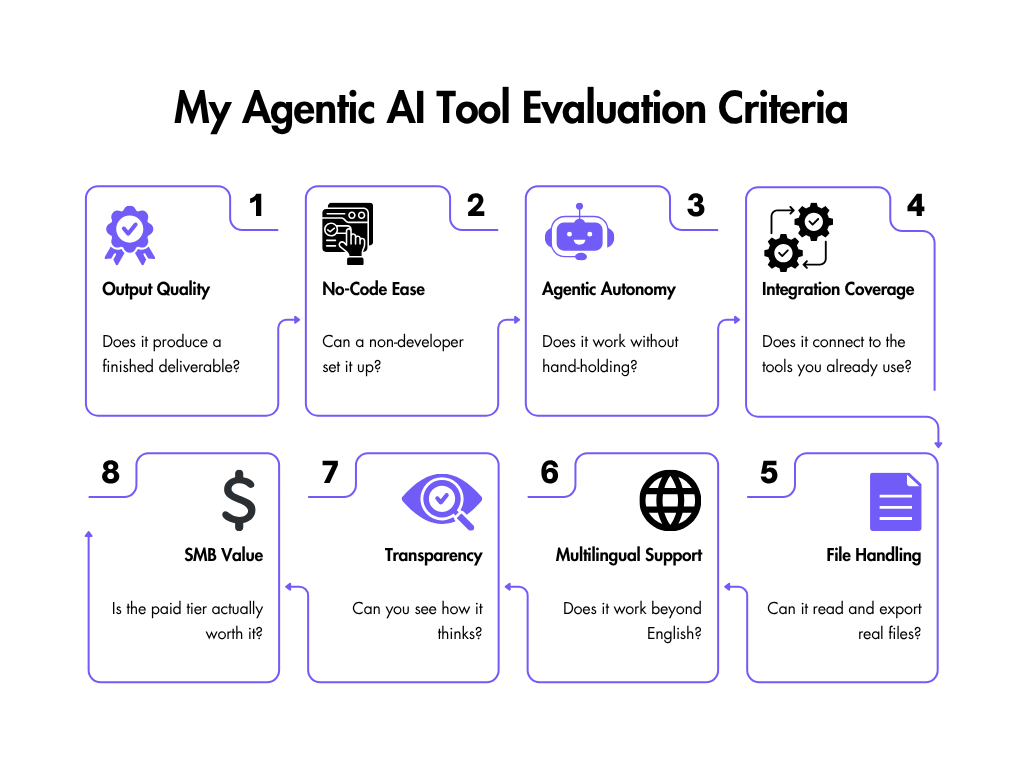
Output Quality. Does it produce a finished, usable deliverable – Excel file, dashboard, report, presentation, web app – from a single prompt? No manual assembly after.
No-Code Ease. Most users aren’t developers. If setup requires technical knowledge, the tool is out of reach for the majority of SMBs.
Agentic Autonomy. Does the tool plan, decompose tasks, self-correct, and execute multi-step sequences without step-by-step guidance?
Integration Coverage. Work lives across tools – CRMs, spreadsheets, email, calendars. Limited integrations mean limited real-world usefulness.
File Handling. Does it handle Excel, CSV, PDF, PowerPoint, and Google Sheets natively, and export finished files?
Multilingual Support. Teams and clients aren’t always English-first. Multilingual capability determines whether a tool works globally or only in one market.
Transparency. Does the tool show its planning process in real time so users can verify and trust outputs? Without visibility into its reasoning or steps, trust breaks down fast.
SMB Value. Does the lowest paid tier deliver real agentic capability – not just a text answer?
My core question was: would I use this in my own professional workflow as a Digital Marketing Specialist?

The Top 8 Best Agentic AI Tools in 2026: Ultimate Comparison
After narrowing down my options, here are my Top 8 agentic AI tools at a Glance
| Tool | #1 Strength | Biggest Weakness |
|---|---|---|
| Ajelix | End-to-end file output (Excel, PDF, PPTX, DOCX) in one chat | Optimized for more complex work – simple tasks may take more time |
| Claude (Anthropic) | Strongest long-context reasoning and nuanced instruction-following | Most powerful agentic features require paid subscription; Computer-use automation lags some competitors on benchmark accuracy |
| Microsoft Copilot | Deep Microsoft 365 integration; trusted enterprise security | Weak autonomous multi-step reasoning; requires M365 subscription |
| Cursor | Best-in-class AI pair-programmer with codebase-wide context | Open-source version is code-only; no-code Studio UI requires a paid Enterprise plan |
| Manus AI | Fully autonomous multi-step task execution without prompting | Black-box decisions; limited enterprise compliance controls |
| CrewAI | Powerful multi-agent orchestration framework for complex pipelines | Developer-only; no UI – requires Python coding to configure agents |
| Zapier | Connects 6,000+ apps; no-code automation for non-technical users | Shallow AI reasoning; better as a trigger engine than a true agent |
| n8n | Self-hosted, fully customisable workflow automation with code support | Steep learning curve; requires technical setup and maintenance |
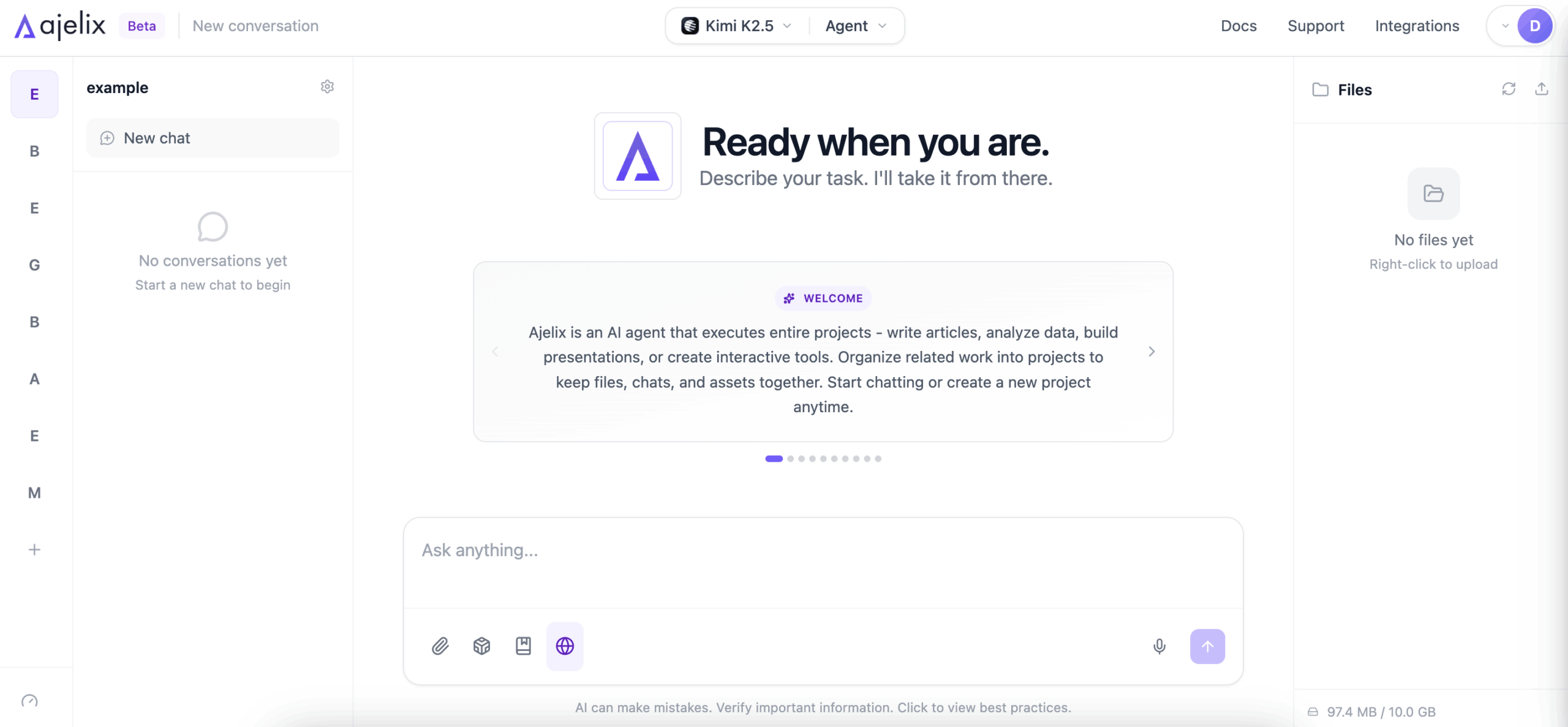
Ajelix is the most versatile agentic tool for business users, going beyond chat to produce finished, export-ready deliverables. Unlike tools that stop at text, it hands you a ready-to-use file with step-by-step reasoning visible throughout.
Its main limitation is that it is built for complexity. If you only need a quick one-line answer or a simple lookup, the structured agentic approach can feel like more than the task requires. But Ajelix offers both a Chat and Agent mode – the Chat mode can be used for brainstorming, while the Agent mode is agentic.
Best for: Freelancers, Managers, CEOs, Founders, Digital Professionals, SMBs.
Pricing: Free plan available; paid plans are Lite at $39/month, Pro at $99/month, and Max at $199/month.
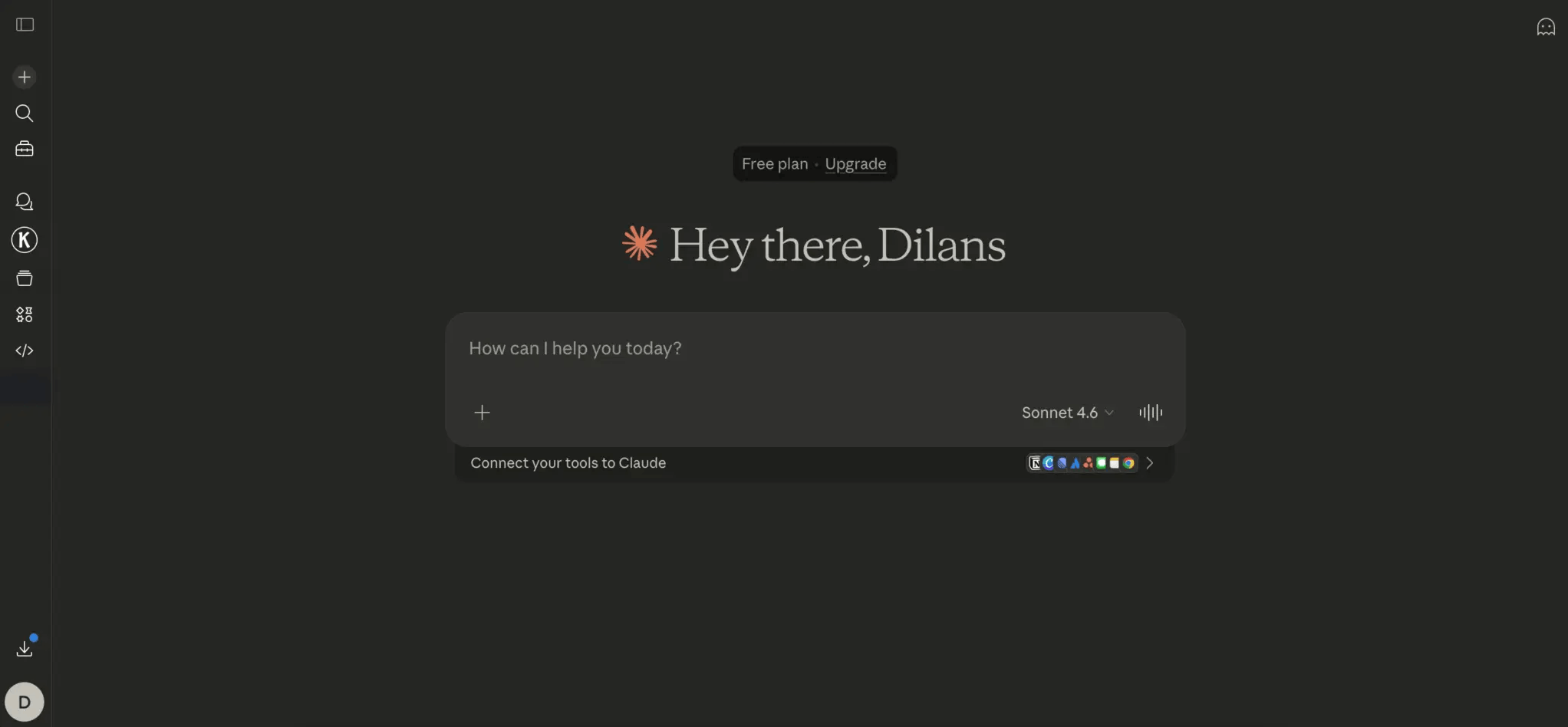
Claude (Anthropic) leads on long-context reasoning and nuanced instruction-following, handling documents and conversations that would overwhelm most other tools. It consistently produces clear, well-structured outputs across analysis, summarisation, drafting, and research, making it a reliable choice for high-quality written work.
The most capable features, including extended context windows and computer-use automation, sit behind a paid subscription or API access. Computer-use in particular is still behind some competitors on reliability, so it works best as a thinking and drafting partner rather than a fully autonomous executor.
Best for: Researchers, Consultants, and Content Strategists who work with large, complex documents and need high-quality written outputs.
Pricing: Free plan available; Pro is $20/month, Max starts at $100/month, and Team is $25/seat/month.
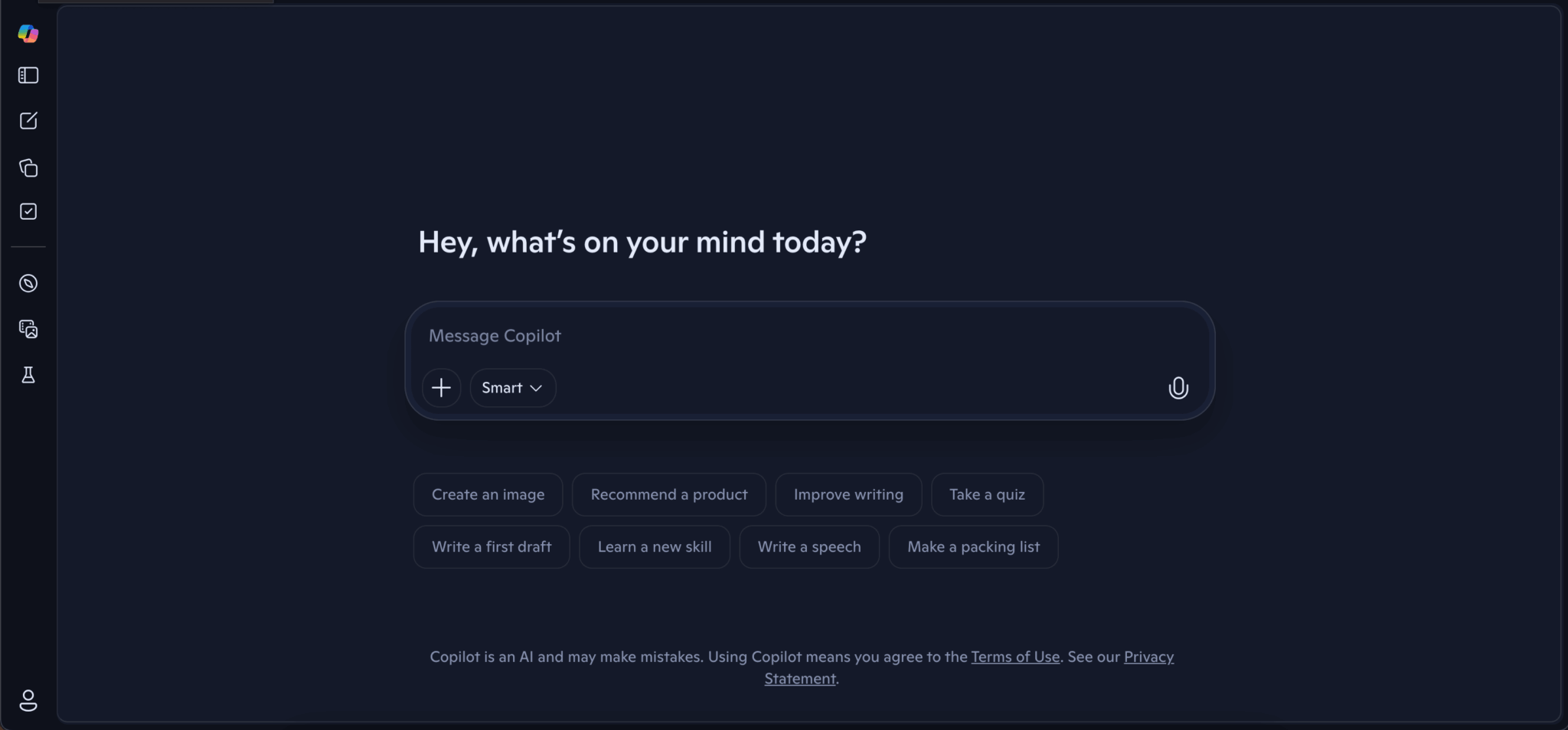
Microsoft Copilot is the strongest choice for anyone already working inside Microsoft 365. It offers native integration with Word, Excel, Outlook, Teams, and SharePoint with enterprise-grade security and compliance built in. For large organisations managing sensitive data, that combination of familiarity and compliance is hard to match.
Author’s Note. Copilot is one of the most popular choices for enterprises because of the data security practices. However, most AI tools use the same principles for sensitive data. For example, Ajelix hosts data in secure data centers, has unit tests, stress tests, firewalls and other practices in place. We choose AI providers that commit “To not train AI models on data” and users can delete data anytime.
Outside of the M365 ecosystem it offers smaller value. Even within it, teams using Copilot report that autonomous multi-step reasoning is weak – it needs clear, guided prompts rather than open-ended goals. Smaller teams without an existing M365 subscription will find little reason to pay for it.
Best for: Enterprise knowledge workers and IT-managed teams who live in Microsoft 365 and need AI assistance within their existing tools.
Pricing: Free tier available with limited usage; the full Copilot add-on for Microsoft 365 is $30/user/month and requires a qualifying Microsoft 365 base plan.

Cursor is the leading AI coding assistant in 2026: codebase-wide context, intelligent autocomplete, and an agent mode that writes, tests, debugs, and refactors across an entire project.
Its focus is entirely narrow by design. Cursor delivers little value for business, marketing, operations, or analyst workflows, and non-technical users will find little useful here. It is a specialist tool built for a specific profession.
Best for: Software Engineers, Full-Stack Developers, and Technical Founders who want AI deeply embedded in their development workflow.
Pricing: Free Hobby plan available; Pro is $20/month, Pro+ is $60/month, Teams is $40/seat/month, and Ultra is $200/month.
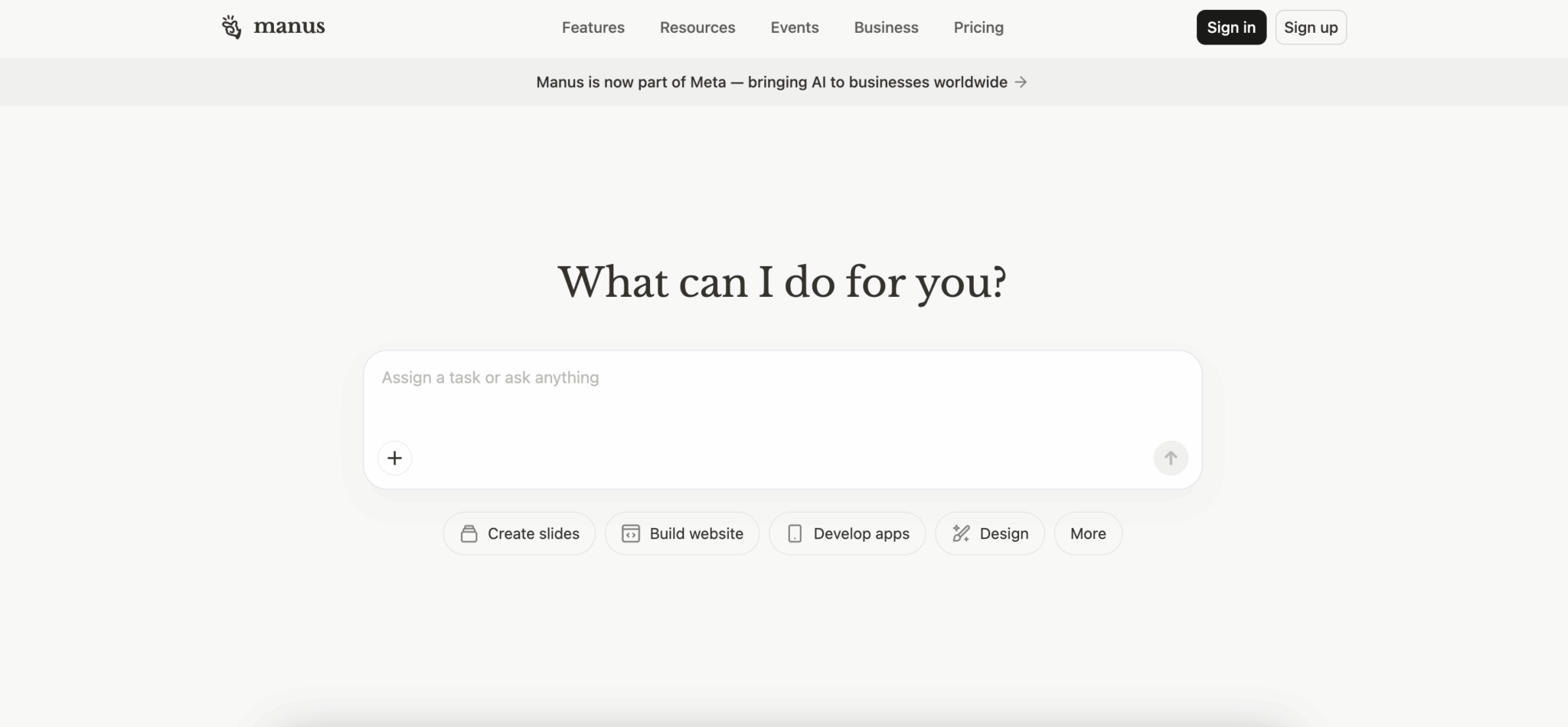
Manus AI stands out for the depth of its autonomous execution. It can receive a complex, multi-step goal and carry it through to completion without interruption, handling research, data gathering, and synthesis in a single run. For workflows that are time-consuming and repetitive by nature, the time savings are significant.
The core concern is transparency. Manus operates as a black box – users cannot inspect its reasoning, intermediate decisions, or data handling. For teams in regulated industries or those with compliance requirements, the lack of visibility is a problem.
Best for: Research Analysts, Operations Managers, and growth teams who need hands-off completion of complex, research-heavy tasks.
Pricing: Free plan available; Standard is $20/month, Customizable is $40/month, Extended is $200/month, and Team is $39/seat/month (five-seat minimum).
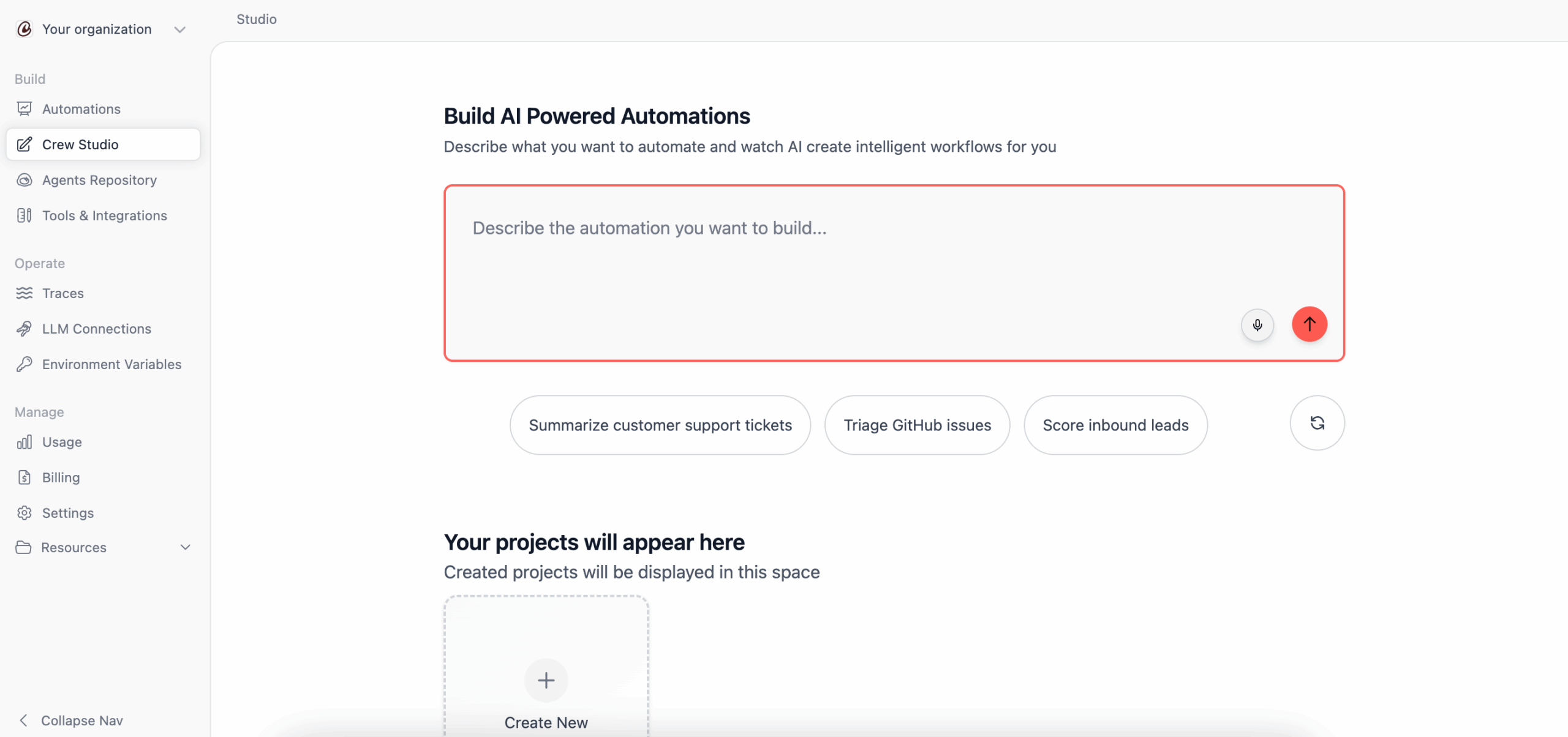
CrewAI offers the most sophisticated multi-agent orchestration of any tool on this list. Developers can define specialised agent roles, assign tools, and have teams of agents collaborate on tasks in structured, programmable ways. For engineering teams building production-grade agentic systems, the level of control is hard to find elsewhere.
The open-source framework is entirely code-first and requires Python throughout. No-code access via Crew Studio is available on the cloud platform, but the free tier limits you to 50 executions per month.
Best for: AI Engineers, ML Developers, and technical teams building custom multi-agent automation systems at scale.
Pricing: Free plan available (50 executions/month); Basic is $99/month, and the next tier is approximately $1,000/month.
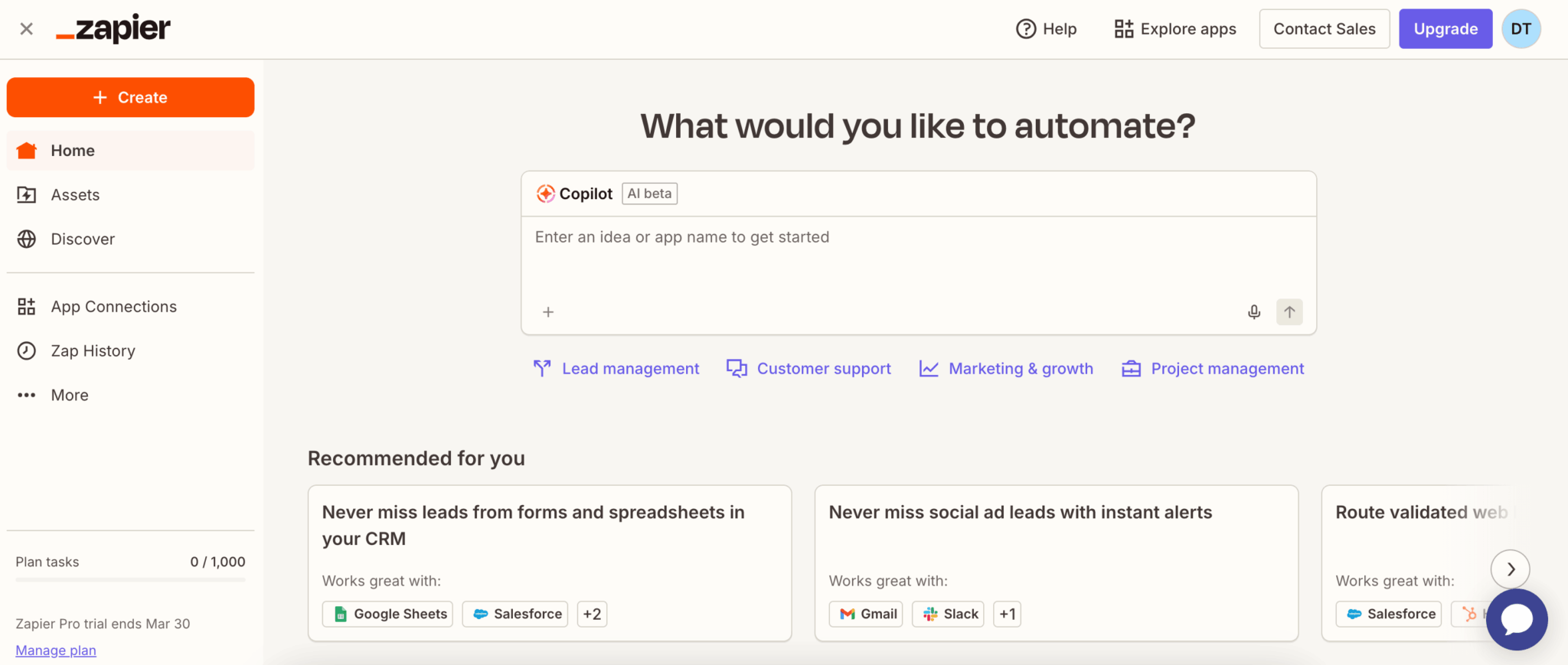
Zapier makes app-to-app automation accessible to anyone. With 6,000+ integrations and a no-code interface, anyone can automate repetitive, rule-based tasks across their entire tool stack. For straightforward workflow triggers and actions, nothing is easier to set up and maintain.
Its AI reasoning is limited. Zapier follows predefined logic and cannot autonomously plan, adapt to ambiguity, or handle tasks that require judgment. It is best understood as a connection layer that moves data between apps, rather than an agent that thinks through problems.
Best for: Operations Managers, Small Business Owners, and marketing teams who need reliable no-code automation between their existing apps.
Pricing: Free plan available (100 tasks/month); Professional starts at $29.99/month and Team starts at $69/month; Enterprise is custom-quoted.
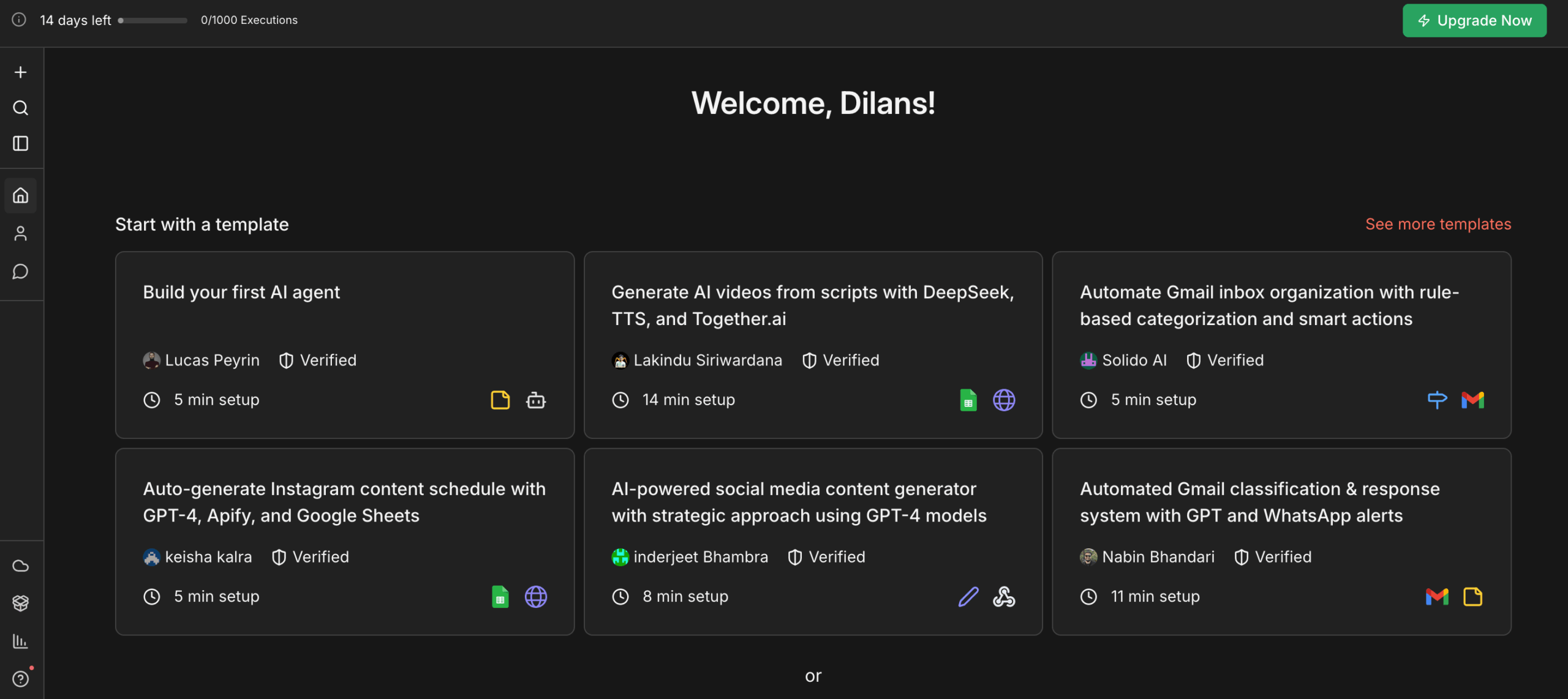
n8n is the most technically flexible tool. Self-hosted, fully open-source, and capable of building complex, code-level workflow logic across hundreds of integrations while keeping all data on your own infrastructure. For teams where data control and deep customisation are non-negotiable, it is the strongest option available.
That power comes at a cost in accessibility. Setting up and maintaining n8n requires developer expertise, and there is little meaningful AI reasoning built into the platform itself. Most SMB users without a technical team will find the barrier to entry too high for day-to-day use.
Best for: DevOps engineers, technical founders, and IT teams that need full control over their automation infrastructure and data handling.
Pricing: Self-hosted Community Edition is free; cloud plans are Starter at €20/month, Pro at €50/month, and Business at €667/month (all billed annually).
Author’s Note. All pricing as of April 2026. n8n is a German company, therefore their pricing is natively in euros (€).
The overviews above cover the character of each tool. For people who like numbers, I have scored the best 8 agentic AI tools below.
How They Score: Capability Ratings Across 8 Criteria
This report evaluates eight leading agentic AI tools across eight criteria, split into two tables. Scores are rated out of 5 per criterion (total: 40 points). Platforms are assessed for real-world usability, output quality, and business value as of April 2026.
Table 1 – Core Capabilities
Covers output quality, ease of use, autonomous task execution, and breadth of integrations.
| Platform | Output Quality (/5) | No-Code Ease (/5) | Autonomy (/5) | Integration Coverage (/5) |
|---|---|---|---|---|
| Ajelix | 5 | 5 | 4 | 3 |
| Claude (Anthropic) | 4 | 4 | 4 | 4 |
| Cursor | 4 | 3 | 4 | 3 |
| Manus AI | 4 | 3 | 5 | 4 |
| Microsoft Copilot | 3 | 4 | 3 | 3 |
| Zapier | 2 | 5 | 4 | 5 |
| n8n | 2 | 5 | 3 | 4 |
| CrewAI | 3 | 2 | 5 | 4 |
Table 2 – Practical Features & Total Score
Covers file handling, multilingual support, decision transparency, SMB value, and aggregated total score.
| Platform | File Handling (/5) | MultilingualSupport (/5) | Transparency (/5) | SMB Value (/5) | Total Score (/40) |
|---|---|---|---|---|---|
| Ajelix | 5 | 5 | 4 | 4 | 35/40 |
| Claude (Anthropic) | 4 | 5 | 3 | 3 | 33/40 |
| Cursor | 5 | 3 | 4 | 3 | 29/40 |
| Manus AI | 3 | 4 | 2 | 3 | 28/40 |
| Microsoft Copilot | 4 | 5 | 3 | 2 | 27/40 |
| Zapier | 3 | 3 | 2 | 3 | 27/40 |
| n8n | 3 | 2 | 4 | 4 | 27/40 |
| CrewAI | 3 | 3 | 4 | 2 | 26/40 |
■ 5 – Excellent (best-in-class)
■ 4 – Good (above average)
■ 3 – Average (meets expectations)
■ 1-2 – Below Average / Limited
Ajelix leads overall (35/40), particularly for business users who need finished file outputs. Claude follows for knowledge work and enterprise environments respectively, while CrewAI, Cursor, and n8n are strong but firmly in developer territory.
Ajelix is also available for enterprise use.
Best Agentic AI Tools By What You Need Them For
The right tool ultimately depends on your specific situation – the sections below narrow it down by use case.
Best Agentic Analytics Tools for AI Insights
Ajelix is the strongest pick for business users who need analysis turned into a finished output. Feed it a dataset and it will produce a structured Excel report, a summary PDF, a presentation, an interactive dashboard and more. For analysts who spend time manually building reports from findings, this is where it saves the most time.
Best for: Business analysts and operations managers who need data turned into finished, shareable files.
See it in action:
Claude handles the interpretive side of analytics well – summarising large datasets, identifying patterns in text-heavy reports, and explaining findings in plain language. It does not produce files natively, but as a thinking partner for data interpretation it is hard to beat.
Best for: Researchers and consultants who need to make sense of large, complex documents or data-heavy reports.
Ajelix is also capable of this. Here is how you can turn PDF data into Excel Spreadsheets, Budget Trackers, Dashboards and Word Summaries:
Microsoft Copilot works directly inside Excel, which makes it the most practical analytics tool for teams already living in spreadsheets. It can write formulas, generate charts, and summarise data without leaving the application – though it needs clear instructions to do it well.
Best for: Excel-heavy teams in enterprise environments who want AI assistance without switching tools.
Here is how Ajelix turned Excel data from LinkedIn into an analysis dashboard:
Best Agentic AI Tools with Multilingual Support
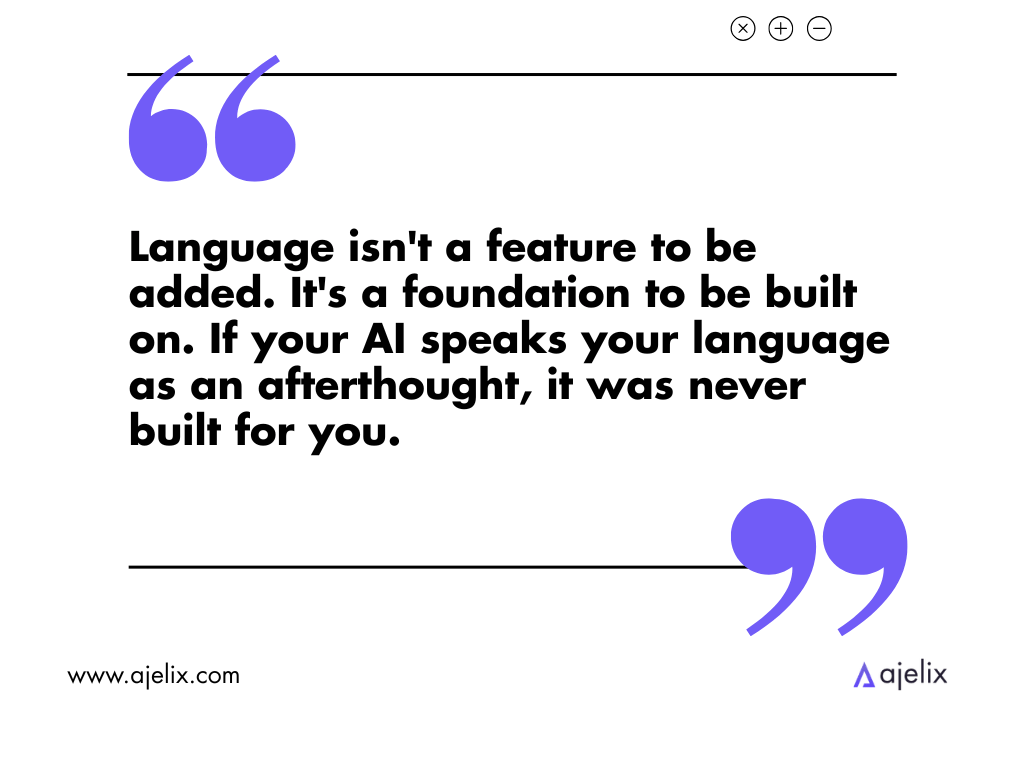
Most AI tools were built in English and treat other languages as an afterthought. If your team, clients, or market is not English-first, the tool you choose needs to handle language as a core capability, not an add-on.
Ajelix produces files in the language you work in, skipping manual translation entirely. Best for: International teams producing multilingual deliverables.
Claude handles dozens of languages including lower-resource ones, with consistent accuracy across translation, summarisation, and reasoning. Best for: Teams needing nuanced, context-aware language understanding across regions.
Microsoft Copilot supports 48 languages built directly into Word, Outlook, and Teams – one of the broadest enterprise language rollouts available. Best for: Large organisations managing communications globally within Microsoft 365.
Best Agentic AI Tools for New Businesses
Ajelix: All-in-one pick for producing finished professional files quickly, with a capable free tier. Best for: Founders and Digital Professionals.
See Ajelix in action:
Zapier: The fastest way to wire together the tools a new business already uses, handling the repetitive connective tissue (lead routing, onboarding emails, invoice logging) with no code. Best for: Non-technical teams automating daily hand-off tasks.
n8n: The power option for technically confident founders who want full data ownership and maximum capability without a recurring SaaS bill. Best for: Technical Founders and developer-led startups.
How Agentic AI Tools Are Built Behind the Scenes
Agentic AI tools are typically built by combining large language models with orchestration layers, tool integrations, memory systems, and execution engines that allow the system to plan and complete multi-step tasks autonomously. These components work together so the AI can understand a goal, break it into steps, use external tools, and refine its outputs without constant human input.
In most cases, these systems are not built using a single pre-made product. Instead, they are designed and developed by specialized AI development companies, such as CodingCops, that focus on building custom AI solutions tailored to specific business needs. These types of companies bring together expertise in AI architecture, API integrations, workflow automation, and LLM-based system design to create fully functional agentic systems.
How to Choose the Right Agentic AI Tool for Your Business
The answer comes down to three things: what you need done, who will be using it, and what you will realistically get without upgrading. Work through each aspect below and the right choice becomes obvious.
Which Agentic AI Tool Fits Your Use Case?
There is no universally “best” agentic AI tool. The right one depends entirely on what you are trying to accomplish. Start with the job you need done.
“I need to turn raw data into a finished report, dashboard, presentation, or Excel file.” → Ajelix.
The only tool on this list that takes a CSV, a dataset, or a plain prompt and returns a ready-to-use file. No manual assembly after the fact needed – it completes the full workflow end to end.
“I need precise reasoning on complex documents without hallucinations.” → Claude.
Best-in-class for long-context analysis and nuanced instruction-following. Honest about its limits – it tells you when it cannot do something rather than fabricating an answer. Built for trust-sensitive work.
“I work inside Microsoft 365 every day and just want AI built in.” → Microsoft Copilot.
Native integration across Word, Excel, Teams, and Outlook with enterprise-grade security baked in. No context-switching, no new tools to learn. As an enterprise option, it also comes with stronger compliance controls.
“I write code professionally and want AI embedded in my development workflow.” → Cursor.
The leading AI coding assistant in 2026. Codebase-wide context, intelligent autocomplete, and an agent mode that writes, tests, debugs, and refactors across an entire project. Built for developers, not general users.
“I want an agent that runs a complex task completely hands-off.” → Manus AI.
Designed for autonomous multi-step execution. Accepts a complex goal and carries it through to completion with minimal prompting. Built for power users and research-heavy workflows.
“I am building a custom multi-agent system from code.” → CrewAI.
The most sophisticated multi-agent orchestration framework. Define roles, assign tools, and have teams of agents collaborate in structured, programmable pipelines. Open-source core is free with no licence cost when self-hosted.
“I need to automate a workflow that spans multiple apps without writing code.” → Zapier.
6,000+ integrations and a no-code interface. Connects your entire tool stack and automates repetitive, rule-based hand-off tasks. AI agents, Zaps, Tables, and Chatbots are all included in the free tier.
“I want full data ownership and self-hosted workflow automation.” → n8n.
Capable of complex code-level workflow logic across hundreds of integrations – all on your own infrastructure. The strongest option when data control and deep customisation are non-negotiable.
Which Agentic AI Tool Is Right for Your Role?
The same tool that saves a data analyst three hours a day might add zero value to a DevOps engineer – and vice versa. Your role shapes what “useful” means in practice.
| Your Role | Best Tool |
|---|---|
| Founder / CEO / Digital Professional | Ajelix |
| Business / Data Analyst | Ajelix |
| Researcher / Consultant | Claude |
| Knowledge Worker (M365) | Microsoft Copilot |
| Operations Manager | Zapier |
| Software Engineer | Cursor |
| AI / ML Engineer | CrewAI |
| DevOps / Technical Founder | n8n |
A few patterns worth calling out:
- Non-technical roles (founder, analyst, operations, knowledge worker) should default to tools with no-code interfaces and finished-file output. Ajelix, Claude, Microsoft Copilot, and Zapier all fit this group – they deliver value without requiring any setup or configuration.
- Technical roles (engineer, DevOps, ML developer) get far more out of Cursor, CrewAI, or n8n because they can unlock the full depth of those platforms through code and configuration.
- Hybrid teams can run both: Ajelix for business output, n8n or CrewAI for the automated backend.
Free Tier Comparison: What Each Agentic AI Tool Gives You
Most tools offer a free tier, but not all free tiers are equal. Some give you thorough access to agentic capability; others are barely functional demos. This is an honest account of what you get before spending any money:
| Tool | Free Tier Limit | What You Get In Reality | What’s Missing |
|---|---|---|---|
| Ajelix | Free plan | File generation (Excel, PDF, PPTX, DOCX), agentic tasks, multilingual output | Usage volume caps; advanced Pro features require $20/mo |
| Claude | Free plan | Strong reasoning, drafting, summarisation, long-context chat | Extended context window & computer-use locked to Pro ($20/mo) |
| Microsoft Copilot | Free (limited) | Basic chat via copilot.microsoft.com; Bing-powered web grounding | Full M365 integration requires $30/user/mo add-on + M365 subscription |
| Cursor | Hobby plan (free) | AI autocomplete, basic agent mode, limited fast model requests per month | Higher monthly request quotas and team features need $20/mo Pro |
| Manus AI | Free plan | Hands-off multi-step task execution, research, and file output | Task quotas; extended/team capacity needs $20–$200/mo |
| CrewAI | OSS (unlimited) / 50 cloud/mo | Full framework locally – unlimited agents, tools, and pipelines; self-hosted runs free | Cloud Studio, tracing, and managed deployment cost $99/mo+ |
| Zapier | Free (400 activities/mo) | Agents, Zaps, Tables, Forms, Chatbots, MCP – full product suite accessible | Task volume and multi-step Zaps scale up quickly; production agents need paid plan |
| n8n | Free (self-host) | Unlimited workflows, 400+ integrations, code nodes, full data ownership | Requires server setup; cloud-hosted version starts at €20/mo |
- Best free tiers for getting work done: Ajelix, Zapier, and CrewAI (self-hosted). Each gives you meaningful agentic capability on day one without a payment method.
- Best free tier for reasoning and writing: Claude. The free plan is strong for drafting, analysis, and long-context thinking.
- Free tiers that hit a wall fast: Microsoft Copilot (limited without M365), Cursor (fast model requests cap out), Manus AI (task limits surface quickly on complex work).
- Free tier that requires technical commitment: n8n. The open-source version is unlimited and powerful, but you need to provision and maintain your own server. It is not free in time.
Not sure where to start? Try Ajelix first.
If your goal is a finished, usable business output, Ajelix is the only agent on this list built to deliver that end-to-end from a single prompt or data file. No code. No formulas and manual steps between the AI and the file you need.
Start with the free trial. You can go from raw, messy files to formatted, exportable projects in a few minutes. If your workflow demands more apps, research depth and autonomous execution – our specialist tools are clearly mapped.
FAQ
Agentic AI is software that plans, decides, and acts on multi-step tasks without being directed at every stage. Unlike a chatbot that answers and stops, an agentic tool keeps going – using external tools, checking its own output, and delivering a finished result.
A chatbot responds. An agentic AI tool acts. Chatbots follow scripts or simple patterns to answer questions. Agentic tools decompose goals into steps, integrate with external apps, and execute tasks end to end, without a human managing each stage.
Not for most of them. Tools like Ajelix, Zapier, Microsoft Copilot, and Manus AI require no coding at all. CrewAI and n8n are some of the exceptions – they reward technical users but have a steep learning curve for everyone else.
Ajelix is the strongest all-in-one pick – it produces finished files from a single prompt and has a capable free tier. Zapier is the best option if your main need is connecting the apps you already use without writing code.
Most serious agentic AI tools, such as Ajelix, follow the same core security principles – secure data centers, firewalls, and a commitment to not training on your data. Before sharing sensitive data, verify your tool is transparent about data handling and gives you deletion rights.
Ajelix, Zapier, and CrewAI give the most genuine agentic capability before you pay anything. Claude’s free plan is strong for reasoning and writing. Microsoft Copilot’s free access is limited – the useful features require an M365 subscription on top of the paid add-on.
They replace specific tasks, not roles. Repetitive, rule-based work – report generation, data formatting, workflow routing, research aggregation – is where they save the most time. Judgment calls, strategy, and relationship work still require people.
Zapier moves data between apps based on rules you define. It is a connection layer, not a reasoning engine. Ajelix and Manus AI can receive an open-ended goal, plan the steps themselves, and produce a finished output – that is the core distinction between automation and true agentic behavior.
Agentic AI chat that helps you complete projects
AI for work that ingests, transforms, and delivers the exact deliverables your team needs, while you stay focused on strategy. No more chatting, agents can get the job done.