7 Best AI Presentation Makers in 2026: Agents vs. AI-Assisted (Tested & Ranked)

Building a presentation used to mean hours of work – drafting outlines, fighting slide layouts, and tweaking fonts. Even with PowerPoint or Google Slides, the entire creative load fell on you. AI has changed that equation completely.
The AI presentation maker market was valued at $1.94 billion in 2025. It’s projected to hit $2.43 billion in 2026, growing at a 25% annual rate.
Not all AI presentation tools work the same way. AI-assisted tools are reactive – you prompt them, they output slides, then wait for the next instruction. They’re fast and useful, but they don’t think beyond the immediate task.
AI agents operate differently. They plan, reason, ask clarifying questions, and execute multi-step workflows autonomously after a single kickoff prompt.
The practical difference is simple: an AI-assisted tool helps you build faster, while an AI agent builds alongside you. Knowing which category a tool falls into is the most important criterion when choosing the right one for your workflow.
Table of Contents
- What Makes an AI Presentation Maker “The Best”? My Evaluation Criteria
- Tier 1: Best AI Presentation Makers That Are AI Agents (With Walkthroughs)
- Tier 2: Best AI Presentation Makers That Are AI-Assisted Tools (With Walkthroughs)
- Best AI Presentation Makers of 2026: Full Side-by-Side Comparison
- Tier 1 vs. Tier 2: Which Should You Choose?
- The Future of AI Presentation Makers: Where This Software Is Heading
- FAQ
What Makes an AI Presentation Maker “The Best”? My Evaluation Criteria
I tested all 7 tools using the same prompt, workflow, and set of criteria. Before diving into the results, here’s exactly what I was looking for and why each criterion made the cut.
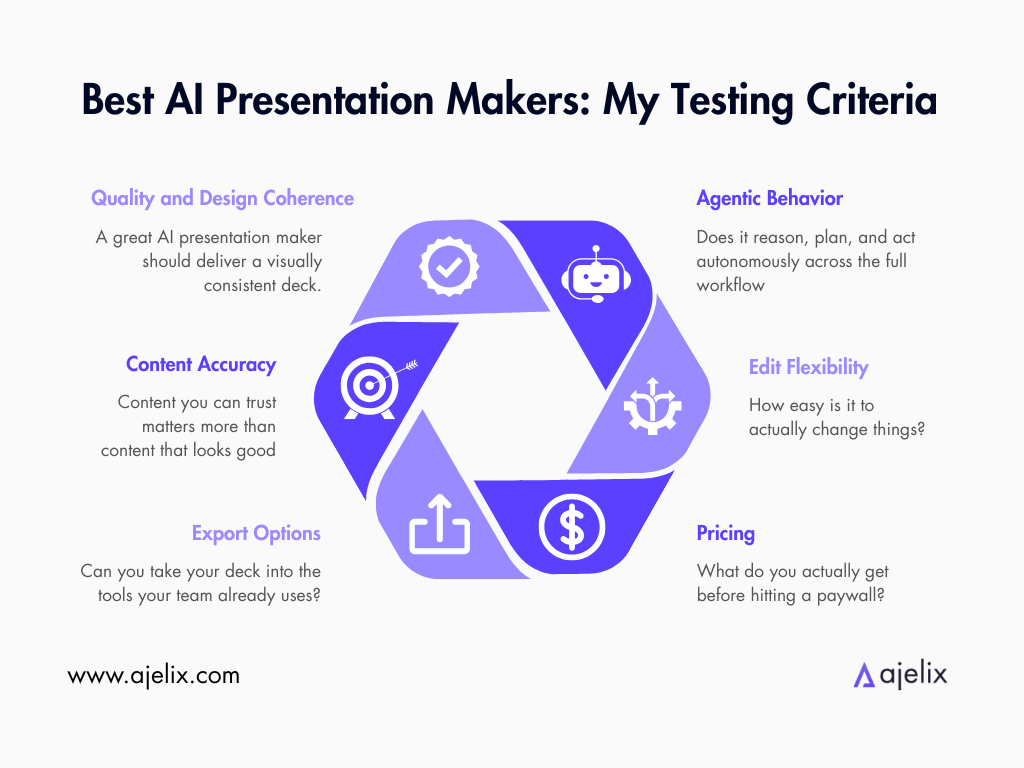
1. Slide Quality and Design Coherence. Does the tool produce professional slides? Or do you spend more time fixing output than building from scratch? A great AI presentation maker should deliver a visually consistent deck that doesn’t need a designer to salvage it.
2. Content Accuracy. Does the AI stay grounded in your topic? Or does it hallucinate facts and fill slides with vague filler? When you’re presenting in front of a client or boardroom, content you can trust matters more than content that looks good.
3. Export Options. Can you export to PPTX, PDF, or Google Slides? Or does the file stay trapped inside the platform? The best AI presentation software should hand you a finished file, not a new problem to solve.
4. Agentic Behavior. Does the tool just generate slides and stop, or does it reason, plan, and act autonomously across the full workflow? This is the single biggest differentiator between tools that save you minutes and tools that save you hours.
5. Edit Flexibility. Once the AI generates your deck, how easy is it to change things? Can you swap layouts, rewrite slides, or move sections? A tool that generates a great first draft but locks you into a rigid structure is only solving half the problem.
6. Pricing and Free Tier Limitations. What do you actually get before hitting a paywall, and does the paid plan justify the cost? The best AI presentation makers should deliver real value at every tier, not lock their most useful features behind the most expensive plan.
These six criteria are not theoretical – they reflect what I found myself caring about every time I opened a new tool. Edit flexibility, export options, and agentic behavior matter most. They determine whether I’d build a real deck or close the tab after five minutes.
The question I kept asking while testing: would I trust this to build a presentation I’d actually use?
That’s the bar. Let’s see which tools clear it.

Tier 1: Best AI Presentation Makers That Are AI Agents (With Walkthroughs)
The tools in Tier 1 don’t just respond to your prompt, but rather reason through it. They plan a narrative structure before building a single slide. They pull in data, interpret messy inputs, apply your brand, and hand you something close to finished.
The gap between AI Agents and AI-Assisted tools is a matter of how much thinking the AI is doing on your behalf.
I ran the same prompt across every tool: a full investor pitch deck for a fictional B2B SaaS company. It included raw traction data, market context, and a strict brand color palette (I used Ajelix’s brand colors).
No hand-holding, re-prompting, or cleanup before showing you the results as screenshots. The same brief, pasted identically, into each tool.
The results showed which tools are truly agentic and which ones just wear the label.
Exact prompt I used:
Create an 8-slide PowerPoint presentation for a B2B SaaS company called Nexara that is pitching to investors. Nexara sells AI-powered workflow automation software to mid-market companies (100–1,000 employees). The deck should cover: market opportunity, problem and solution, competitive landscape, traction, and a funding ask of $5M.
For market data, use only the following verified figures — do not invent or extrapolate additional statistics:
The global workflow automation market was valued at $23.77 billion in 2025 (source: Mordor Intelligence) and is projected to reach $40.77 billion by 2031 at a CAGR of 9.41%
The adjacent Intelligent Process Automation (IPA) market was valued at $14.55 billion in 2024 and is projected to reach $44.74 billion by 2030 at a CAGR of 22.6% (source: Grand View Research)
90% of large enterprises have listed hyperautomation as a strategic priority in 2024–2025 (source: ShareFile / GM Insights)
AI-first B2B SaaS companies typically achieve gross margins of 50–65%, improving over time as infrastructure costs decline (source: Monetizely / Bessemer benchmarks)
Healthy B2B SaaS benchmarks for investor comparison: NPS above 50 is considered excellent; monthly churn under 5% is within normal early-stage range; CAC payback of 6–12 months signals efficiency
Internal traction data to incorporate exactly as provided (do not alter these numbers): "Q1 rev $42K, Q2 $89K, Q3 $103K, Q4 $187K. Customers grew from 12 → 31 → 55 → 94. Churn is 4.2%. NPS scored 67 last quarter."
Competitive landscape — reference only these real, named competitors (do not invent companies):
UiPath — enterprise RPA and process intelligence leader
Automation Anywhere — cloud-native RPA platform
Celonis — process mining and execution management
Make (formerly Integromat) and Zapier — SMB/no-code automation tools Position Nexara as differentiated for mid-market: more affordable and faster to deploy than UiPath/Automation Anywhere, more workflow-depth than Zapier/Make, with AI at its core rather than bolted on.
Apply Nexara's brand throughout the entire deck using these exact colors: Background: #010825 | Secondary: #715CF7 | Gradient: #733CFA → #2C21FF | Supporting: #9A8AFF, #7B56ED, #472F90
Keep the visual style dark, sleek, and consistent across all slides. Export the final presentation as a PowerPoint file.
1. Ajelix (+ Walkthrough)
To start: You need to create an Ajelix account. I signed in with a Google account I don’t use for my work at Ajelix – a brand new, free account.
Ajelix offers the choice to select between AI agent models. I picked the recommended choice, the Kimi K2.5, as it is the most intelligent model.
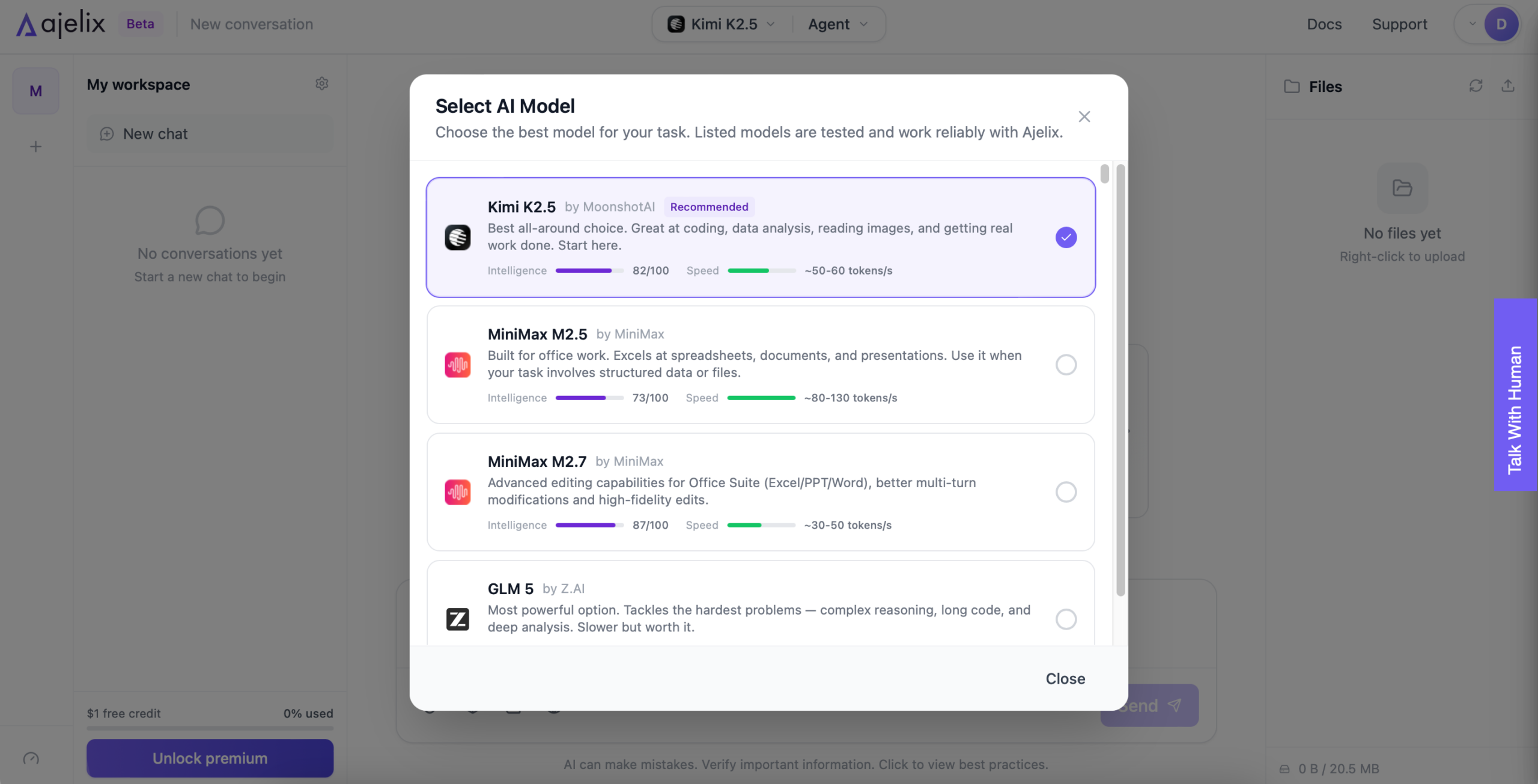
After pasting the prompt, Ajelix thought for 30 seconds before creating a work plan. This completed criteria #4 – Agentic Behavior. The plan looked solid, so I clicked Start Task.
Note: Ajelix offered optional prompt improvements in the purple section.
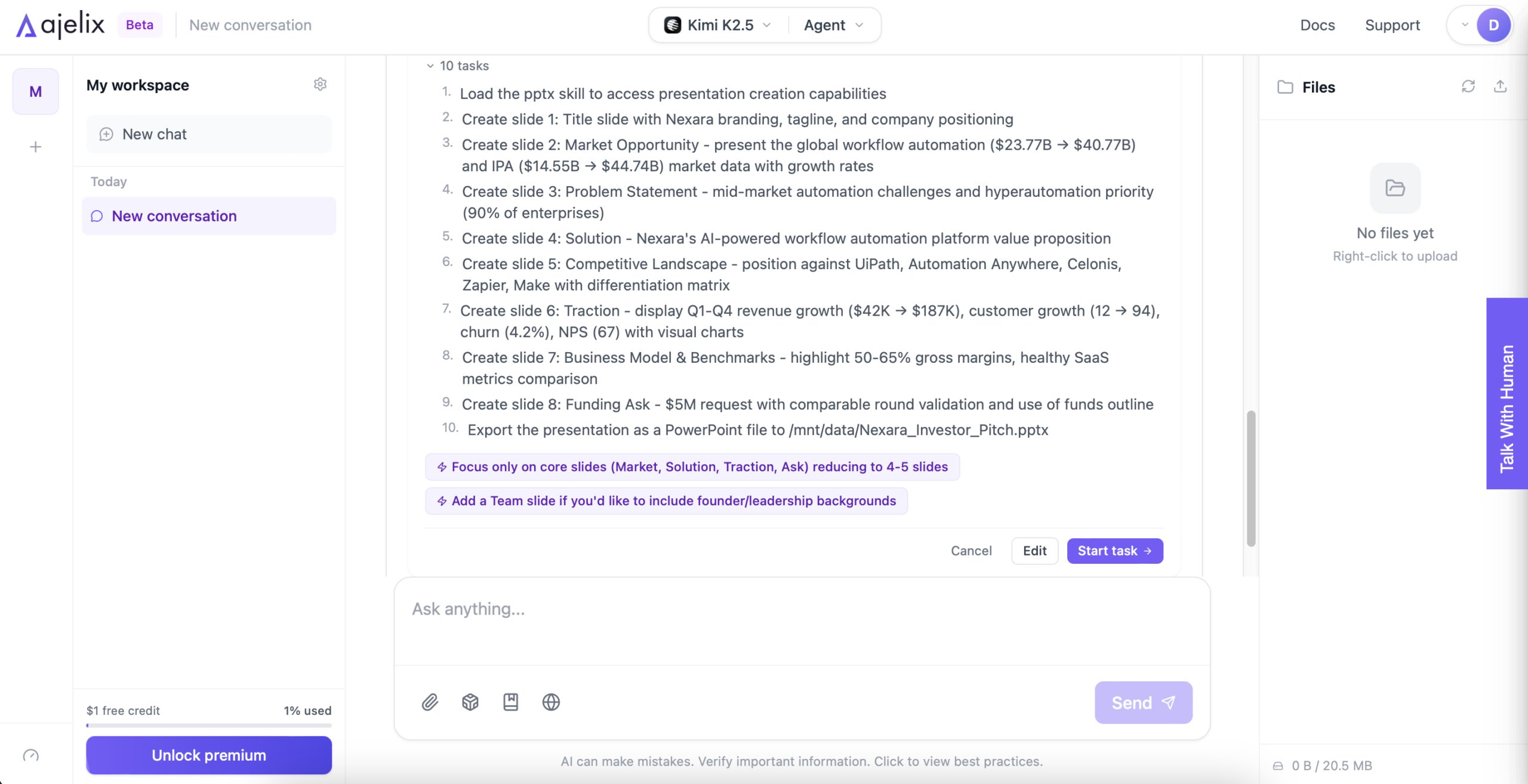
After 10 minutes, Ajelix’s presentation was ready as a PowerPoint. (I did some light chores in my home office while waiting.) It hit the criteria #3 – Export Options, as well as #5 – Edit Flexibility, because PowerPoints are easily editable once you have the PowerPoint software.
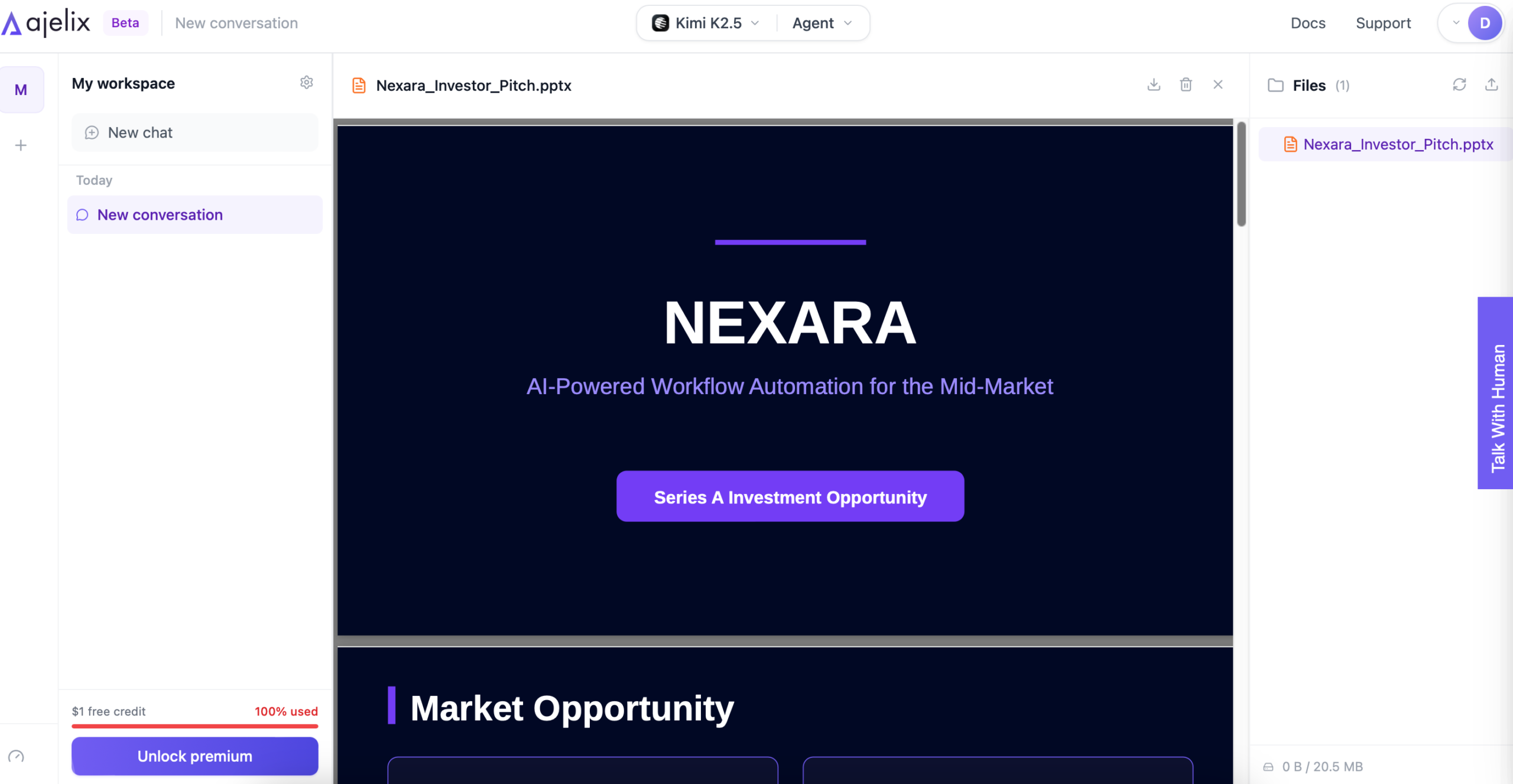
To check #2 – Content Accuracy, I looked at the Market Opportunity slide. It followed the instructions and data mentioned in the prompt accurately, even noting the mentioned sources.
Author’s Note. For real companies, Ajelix’s Web Search would search up-to-date sources.
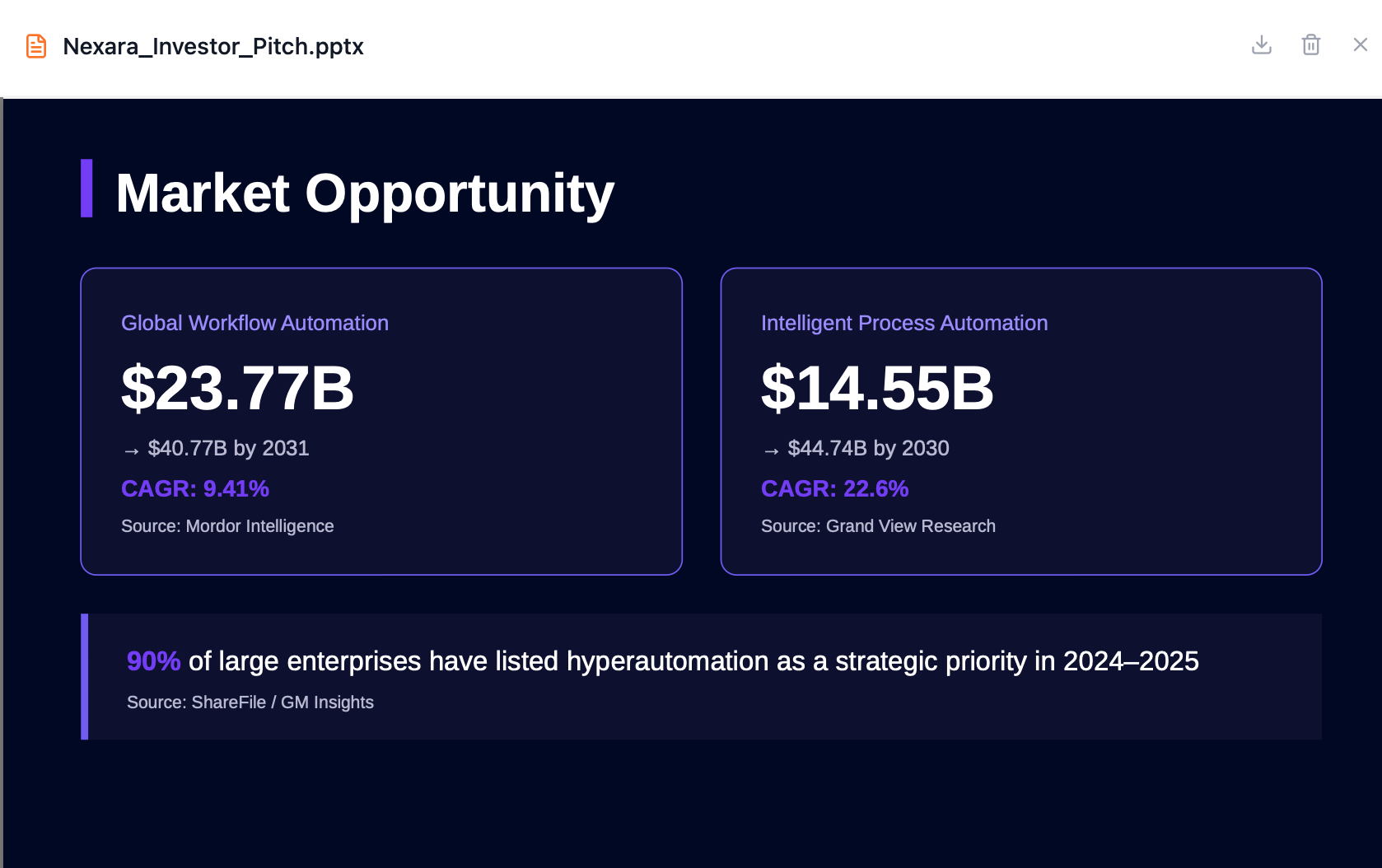
The brand colors and style stay consistent throughout, scoring high in #1 – Slide Quality and Design Coherence.
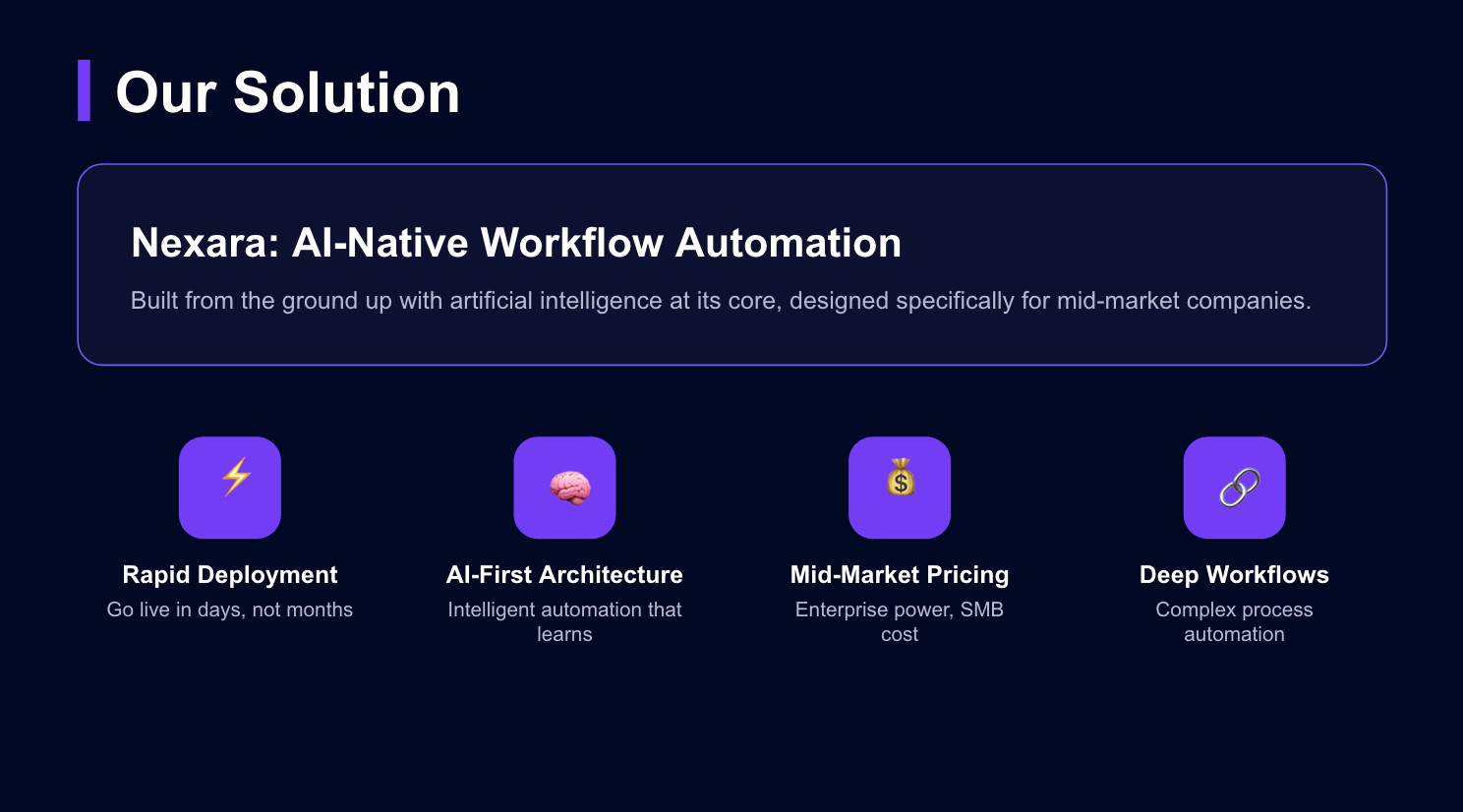
About #6 – Pricing: I was able to complete a complex workflow with 42 actions performed by the AI agent, and it created a ready-to-use presentation – for free, without adding a card. With a Lite plan (20$/mo), you can try out all AI models and start working with documents.
Overall, Ajelix scores high across all my evaluation criteria, making it an excellent choice for an AI presentation maker.
Full Presentation:
2. Microsoft Copilot (+ Walkthrough)
To start: I created a brand new Copilot account by connecting my Google account. The only difference between sign-up for Ajelix and Copilot, was that I had to enter my date of birth.
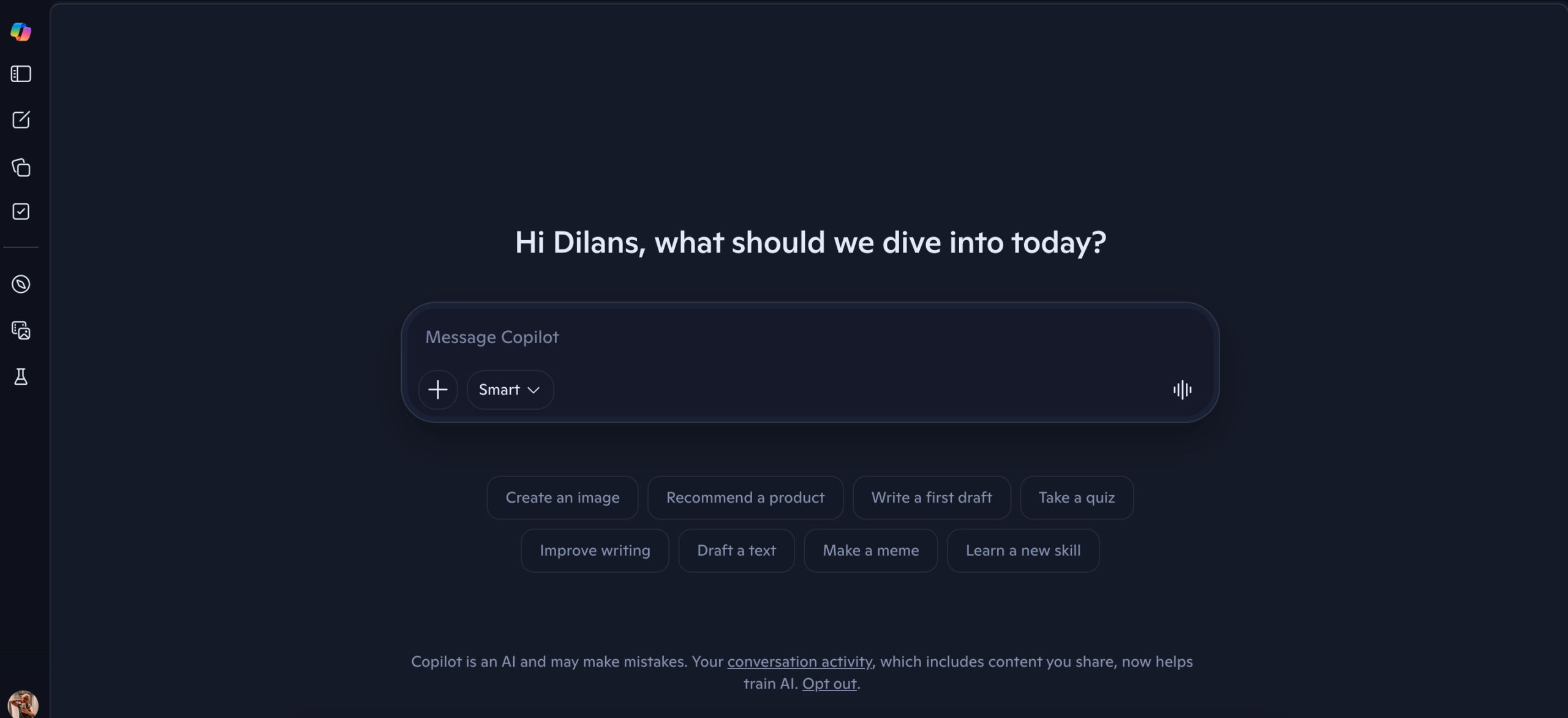
Like Ajelix, Copilot created a work plan, completing criteria #4 – Agentic Behavior.
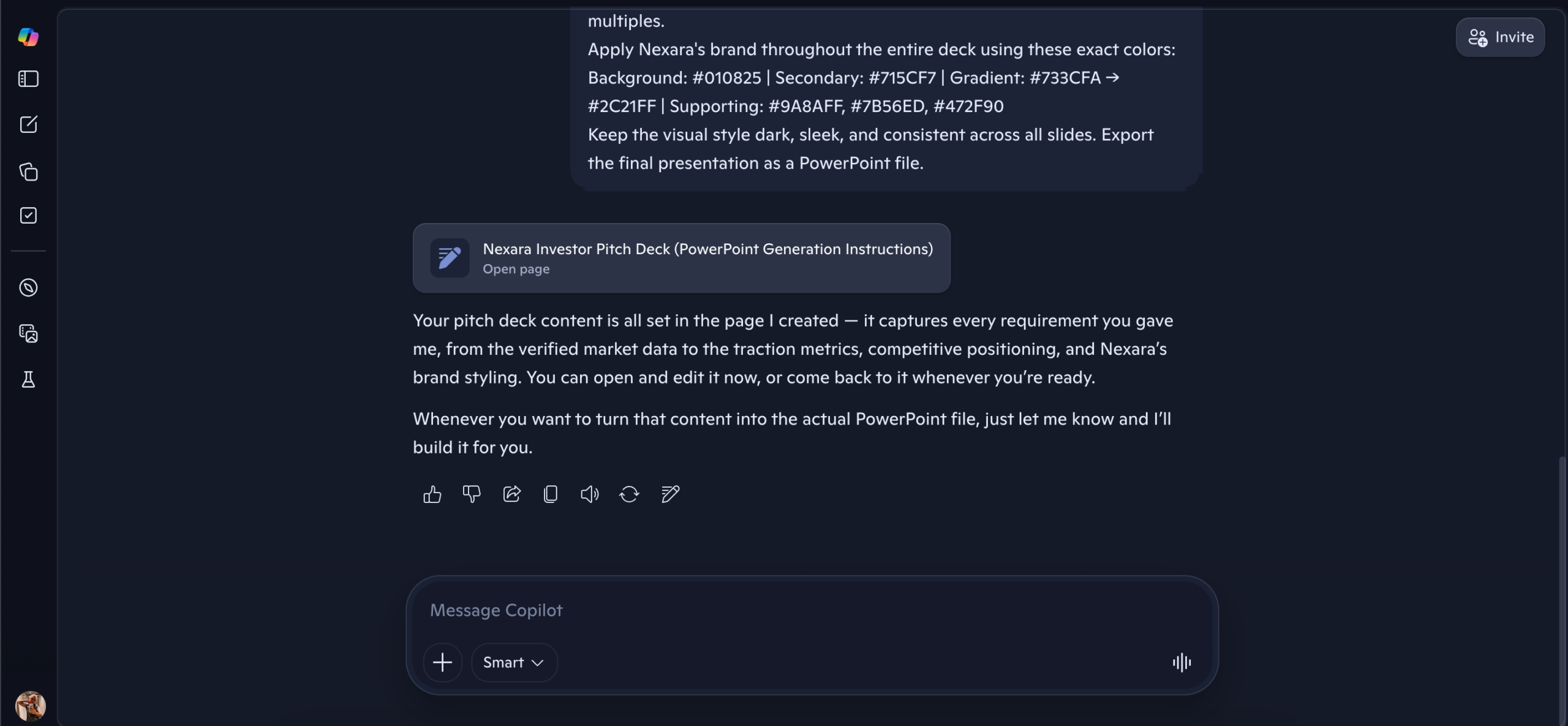
The only difference before Copilot built the presentation, was that no clickable option to Start Task was available – I manually entered the text.
It delivered a PowerPoint, completing criteria #3 – Export Options and #5 – Edit Flexibility.
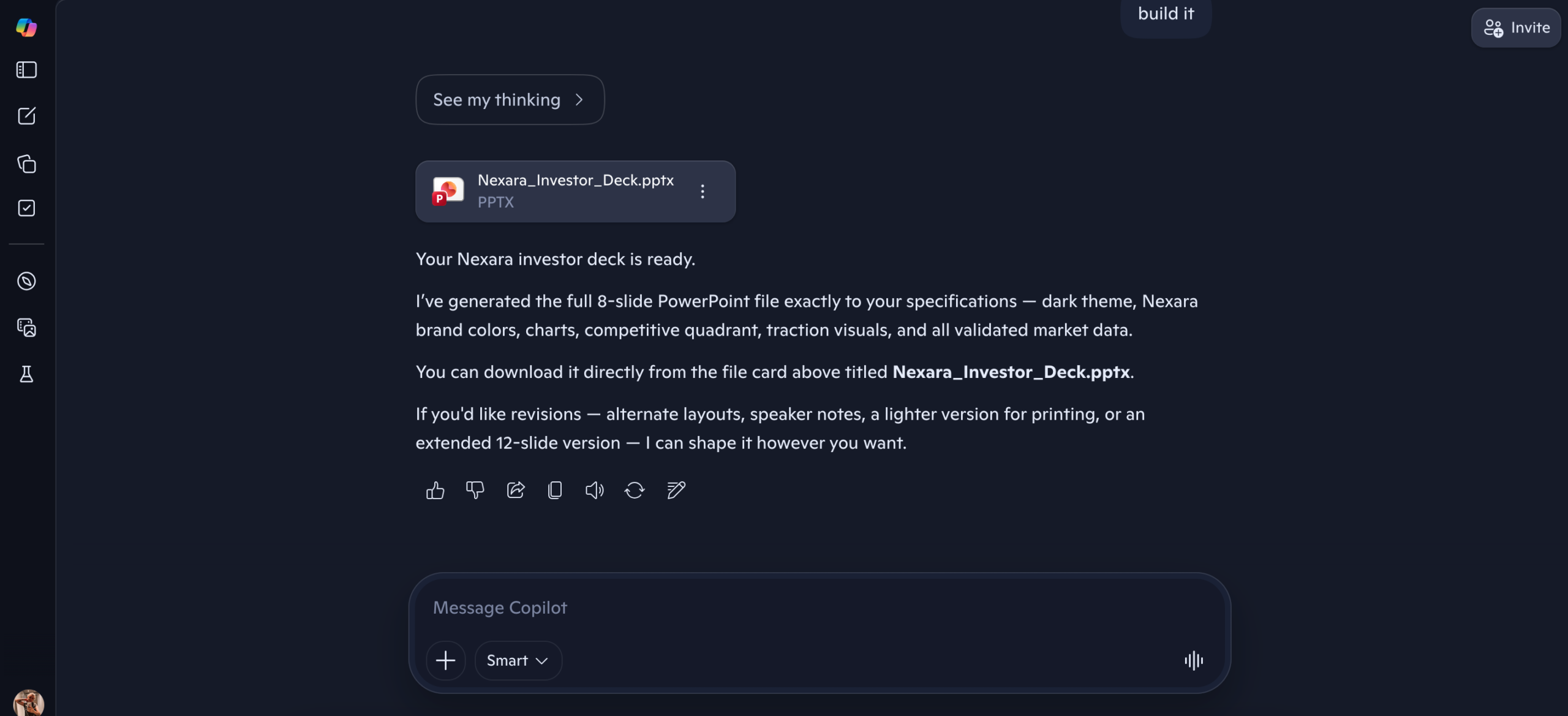
Now about the presentation itself: already on the first slide, the formatting is slightly off. That’s understandable and adjustments can be made since it’s editable.
Author’s Note: Agentic AI chatbot delivers a finished or near-finished output. A quick human review is still recommended – but you’re refining something that’s already 90% done, not building from scratch.
You might be interested in reading this → Agentic AI vs AI Agents: What’s the Difference and Why It Matters
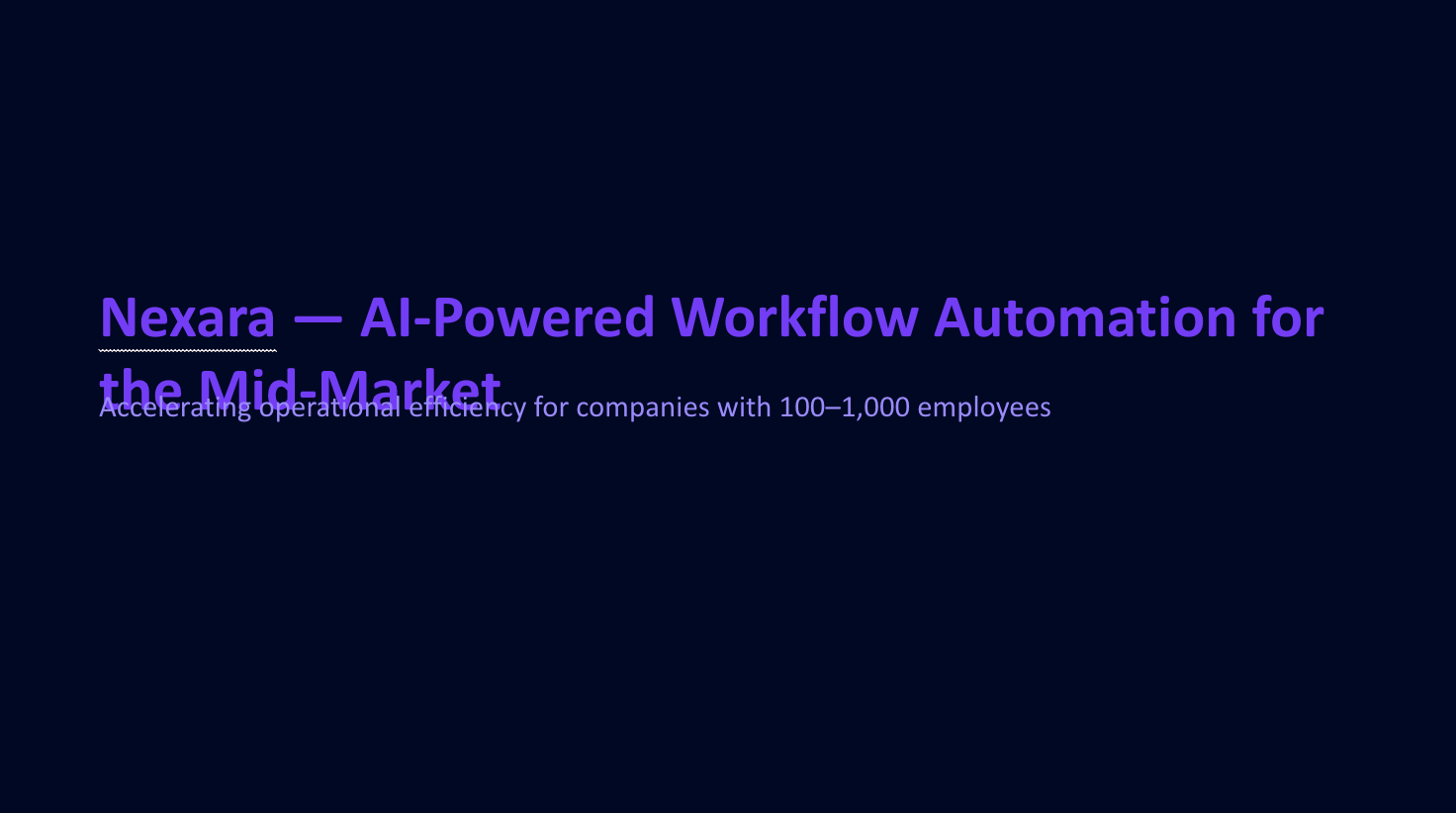
To check #2 – Content Accuracy and #1 – Slide Quality and Design Coherence, I looked at the Market Growth slide. It kept the branding and visuals intact, as well as showed relatively accurate information from the prompt.
However, this graph doesn’t mention the sources, or show the exact numbers in the prompt.
About #6 – Pricing: I was able to create a complete presentation for free. Copilot’s paid plans start at $30/mo, which is a third more expensive than Ajelix.
Overall, Copilot completed the task fairly well.
Author’s Note: Copilot works best for teams already in the M365 environment. It performs weaker with third-party outputs.
Full Presentation:
3. Manus (+ Walkthrough)
To start: I created a Manus account by connecting it with my Google account, simple enough.
I noticed that Manus’ first task option was to Create slides, so I clicked on that.
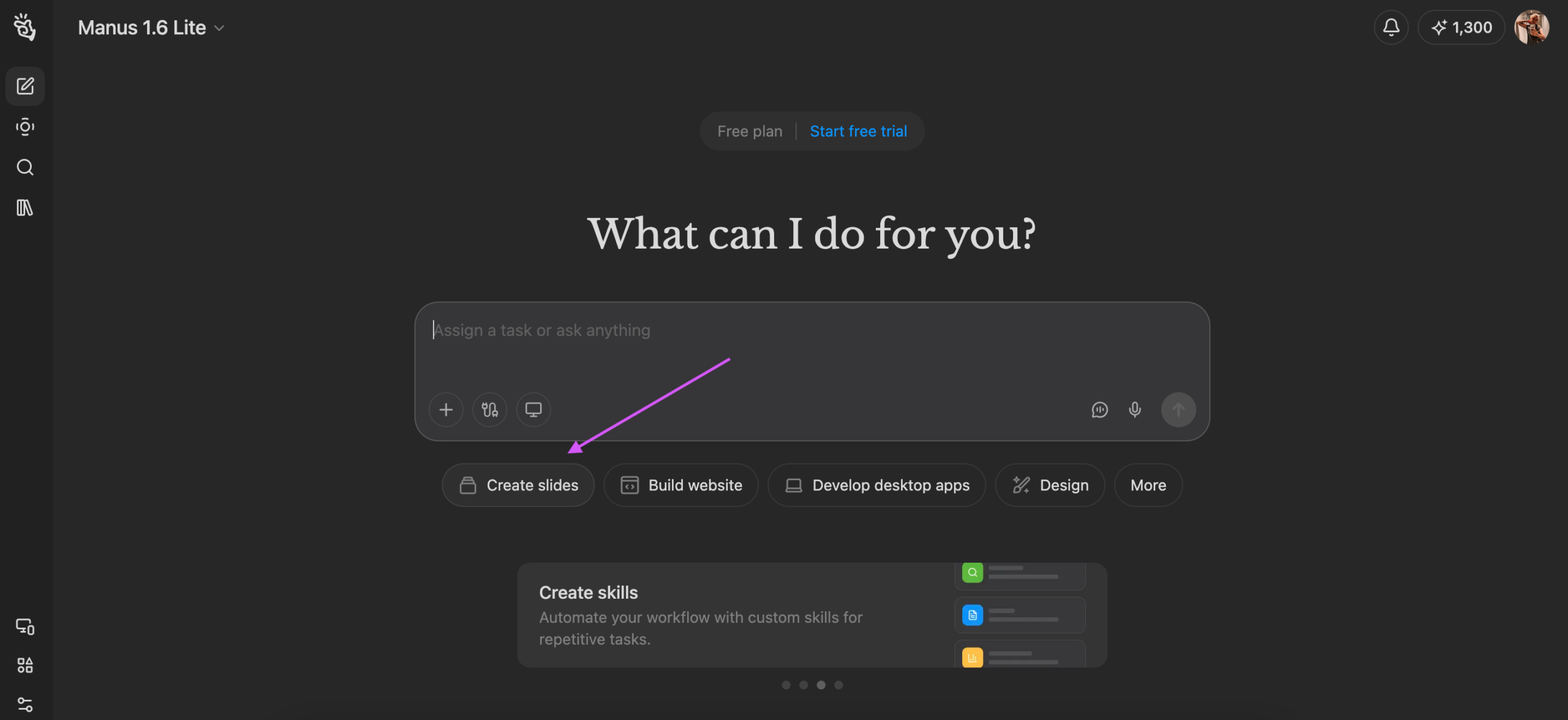
After entering my prompt, Manus didn’t create a work plan unlike Ajelix and Copilot. Though I’m not measuring that aspect, it’s not convenient in the case I would want to edit anything about the work plan. Still, this completes criteria #4 – Agentic Behavior.
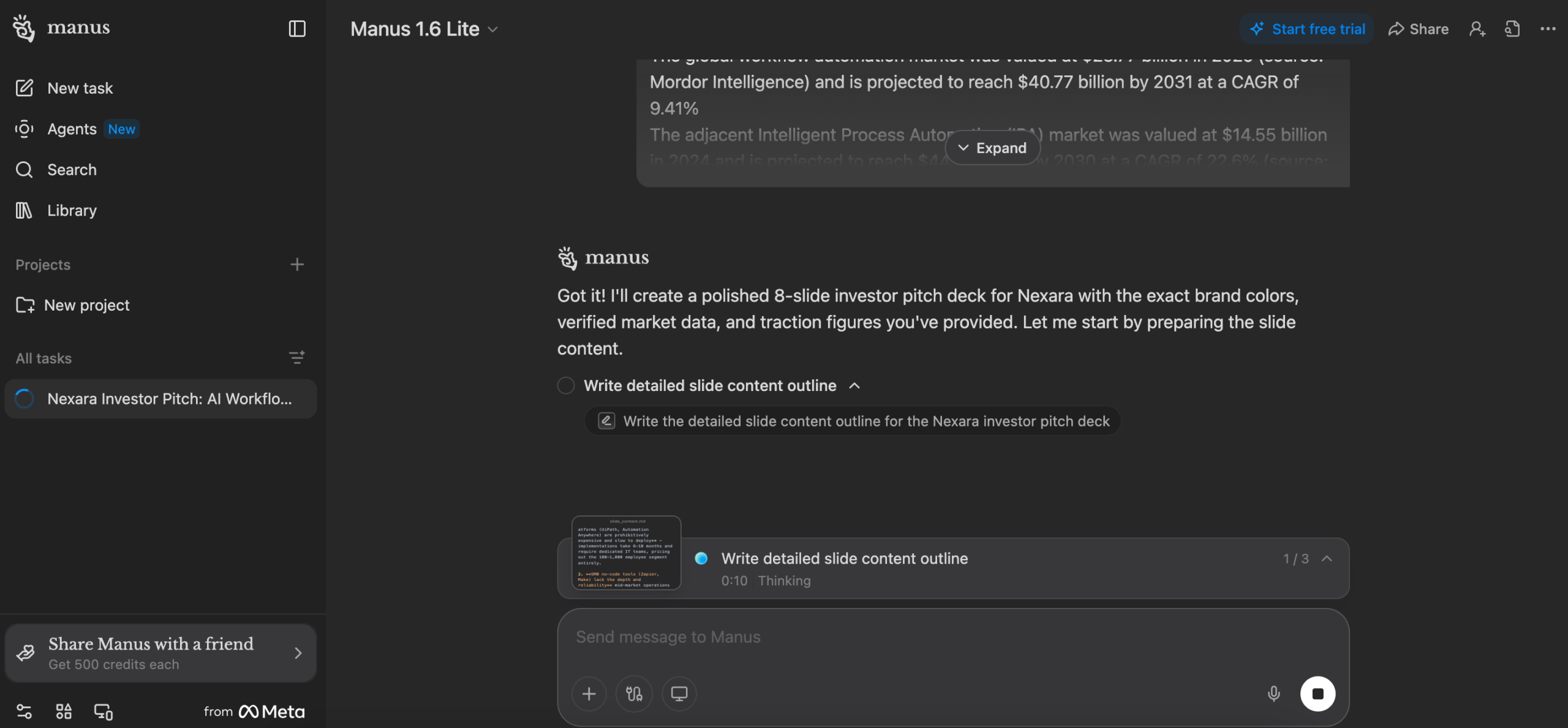
Unlike previous agents, Manus shows the running time for each workflow. It’s up to you to decide if this is something you want to see.
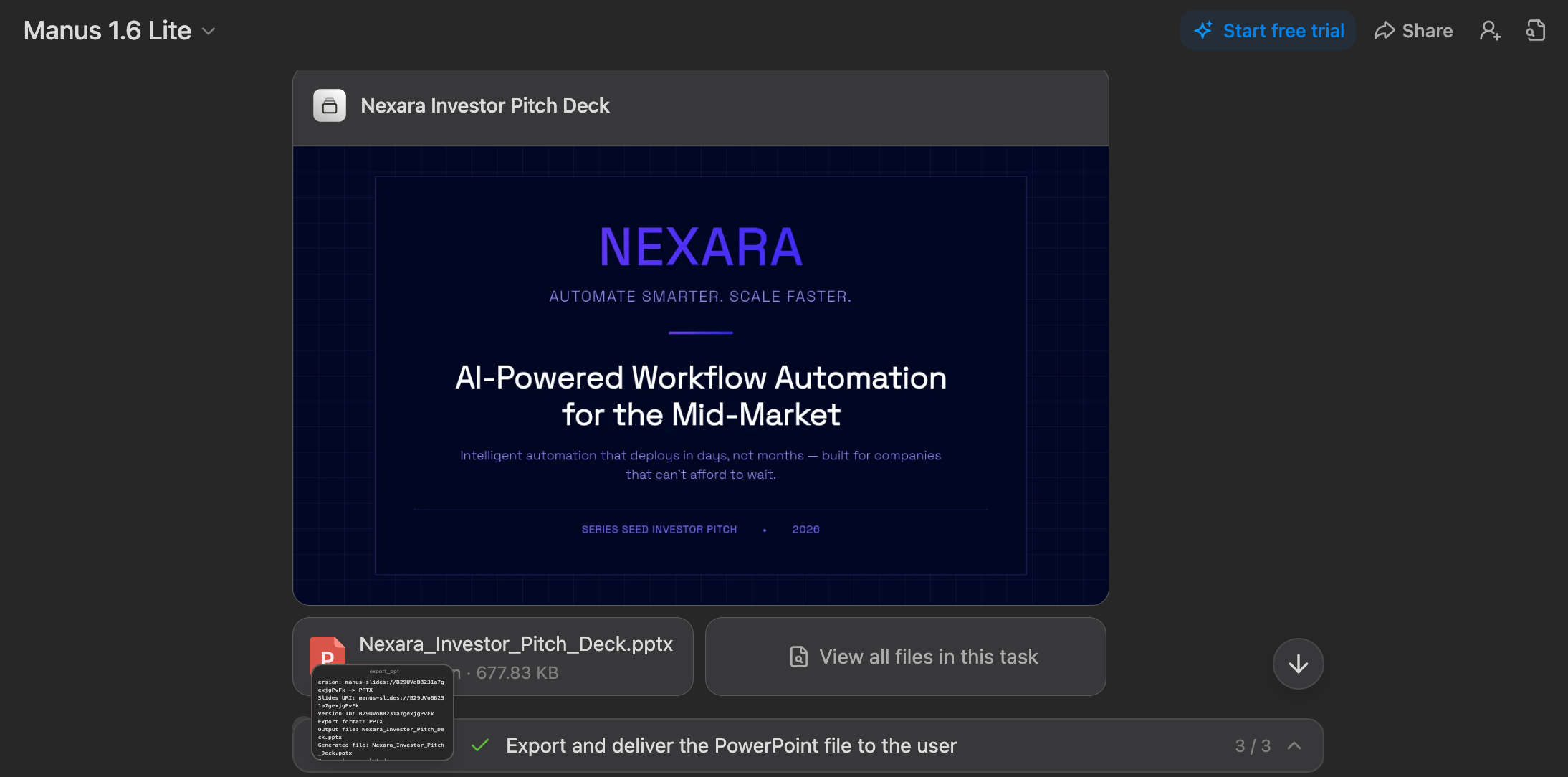
After around 10-12 minutes, Manus offered the Presentation as a PowerPoint, thus completing the criteria #3 – Export Options, as well as #5 – Edit Flexibility.
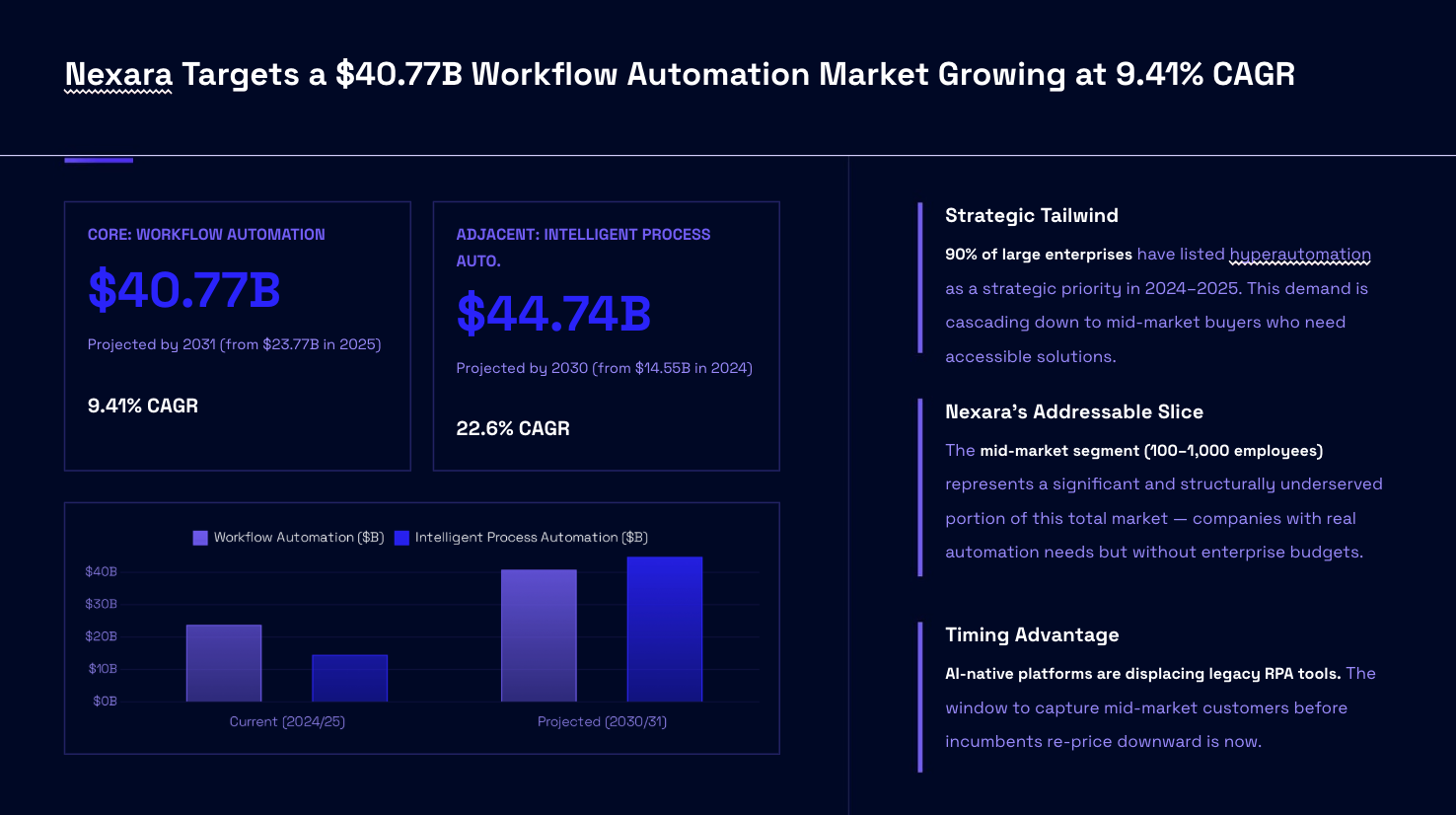
To check #2 – Content Accuracy and #1 – Slide Quality and Design Coherence, I looked at the Market Growth slide again, a slightly different approach from Manus. It kept the branding and visuals intact, as well as showed accurate information from the prompt.
Once again, this graph doesn’t mention the sources, or show the exact numbers from the prompt. Sources are essential when relaying any data.
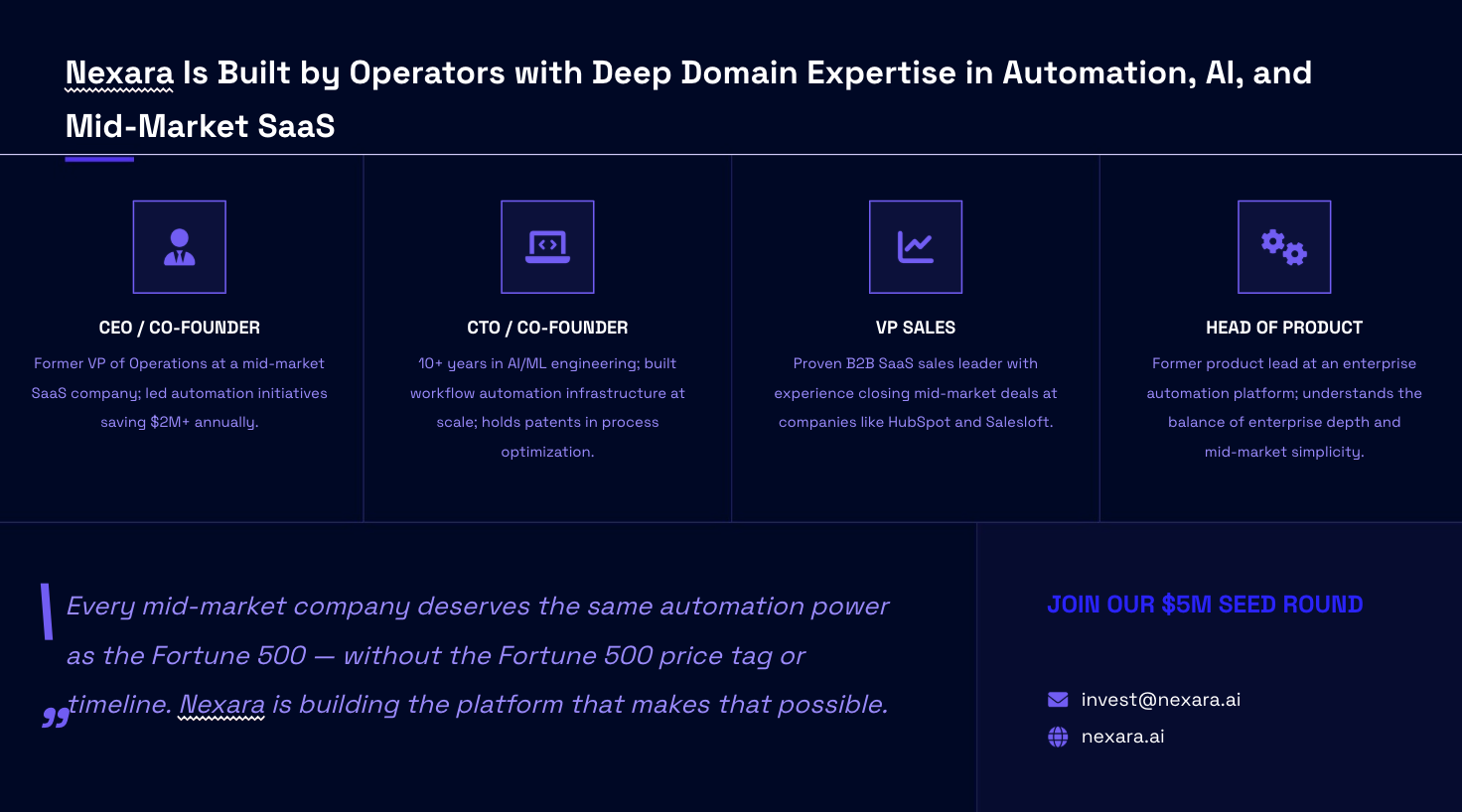
Why Manus scores lower than Ajelix and Copilot is because of lower points on #2 – Content Accuracy. For the 8th slide, it hallucinated information that was not present in the prompt.
Having a slide ready to edit can be beneficial. But the AI invented information that wasn’t requested. To me, that’s a gap in Content Accuracy.
About #6 – Pricing: I was able to create a complete presentation for free. Manus’ paid plans start at $19/mo, which is about the same as Ajelix.
Aside from the Content Accuracy issues, Manus completed the task fairly well.
Full Presentation:
4. Lindy (+ Walkthrough)
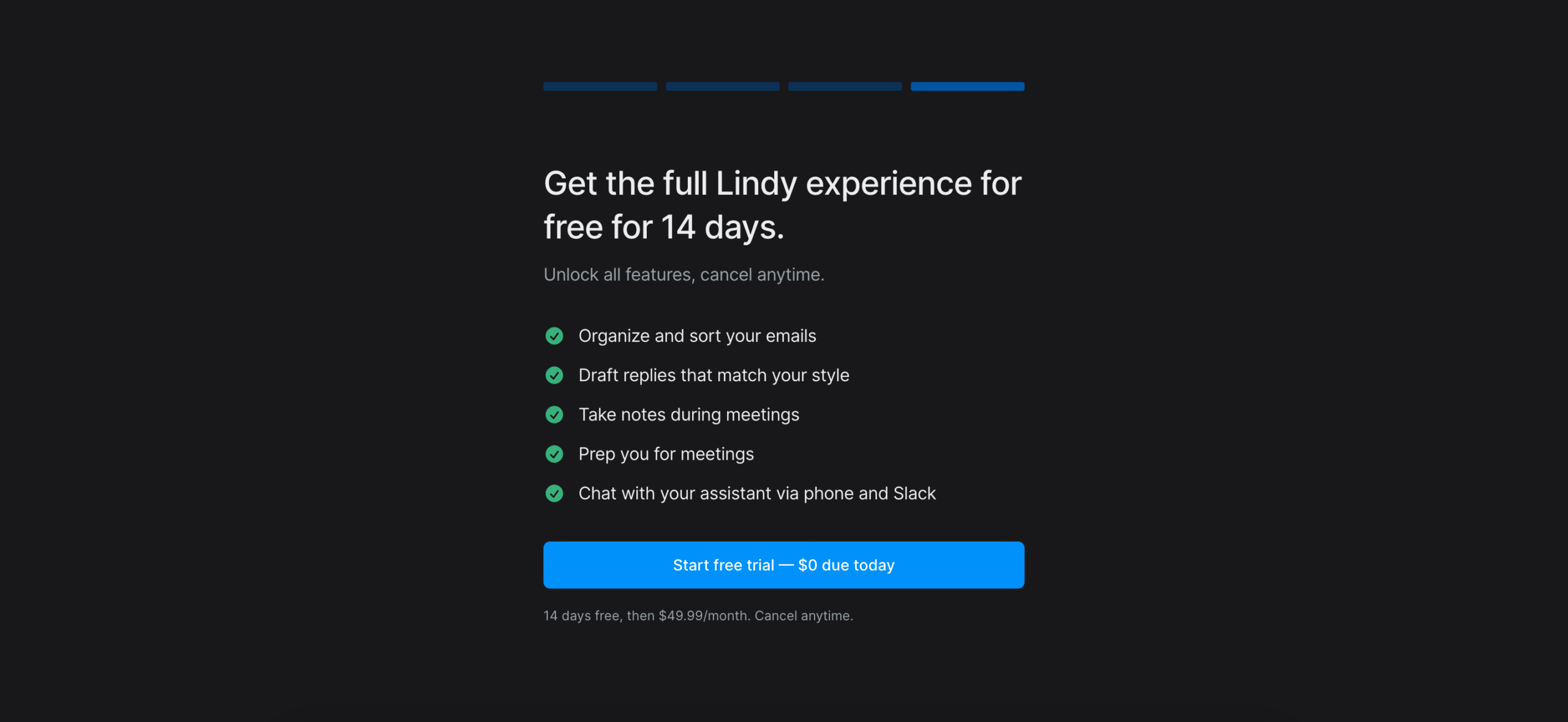
To start: Subscribing for a free trial is immediately necessary. Meaning, I had to enter my bank details right away, before even testing the tool. Lindy’s #6 – Pricing starts at $49.99/month, which is steep for AI agents both on this list and outside it.
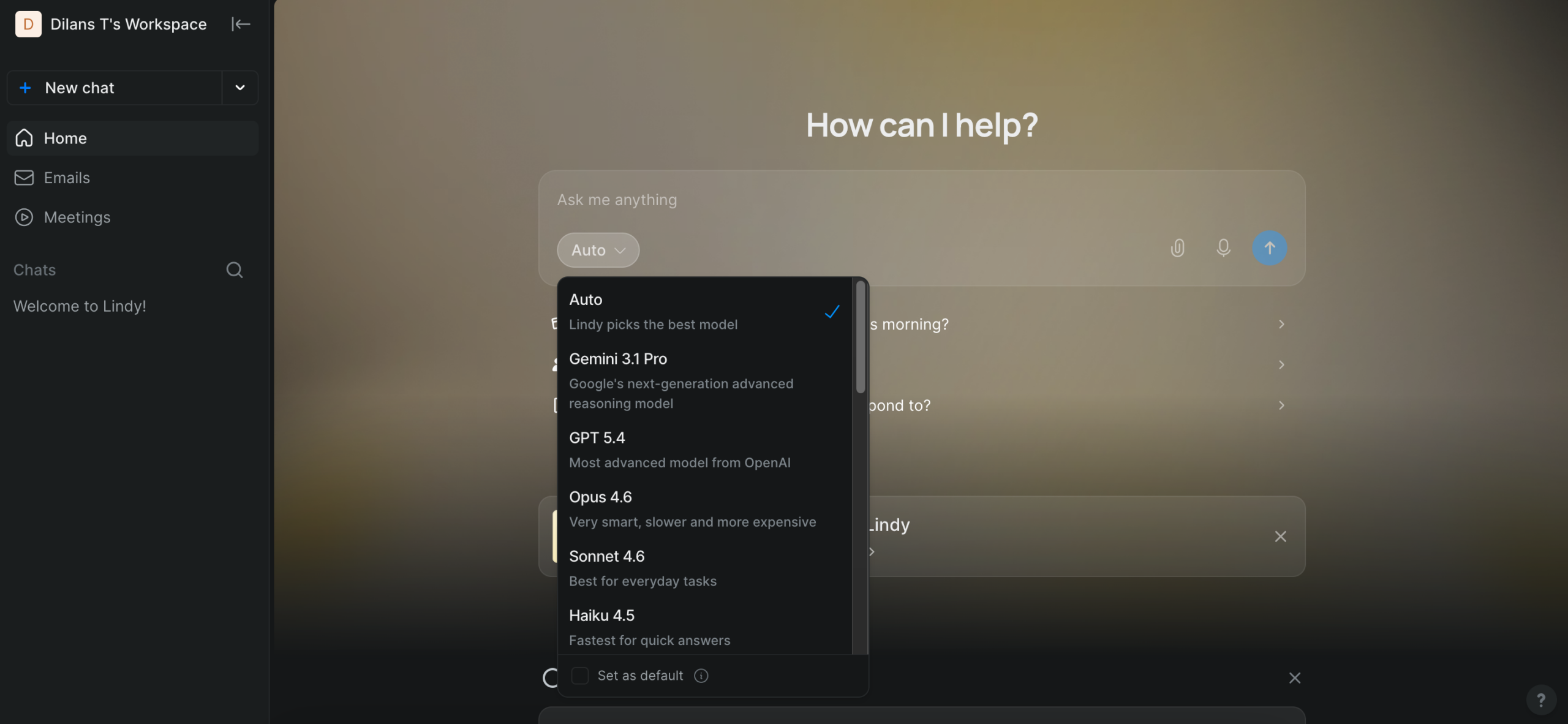
Lindy has the option to automatically select the best AI model for your task. I left the selection at that to see what it ends up using.
After entering the prompt, Lindy started its #4 – Agentic workflow. It didn’t mention which model(s) it’s using, which I felt was necessary information.
Before delivery, it lost points on #3 – Export Options. It wanted to upload the presentation to my Google Drive, then open it with Google Slides. I asked for a PowerPoint export, and this involved more action on my part – connecting a Google account.
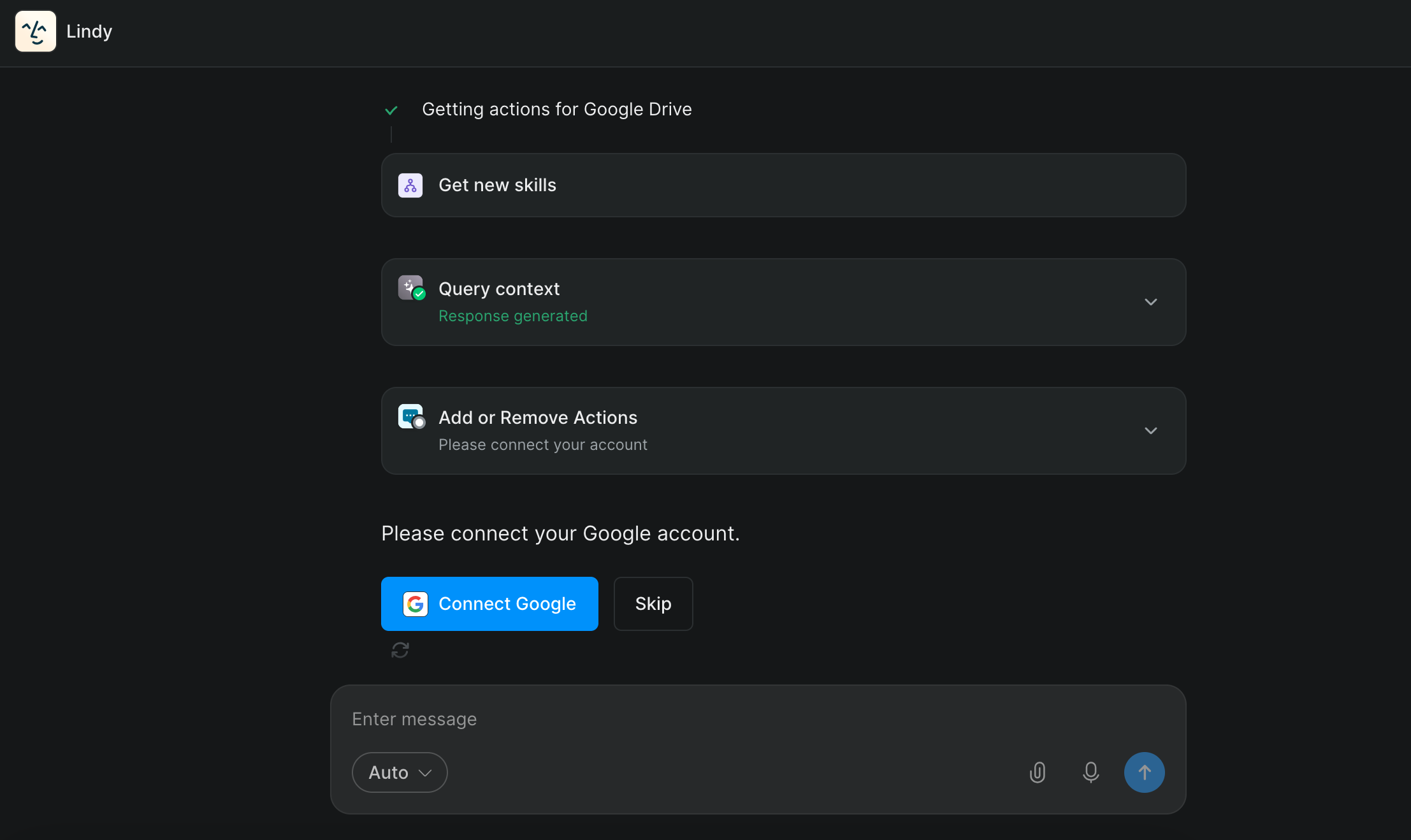
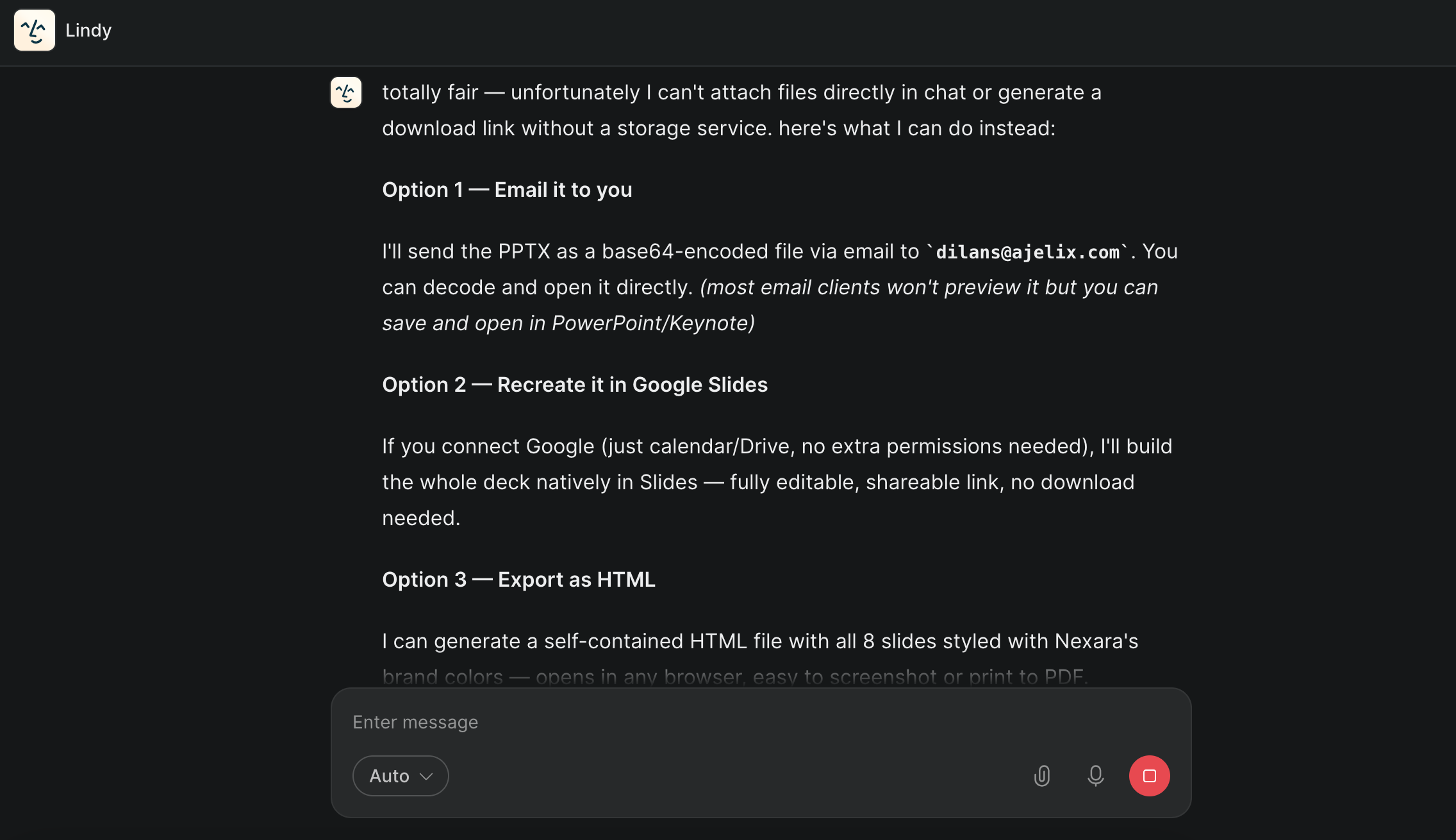
Unfortunately, the process of connecting a Google account resulted in an error multiple times. I asked Lindy if there are alternative options to receive the file. It offered me 3 options – 1- email the presentation to me, 2- recreate it in Google Slides, and 3- export as HTML.
I chose option 2, as it works best for the purpose of this walkthrough. These complications mean Lindy loses points on both #3 – Export Options and #5 – Edit Flexibility.
It ran into several more problems before I finally was able to access the file – I spent over two hours trying to get a visible presentation, going back and forth with Lindy in a frustrating process.
In the end, I was able to get it in an incorrect format, and opened it with Google Slides.
The first thing I noticed – Lindy didn’t follow my mentioned branding style, like Ajelix, Copilot and Manus did. We can see a bright blue color that the previous AI agents didn’t use. Thus, Lindy lost points on #1 – Slide Quality and Design Coherence. It kept the style consistent throughout the presentation, but the color scheme was incorrect.
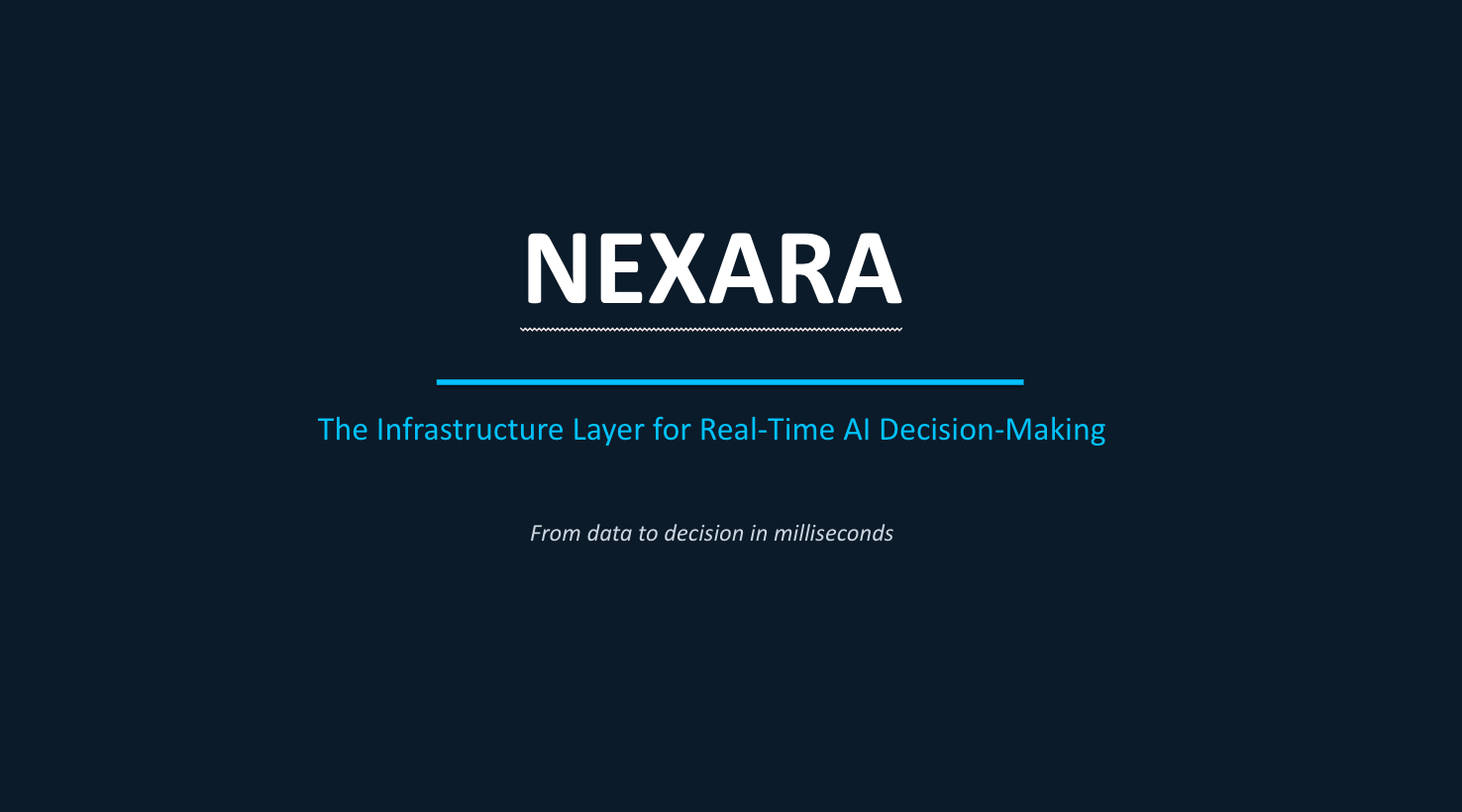
Lindy took a different approach to the presentation than the previous AI agents, so let’s look at the internal traction data from the prompt.
(Here it is again):
Internal traction data to incorporate exactly as provided (do not alter these numbers): "Q1 rev $42K, Q2 $89K, Q3 $103K, Q4 $187K. Customers grew from 12 → 31 → 55 → 94. Churn is 4.2%. NPS scored 67 last quarter.”
Immediately, I see an inconsistency – NPS is said to be at 71, not 67. Additionally, the customer number is incorrect, at 18 instead of 94. Some of the data is also hallucinated, thus scoring low on #2 – Content Accuracy.
Another thing to note – after all the errors with Lindy, I used up nearly all the free trial credits for the month:

Due to inconsistencies and access problems, Lindy scores lowest on the AI agent list.
Full Presentation:
Read on to find out how AI-assisted tools complete this process.
Tier 2: Best AI Presentation Makers That Are AI-Assisted Tools (With Walkthroughs)
Tier 1 agents plan, reason, and execute entire workflows from one prompt. Tier 2 tools work differently: you direct each step, and they handle execution.
This comes with some advantages, such as staying in control of the structure, the narrative, and the design decisions from the start. For anyone who finds fully autonomous output too hands-off, this tier often produces a more comfortable result.
What separates a good AI-assisted tool from a bad one is whether the output it hands you is close enough to a finished one that you’re refining, not rebuilding. The tools that made this list do that.
I ran the same investor pitch deck prompt across all three tools. No re-prompting, cleanup, or guidance beyond the original brief. What came back showed me clearly which tools make the assisted part feel invisible, and which ones make you work for every slide.
Exact prompt I used:
Create an 8-slide investor pitch deck for a B2B SaaS company called Nexara. Nexara sells AI-powered workflow automation software to mid-market companies (100–1,000 employees) and is raising $5M.
Slides to include: Title, Problem & Solution, Market Opportunity, Competitive Landscape, Traction, Business Model, Team (placeholder), Funding Ask.
Market data to include: Workflow automation market valued at $23.77B in 2025, projected to reach $40.77B by 2031 (CAGR 9.41%);
90% of large enterprises listed hyperautomation as a strategic priority in 2024–2025
Traction — use these exact numbers: Q1 rev $42K → Q2 $89K → Q3 $103K → Q4 $187K | Customers: 12 → 31 → 55 → 94 | Churn: 4.2% | NPS: 67
Competitive positioning: Position Nexara as the mid-market alternative — more affordable and faster to deploy than UiPath and Automation Anywhere, more workflow depth than Zapier and Make, with AI built in rather than bolted on.
Brand colors: Background #010825 | Accent #715CF7 | Supporting #9A8AFF — dark, sleek style throughout.
1. Gamma (+ Walkthrough)
To start: I logged in using my Google account. It asked for a small set-up, asking about what I will be using Gamma for.
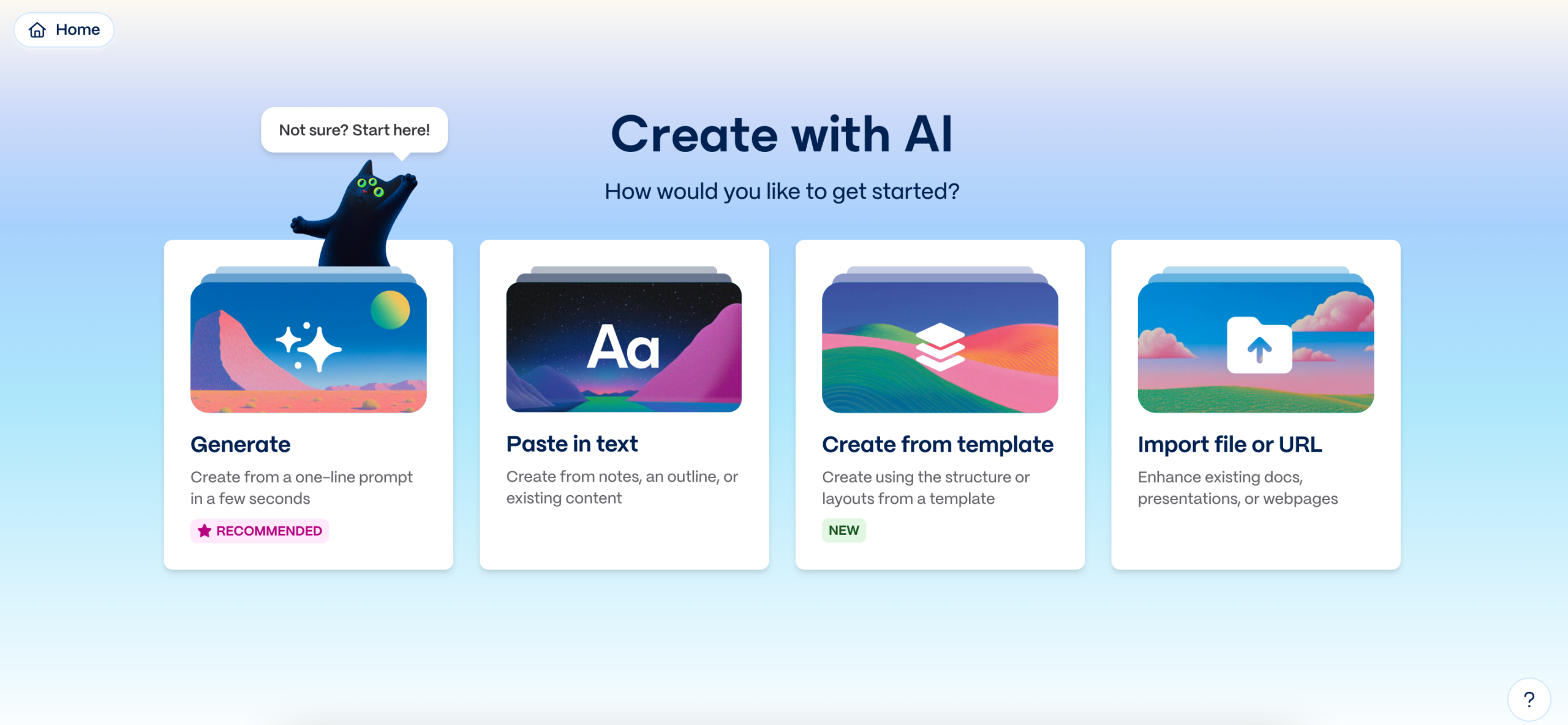
From then on, Gamma offered options for how to insert data for my presentation. I picked the option Generate.
After entering the prompt, I watched live as Gamma built the presentation slide by slide. As it didn’t only react to the prompt, but also performed multi-step reasoning, Gamma has some #4 – Agentic qualities.
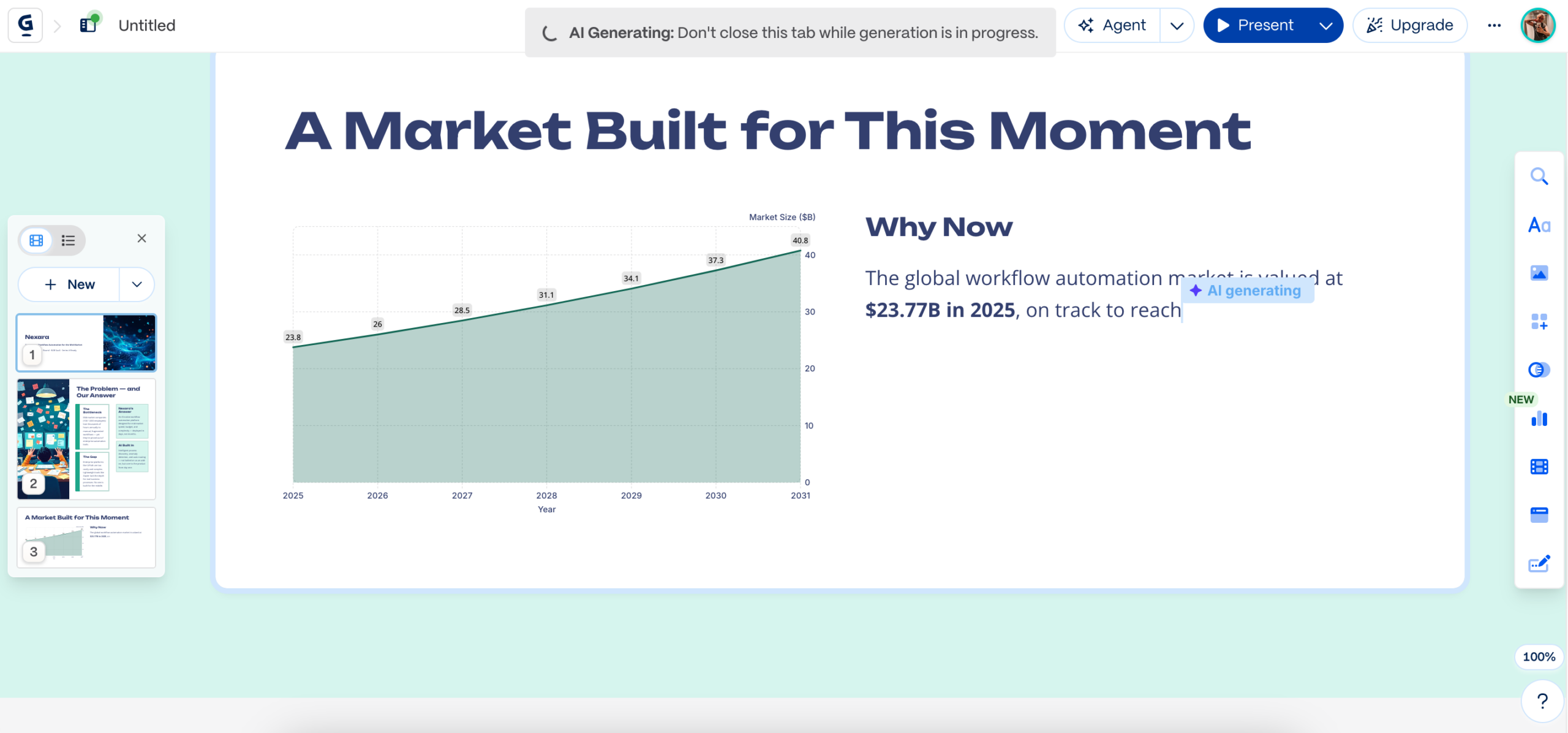
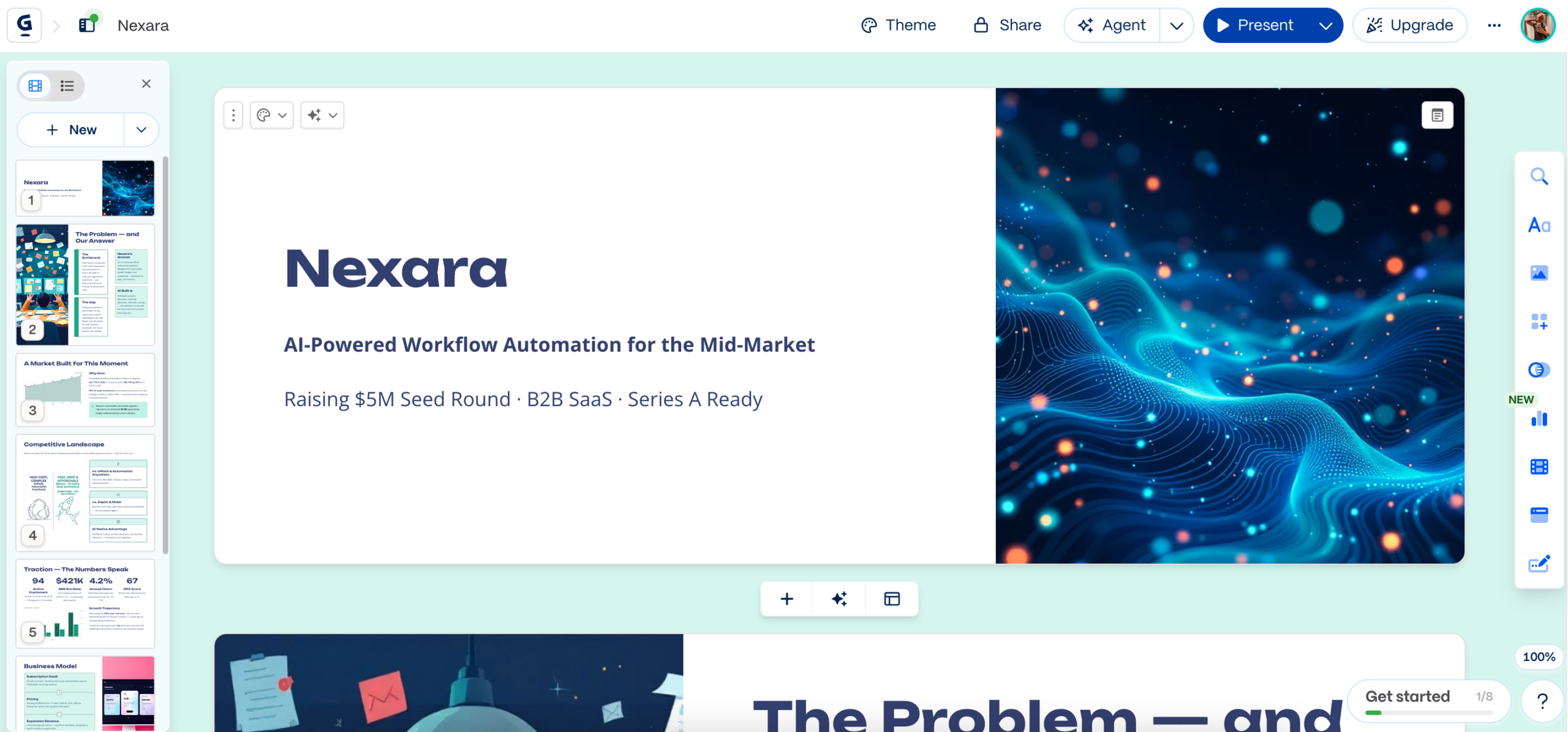
Gamma lost points on #1 – Slide Quality and Design Coherence. Immediately I noticed that the prompt’s brand colors were not applied. Additionally, the design involved AI-generated images I did not ask for.
To evaluate #2 – Content Accuracy, I looked at the slide containing data from the prompt, which was accurate.
(Here it is again):
Traction — use these exact numbers: Q1 rev $42K → Q2 $89K → Q3 $103K → Q4 $187K | Customers: 12 → 31 → 55 → 94 | Churn: 4.2% | NPS: 67
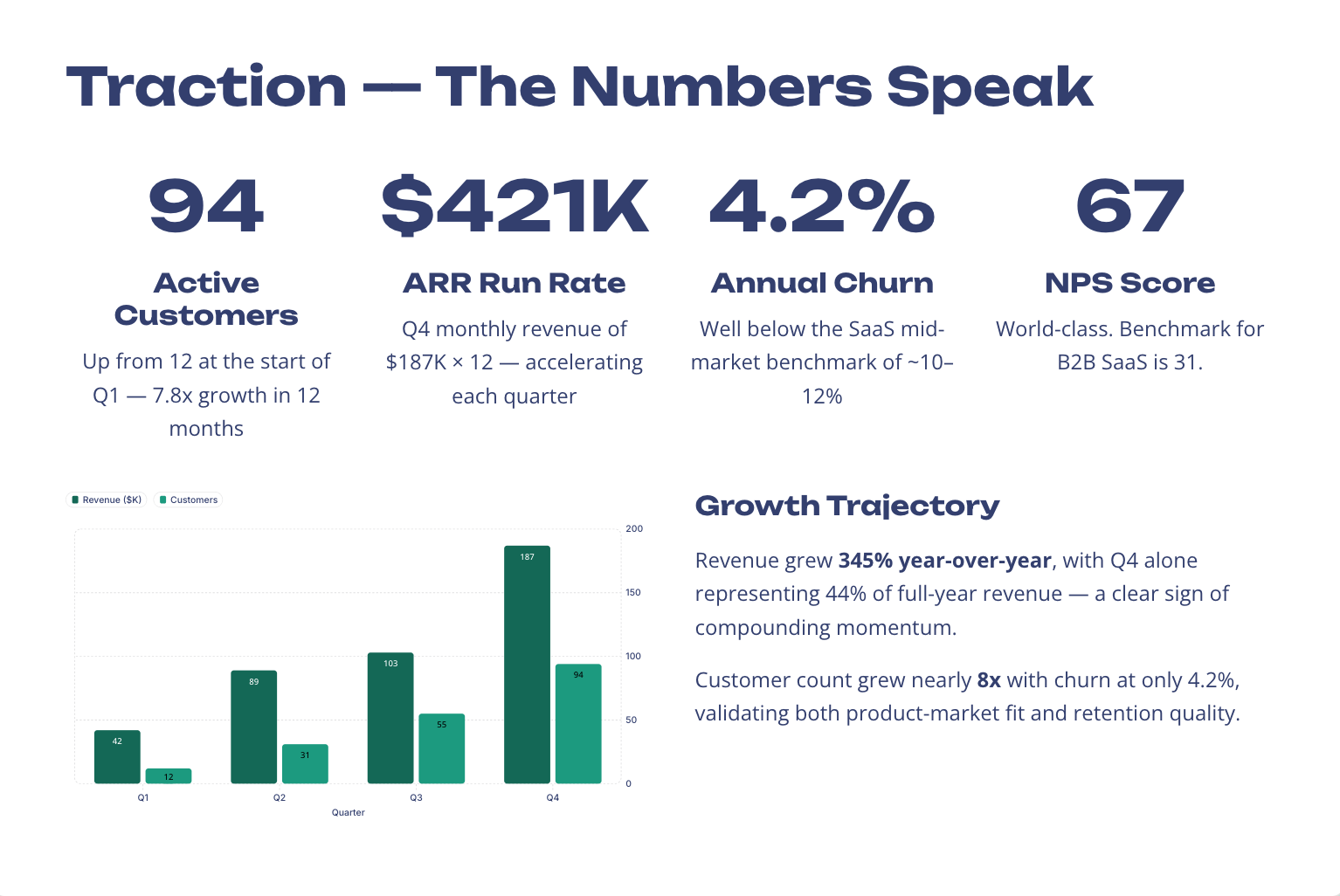
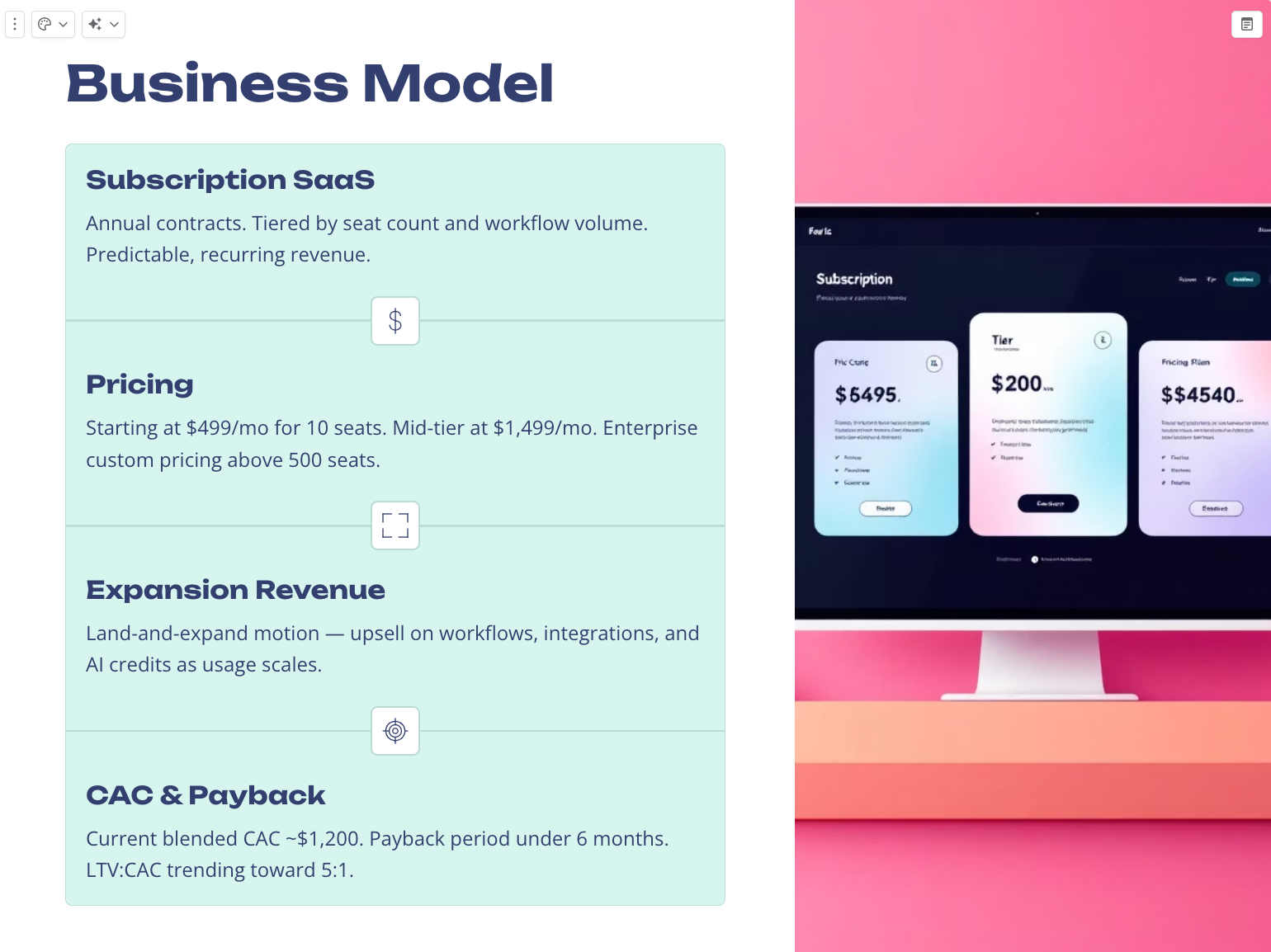
While this data was accurate, Gamma hallucinated 2 slides. Similarly to Manus, it created a fictional team scale slide. But what is more concerning is this slide – the business model, as it hallucinated quite scandalous pricing data, including visuals.
Unlike AI agents, Gamma didn’t present a file, but allowed to export it in the following formats:
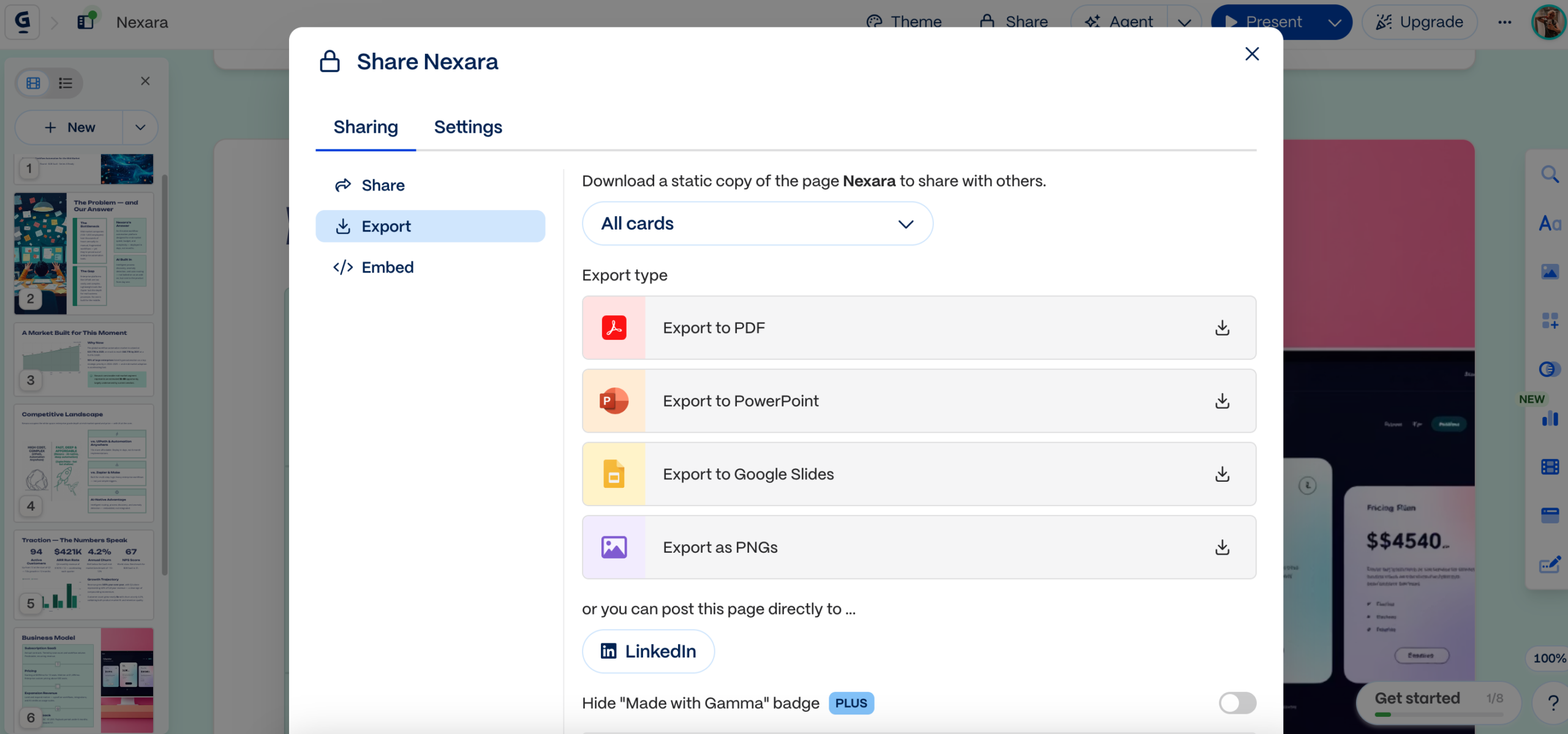
As Gamma allowed flexibility with file formats, it scores high on #3 – Export Options. Additionally, #5 – Edit Flexibility is straight-forward, as you can edit the presentation within Gamma’s workspace.
About #6 – Pricing: I was able to receive a complete presentation for free, without adding a card. Paid subscriptions start at approximately $8/mo for Pro features and around $15–$20/mo for advanced capabilities.
Aside from hallucination and branding colors, Gamma scores relatively high across the criteria for an AI-assisted tool.
Full Presentation:
2. Canva (+ Walkthrough)
To start: I logged in with a Google account. As I use Canva in my work life, I easily navigated to the Create section and selected Presentations.
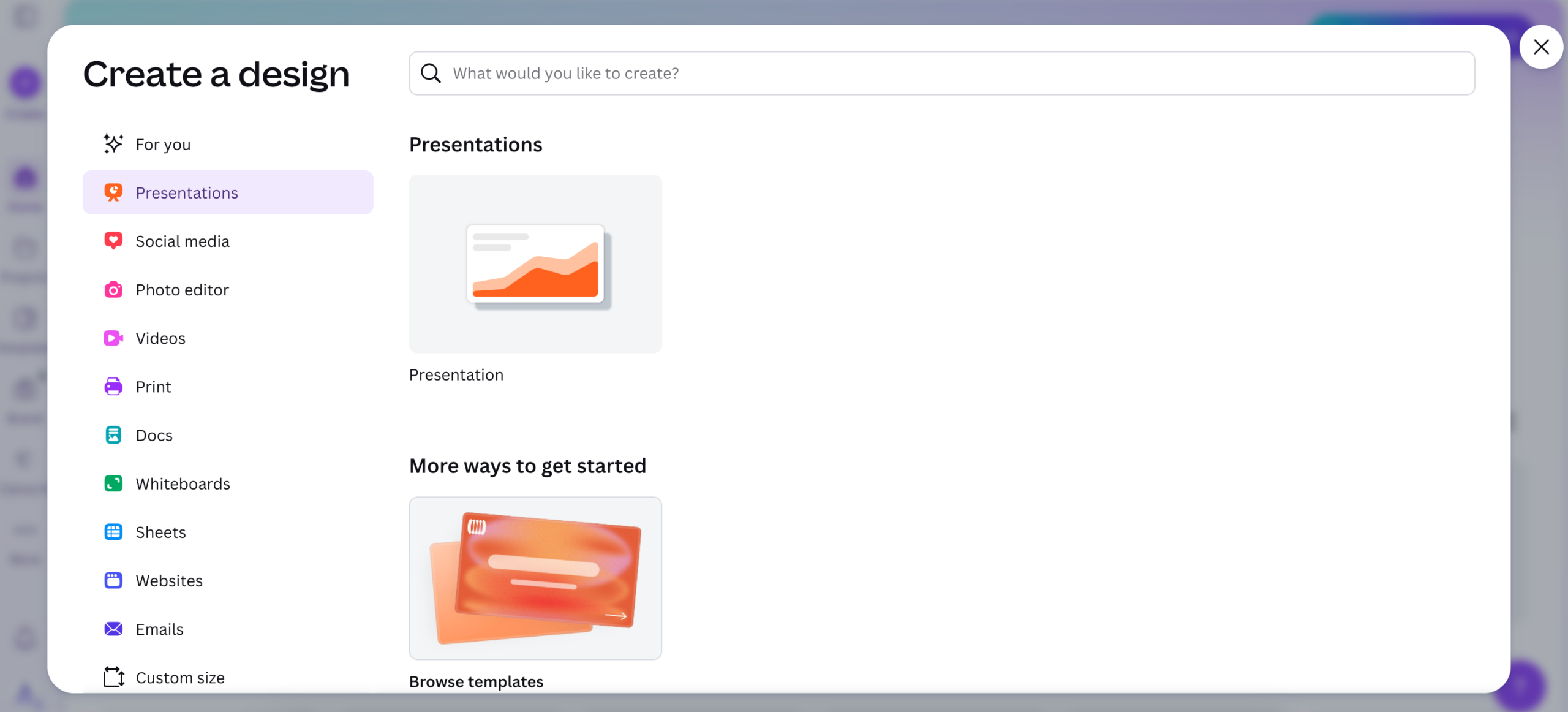
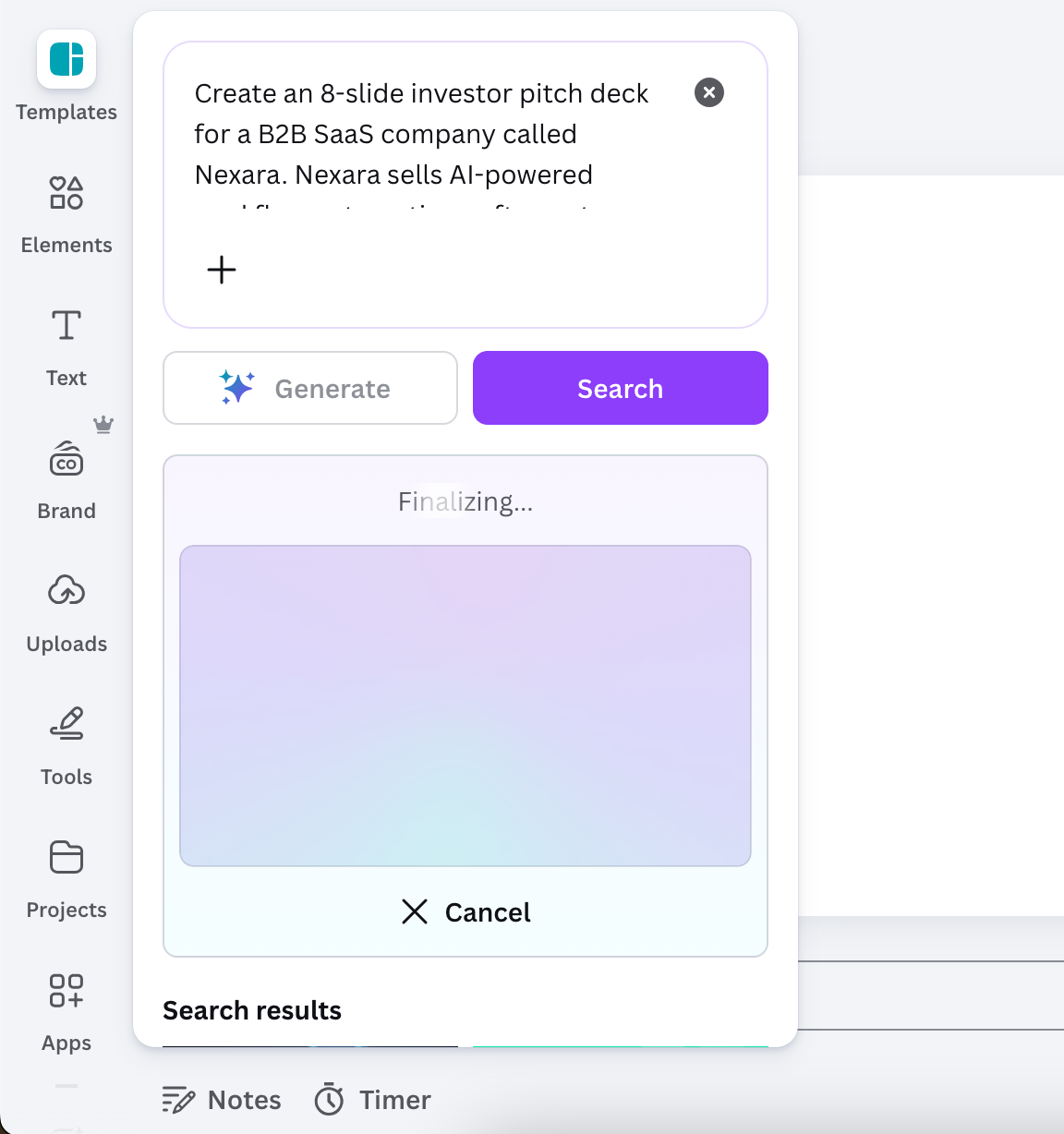
Under Templates, I entered my prompt and pressed on Generate. Unlike Gamma, the presentation wasn’t built live – I waited several minutes until the complete result was generated and inserted the slides myself.
As the multi-step reasoning wasn’t seen, Canva rather displayed generative AI qualities than #4 – Agentic.
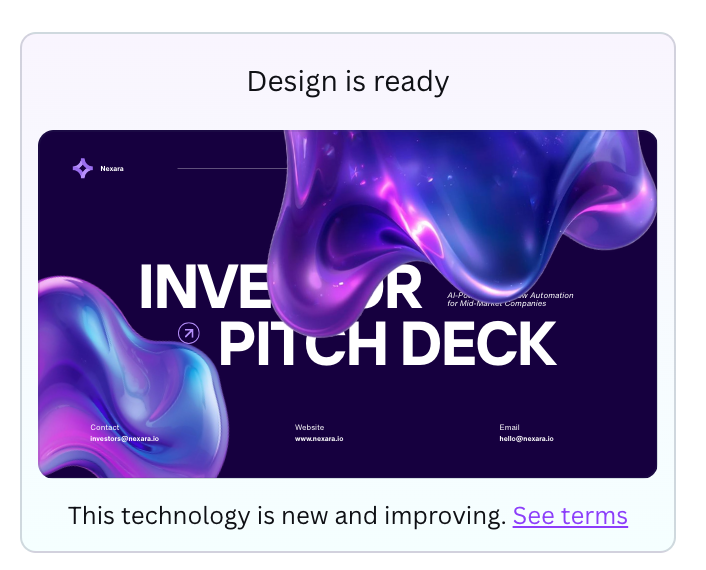
Canva lost points on #1 – Slide Quality and Design Coherence. It seemed Canva applied some of the branding colors throughout the slides, but they were not consistent. This is the first tool on the list so far to not have a design coherence, with or without the branding colors applied.
Additionally, just like with Gamma, the design involved AI-generated images I did not ask for.
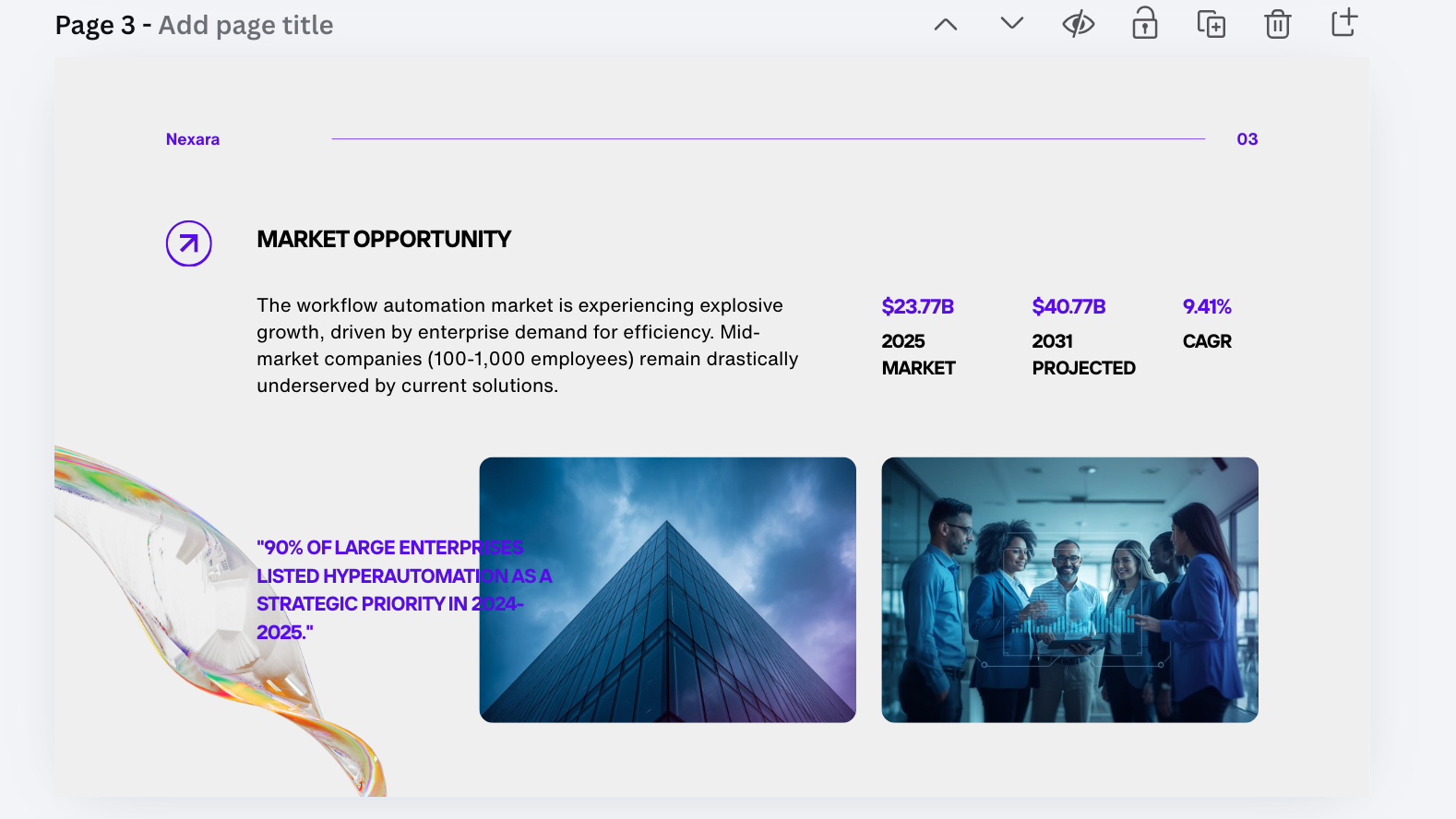
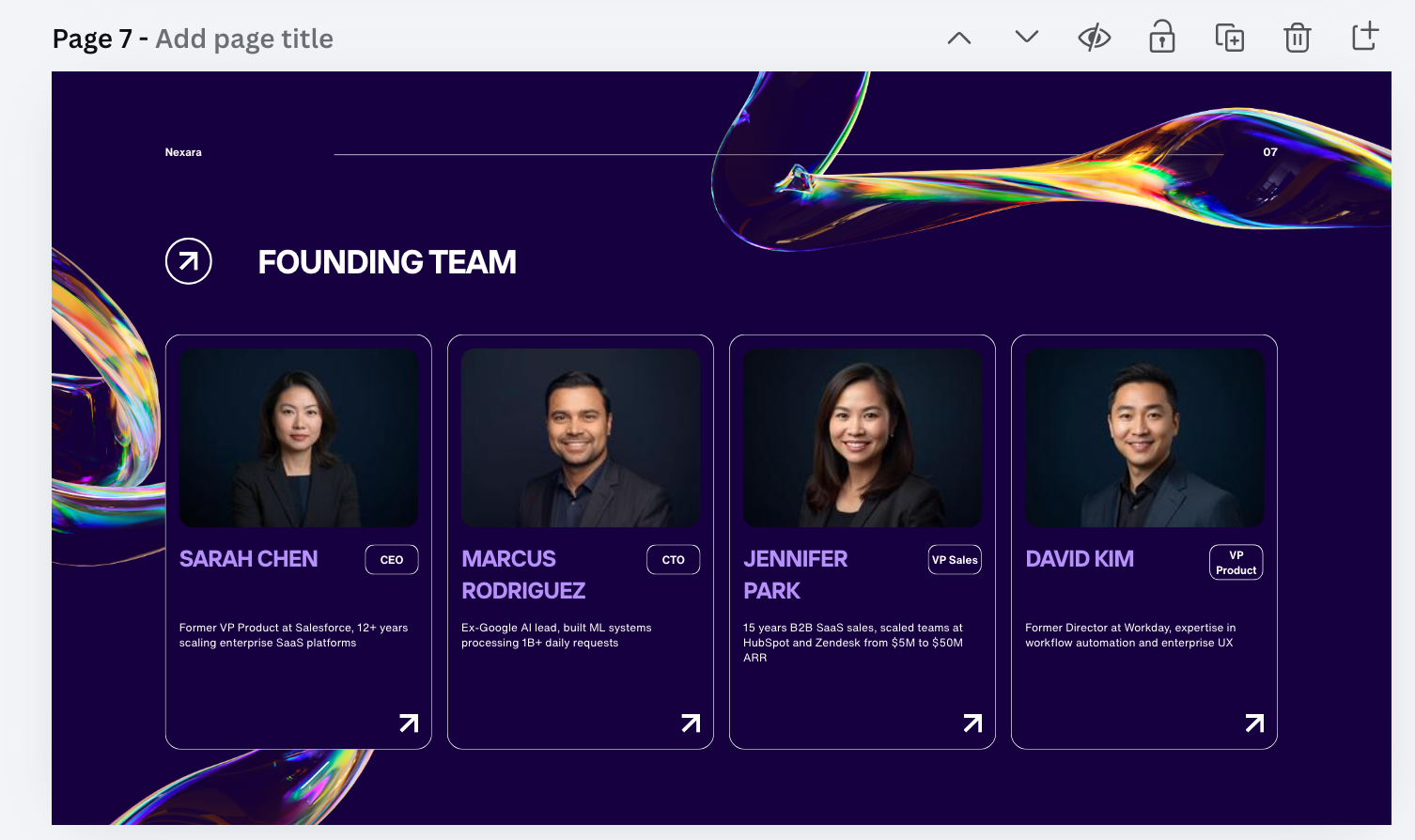
To evaluate #2 – Content Accuracy, I looked at the Market Opportunity slide, as well as what is beginning to seem like a hallucinated slide most tools on this list try to incorporate without being prompted – the team scale.
The data on the Market slide was as per the prompt. The team slide even hallucinated pictures and backgrounds for Nexara’s fictional team, losing points for accuracy.
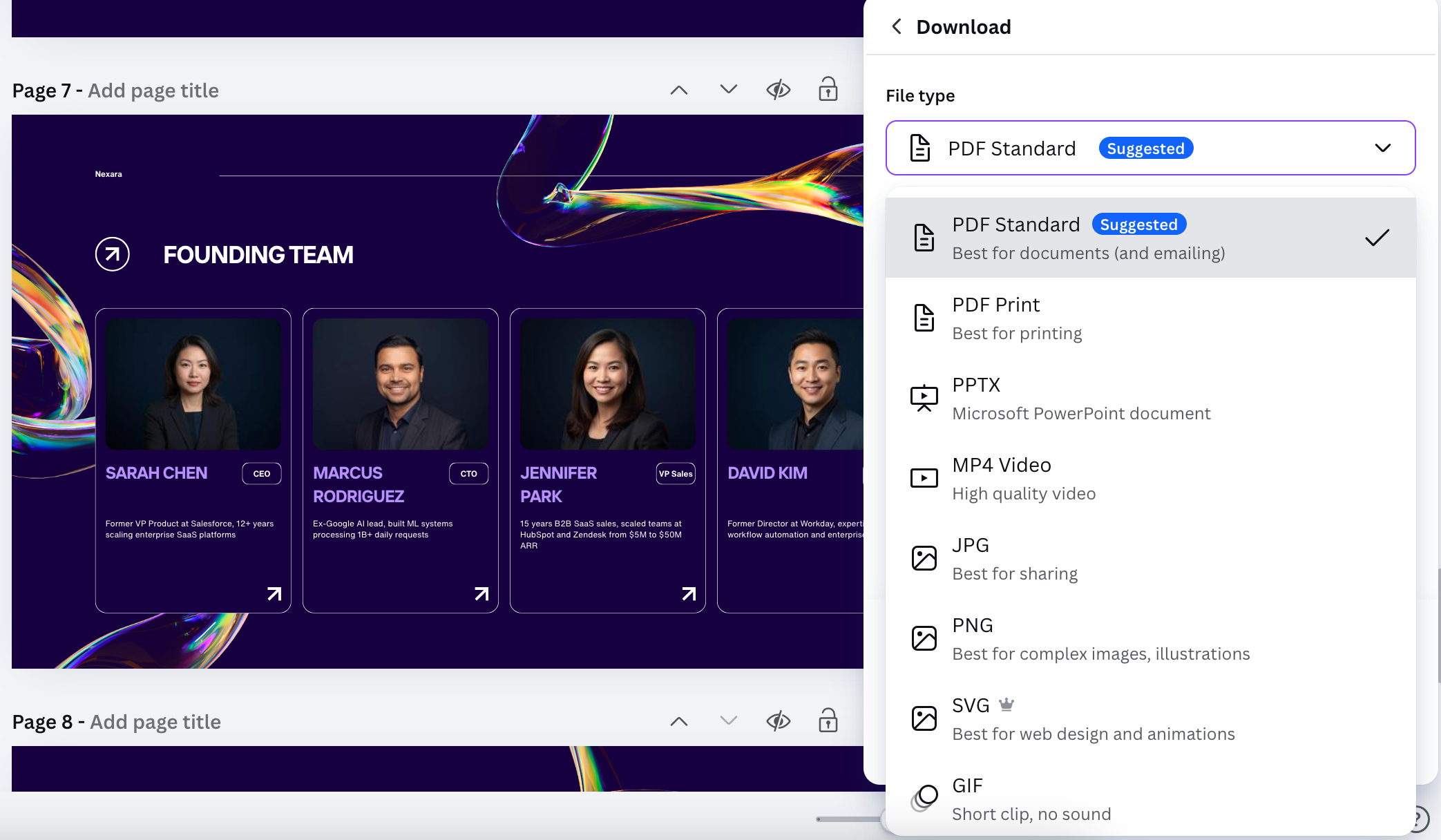
As Canva allowed flexibility with file formats, it scores high on #3 – Export Options. Additionally, #5 – Edit Flexibility is straight-forward, as you can edit the presentation within Canva’s workspace.
About #6 – Pricing: I received a complete presentation for free, without adding a card. Paid subscriptions start at ~$15/mo for the Pro plan and at ~$20/user/mo for the Business plan. It’s steeper than Gamma. But Canva offers more design use cases, whereas Gamma specializes in presentations.
Aside from hallucination and design incoherence, Canva scores pretty high across the criteria.
Full Presentation:
3. GenPPT (+ Walkthrough)
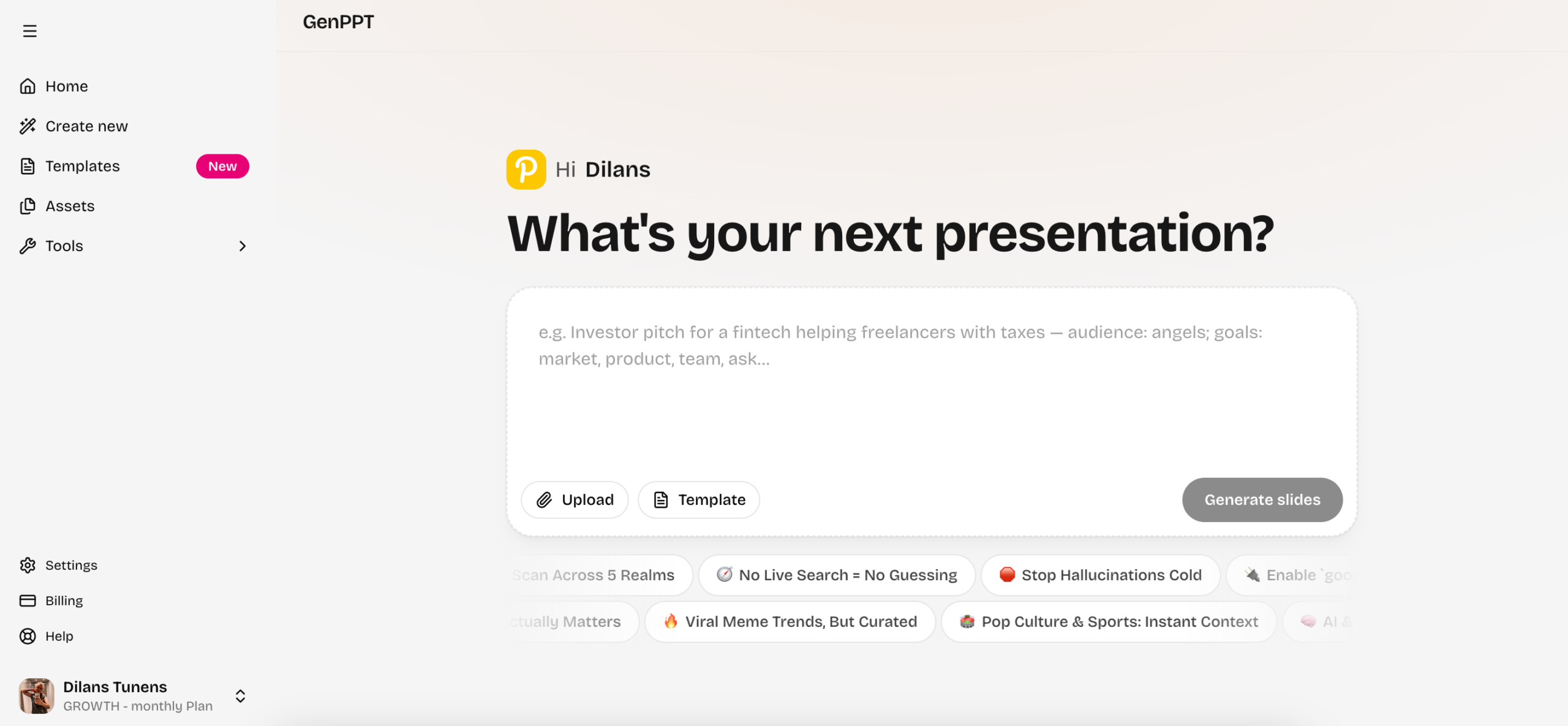
To start: This is the first and only tool on the list that immediately asked me to add a card and pay. Though the fee was small – $1, it was a slight turn-off.
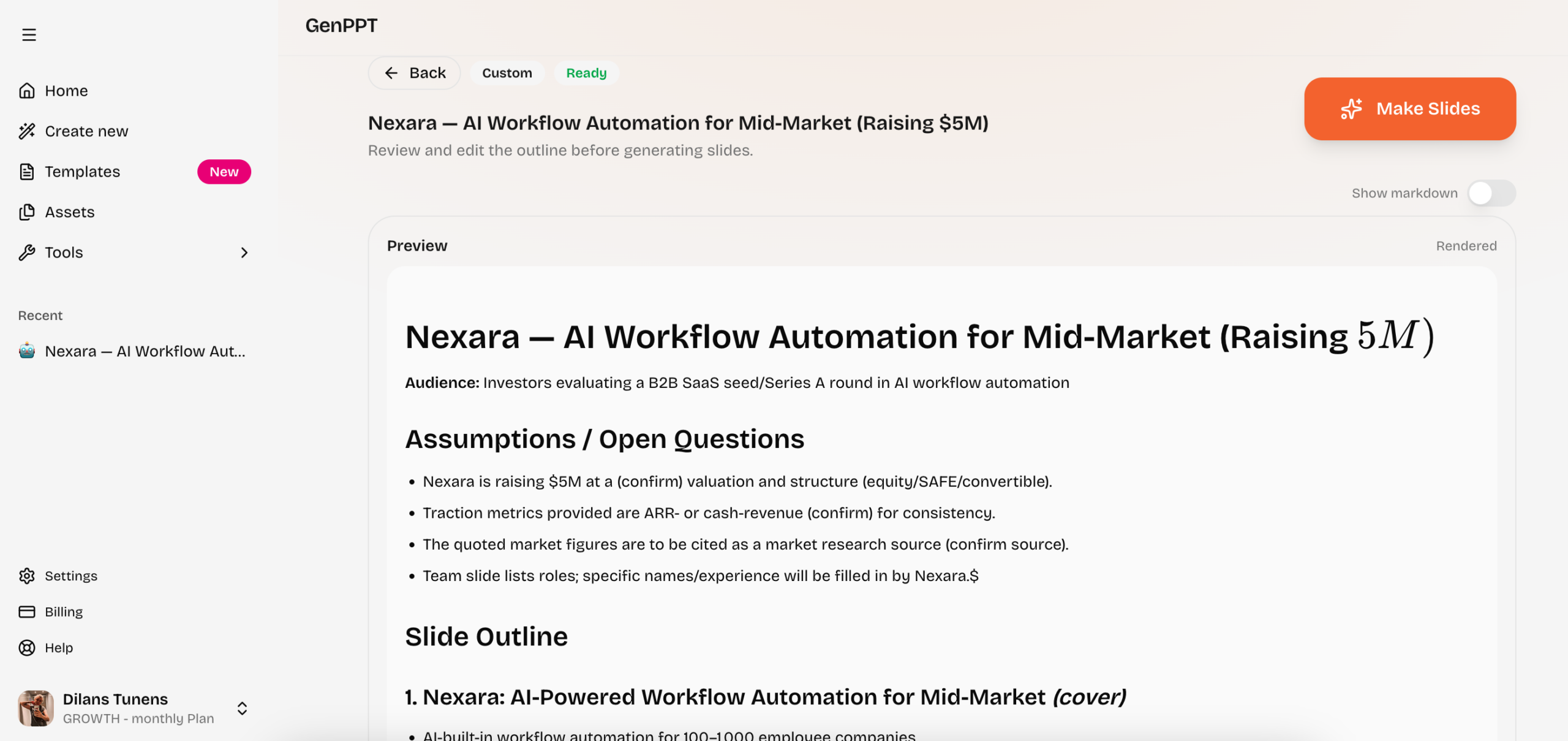
After adding my prompt, GenPPT created a work plan, similarly to how AI agents handled it – extra points for #4 – Agentic behavior. I reviewed the plan and clicked on Make Slides.
The presentation was completed within a few minutes. I was able to see a chat on the left side, which showed that GenPPT corrected and updated some slides, showing more of its agentic qualities.
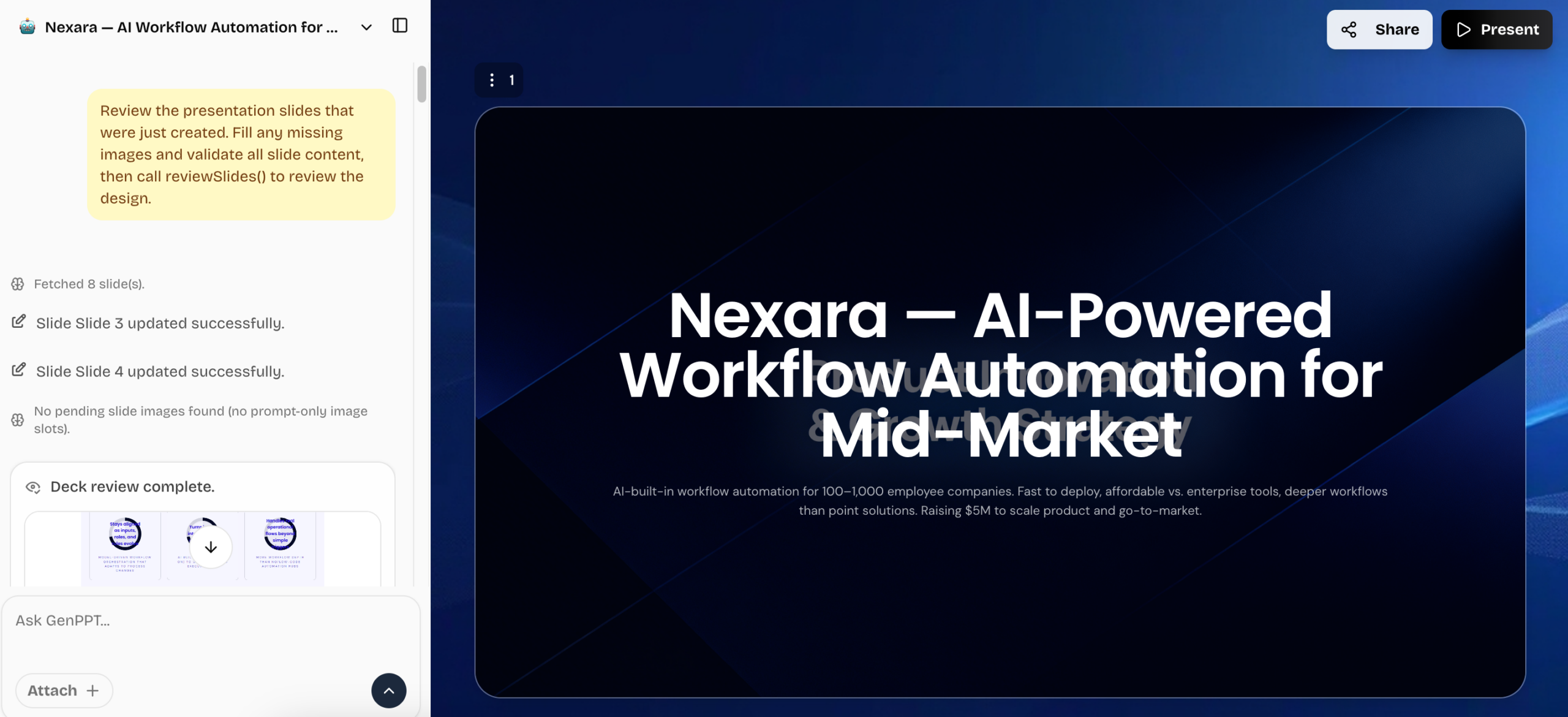
GenPPT lost some points on #1 – Slide Quality and Design Coherence. Instead of using the branding colors for the slides and text, it used them only within AI-generated pictures. It meant the slides and text across the presentation were the same – white text and dark blue background.
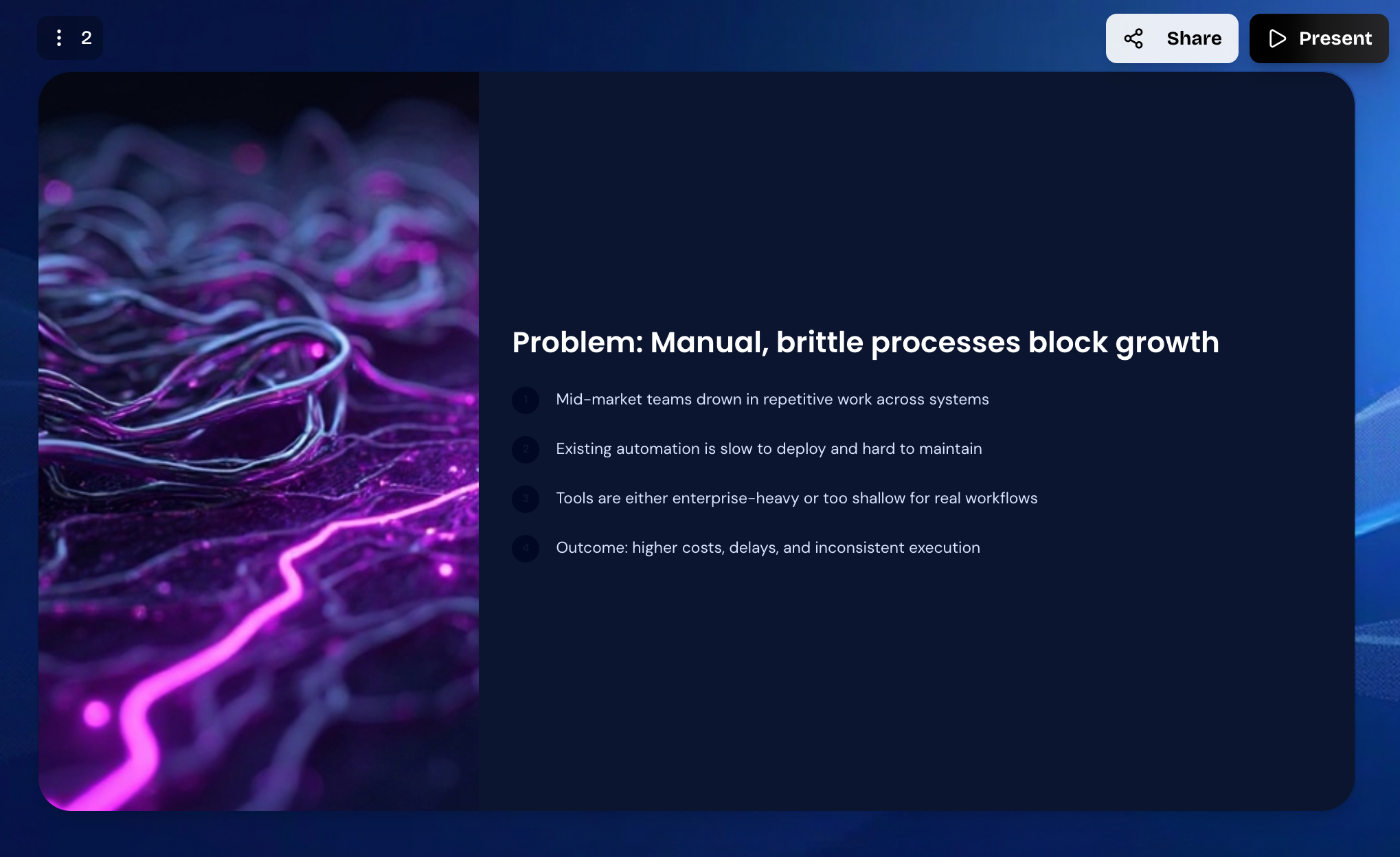
To evaluate #2 – Content Accuracy, I looked at the Market Opportunity slide, which showed data accordingly.
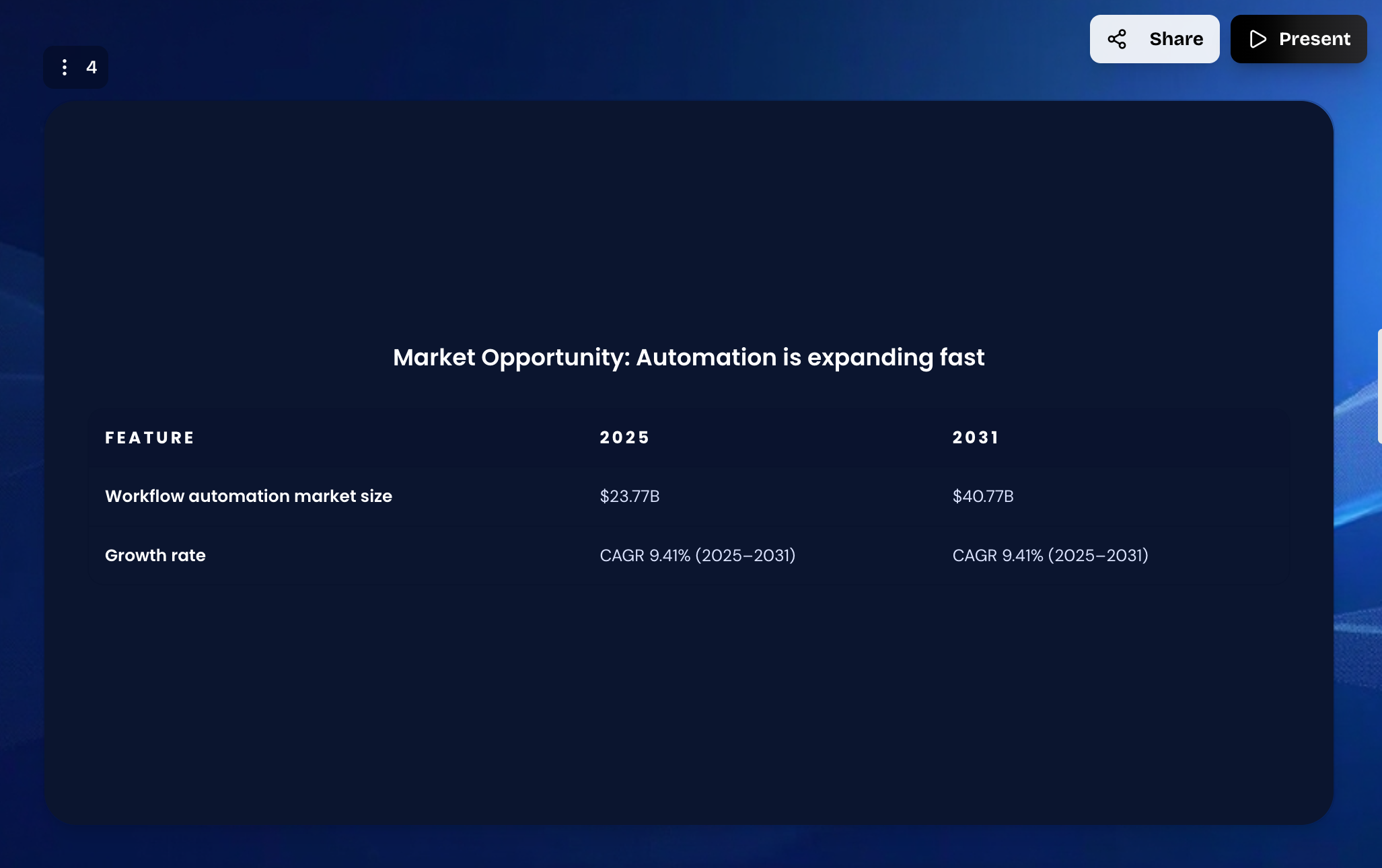
However, the 6th slide caused concern – the text from the prompt was just copied, including a step that the AI should’ve taken, not included in the presentation. Avoid claiming causality was an instruction.
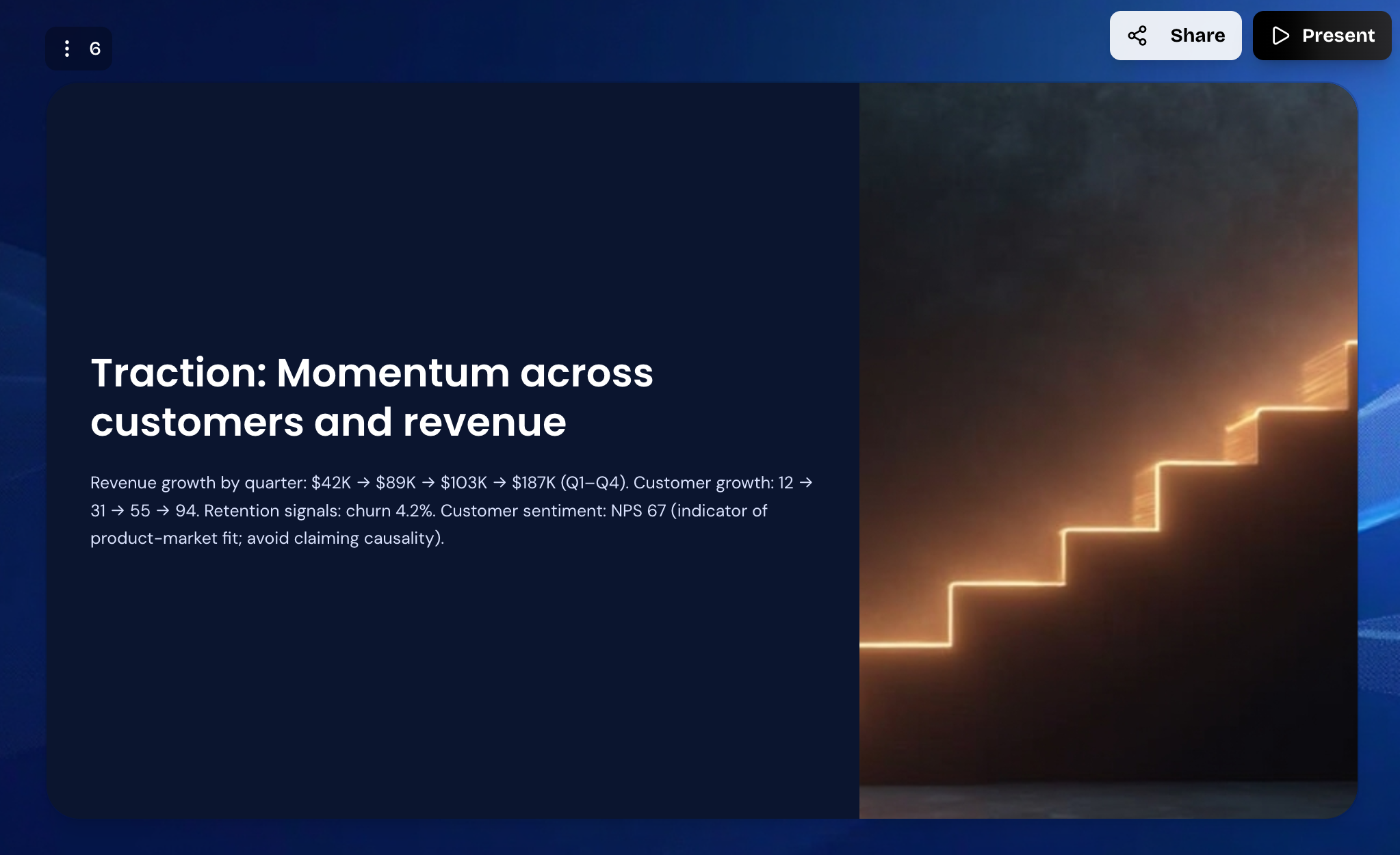
As GenPPT allowed me to export it as a PowerPoint, it scores high on #3 – Export Options. Additionally, #5 – Edit Flexibility is straight-forward, as I could edit the presentation within GenPPT’s workspace.
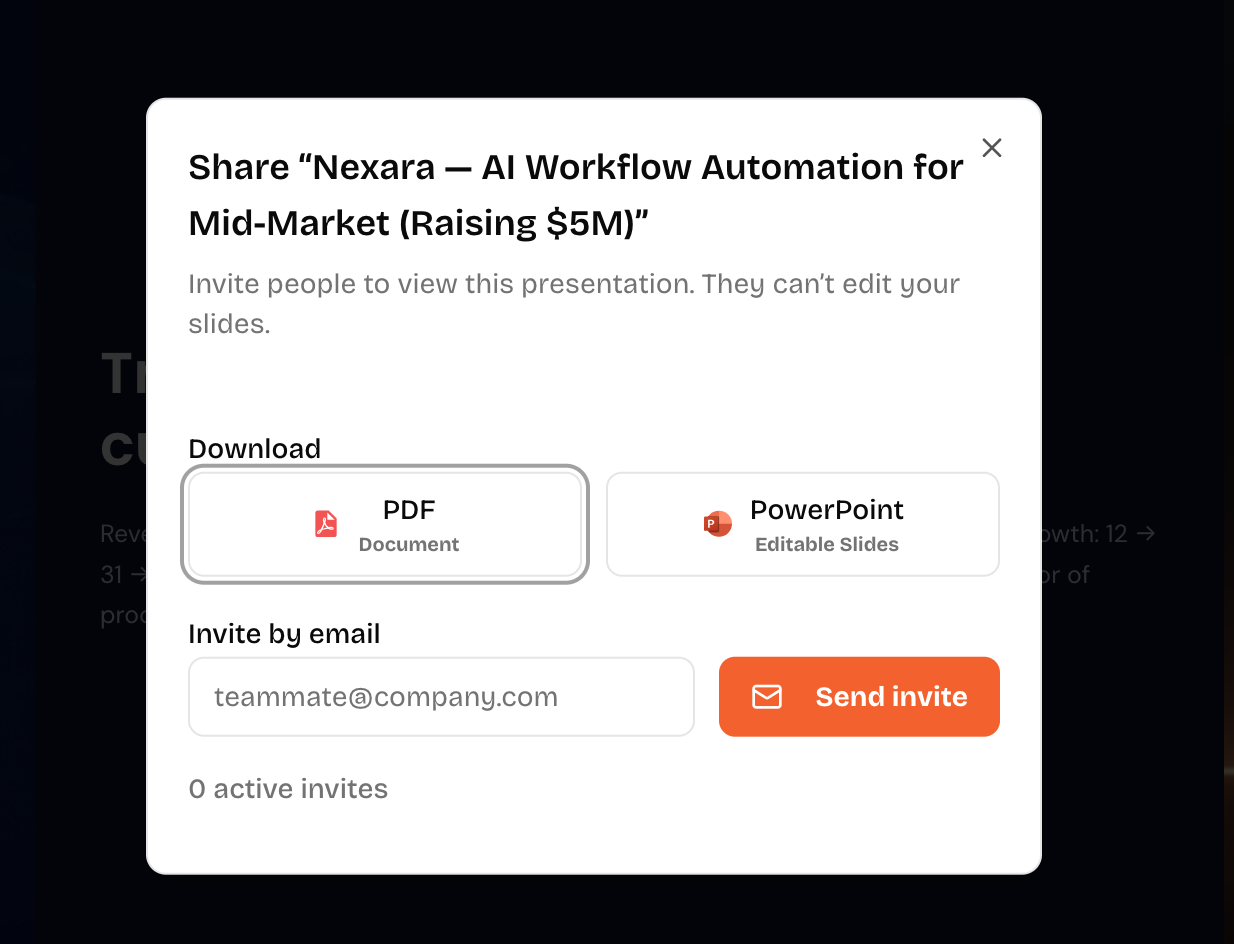
About #6 – Pricing: I received a presentation only after subscribing, adding my card, and paying the fee of 1$. Paid plan starts at $19/month, which is steeper than Gamma while still only remaining a presentation-focused tool.
Overall, I would prefer Canva or Gamma over GenPPT, even if I appreciated GenPPT’s agentic behaviour.
Full Presentation:
Best AI Presentation Makers of 2026: Full Side-by-Side Comparison
After putting all 7 tools through the same investor pitch deck prompt (simplified for AI-assisted tools), here’s how they stack up across the six criteria that matter.
Use this as your decision shortcut – the walkthroughs above contain the full evidence behind every score.
AI Presentation Agents
| Criteria | Ajelix | MS Copilot | Manus | Lindy |
|---|---|---|---|---|
| Slide Quality & Design | 5/5 | 4/5 | 4/5 | 3/5 |
| Content Accuracy | 5/5 | 4/5 | 3/5 | 2/5 |
| Export Options | 5/5 | 5/5 | 5/5 | 2/5 |
| Agentic Behaviour | 5/5 | 5/5 | 5/5 | 4/5 |
| Edit Flexibility | 5/5 | 5/5 | 5/5 | 3/5 |
| Free Tier | Yes (no card) | Yes (no card) | Yes (no card) | Card required |
| Starting Paid Plan | $20/mo | $30/user/mo | $19/mo | $49.99/mo |
| PPTX Export | Yes | Yes | Yes | Friction |
| Best For | Full autonomous workflow | M365 teams | General agent tasks | Business automation |
AI-Assisted Presentation Tools
| Criteria | Gamma | Canva | GenPPT |
|---|---|---|---|
| Slide Quality & Design | 4/5 | 3/5 | 3/5 |
| Content Accuracy | 3/5 | 3/5 | 3/5 |
| Export Options | 4/5 | 5/5 | 4/5 |
| Agentic Behaviour | 3/5 | 2/5 | 4/5 |
| Edit Flexibility | 5/5 | 5/5 | 4/5 |
| Free Tier | Yes (no card) | Yes (no card) | $1 trial only |
| Starting Paid Plan | $8/mo | $15/mo | $19/mo |
| PPTX Export | Yes (paid) | Yes | Yes |
| Best For | Quick visual decks | Design-first users | Content-heavy decks |
Notable Findings
- Ajelix was the only tool to cite sources on data slides – a critical differentiator for professional and investor-facing decks where accuracy is non-negotiable.
- Lindy and GenPPT both required payment before delivering output. They’re the only tools with friction before value.
- Lindy was the only tool that didn’t give a PowerPoint output option
One-Line Verdict
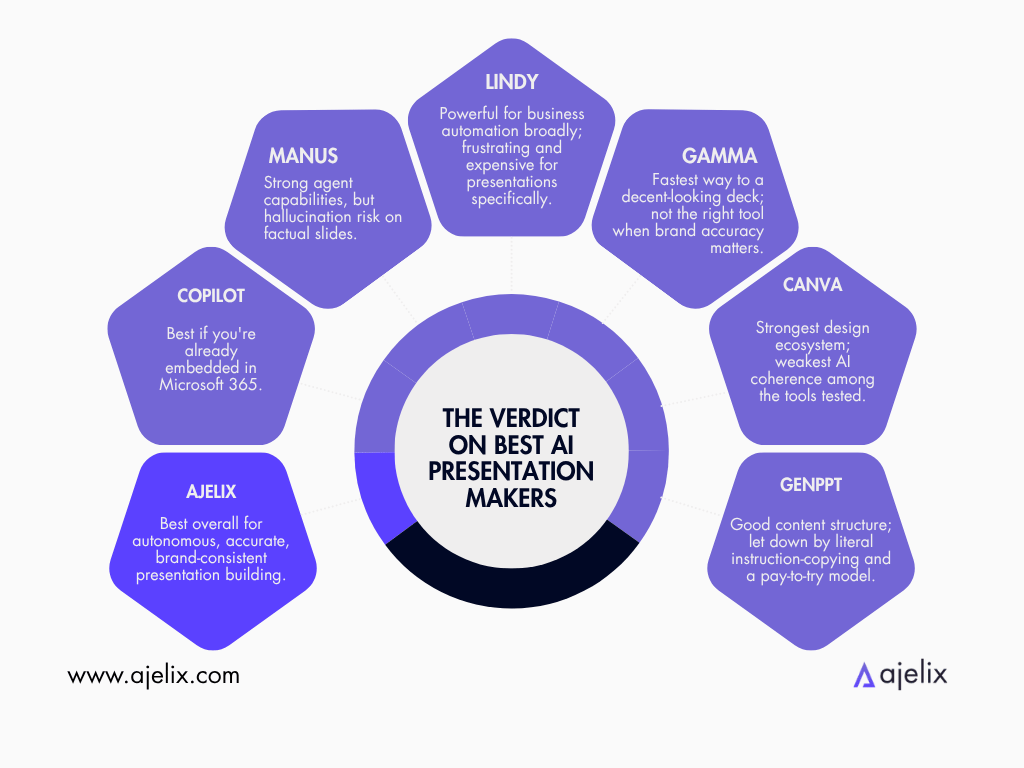
- Ajelix – Best overall for autonomous, accurate, brand-consistent presentation building.
- Microsoft Copilot – Best if you’re already embedded in Microsoft 365 and don’t want to leave it.
- Manus – Strong agent capabilities, but hallucination risk on factual slides.
- Lindy – Powerful for business automation broadly; frustrating and expensive for presentations specifically.
- Gamma – Fastest way to a decent-looking deck; not the right tool when brand accuracy matters.
- Canva – Strongest design ecosystem; weakest AI coherence among the tools tested.
- GenPPT – Good content structure; let down by literal instruction-copying and a pay-to-try model.
Tier 1 vs. Tier 2: Which Should You Choose?
After testing all 7 tools, the honest answer is that neither tier is objectively better – they’re built for different people solving different problems. The right choice depends on three factors: presentation frequency, control preferences, and whether you need the tool to work for you or with you.
Choose AI Agents if you:
- Build presentations regularly and want to automate the full workflow
- Need your presentation tool to connect with other platforms, pull in live data, or slot into a broader content pipeline
- Work in a team where decks need to be produced at scale with consistent structure and messaging
- Want the AI to make decisions rather than waiting for you to direct every step
- Are comfortable giving an AI a goal and trusting it to come back with a finished result
Choose AI-Assisted Tools if you:
- Build presentations occasionally and want a fast, polished output without a learning curve
- Care about having full creative control over layout, design, and tone from the start
- Are working on a one-off deck – e.g. a pitch, a proposal, a class project, where automation isn’t the priority
- Are on a tight budget and want a generous free tier before committing to a paid plan
- Prefer to stay inside familiar tools like Google Slides or PowerPoint rather than adopting a new platform
Which AI Presentation Tool Is Right for You?
| Your Situation | Best Tier | Recommended Tool |
|---|---|---|
| Marketing team producing weekly decks | Tier 1 – AI Agent | Ajelix |
| Enterprise team on Microsoft 365 | Tier 1 – AI Agent | Microsoft Copilot |
| Freelancer needing a fast one-off deck | Tier 2 – AI-Assisted | GenPPT |
| Non-designer wanting something visual | Tier 2 – AI-Assisted | Canva |
| Student or early-stage founder on a budget | Tier 2 – AI-Assisted | Gamma |
It’s also worth noting that some workflows call for both. You might use an AI agent to build the first draft at scale, then refine the final version inside an AI-assisted tool where you have more granular control. The tiers aren’t mutually exclusive, rather complementary.
The Future of AI Presentation Makers: Where This Software Is Heading
Most review lists won’t tell you that every tool on this list will look different in 18 months.
The AI presentation market is one of the fastest-moving categories in software right now. According to Research and Markets, it grew from $1.54 billion in 2024 to $1.94 billion in 2025 and is projected to hit $4.79 billion by 2029. That kind of sustained growth rate means the tools themselves are changing shape.
From generation to orchestration
Every tool on this list generates slides. That’s just the minimum expectation now. The competitive frontier has shifted to orchestration – AI that doesn’t wait to be told what to do next, but completes the full workflow on its own.
IBM called 2026 “the year where multi-agent systems move into production.” In presentation terms, that means a near-future where you brief an AI, and it researches your topic, pulls your brand assets, structures the narrative, builds the deck, and exports it, while you do something else.
The shift from “AI that helps you make slides” to “AI that makes slides” is already underway. The tools closest to that outcome today are the ones worth watching.
Multimodal by default
IDC predicts that by 2028, 80% of AI foundation models will be multimodal – capable of processing text, images, audio, and video simultaneously. For presentation tools, that changes the input side entirely.
Right now, you prompt with text. Soon, you’ll brief an AI with a voice memo, a rough sketch, a recorded meeting, or a PDF strategy doc, and it will synthesize all of it into a structured deck. Tools that are building toward multimodal input today are building toward the default experience of 2028.
The role of the human is shifting
This is perhaps the most important structural change, and the one that gets least attention in feature comparison articles.
The “deck designer” role is disappearing. In its place comes the workflow director – someone who sets the brief, approves the output, and keeps things on-brand. AI handles everything in between.
What matters most is that shift isn’t a threat to good communicators. It’s a compression of the gap between having an idea and being able to present it clearly. The people who adapt fastest will simply be more prolific.
The open question
None of this is guaranteed to arrive evenly, or on schedule. The history of software is littered with features that were “the future” for three years and then quietly dropped.
What I’m more confident about: the tools that will matter in 2028 are not the ones with the best template library today. They’re the tools that are actively building toward autonomous, agentic output, where the finished deck is the response, not the starting point.
That’s the gap worth watching. And it’s what shaped every score and recommendation in this guide.
FAQ
AI agents plan, reason, and execute entire workflows autonomously from a single prompt – building your deck while you do something else. AI-assisted tools generate slides on demand but wait for you to direct each step, keeping you in control of structure and design from the start.
Gamma is the best for beginners because it’s fast, has a generous free tier, and requires no learning curve. If you want an AI agent that handles the full workflow, Ajelix is the best beginner-friendly option with a simple interface and free tier.
Yes, most tools support PowerPoint export. Ajelix, Microsoft Copilot, Manus, Gamma, Canva, and GenPPT all export directly to PPTX. Lindy had significant friction with file delivery during testing.
Some do. During testing, Manus, Lindy, Gamma, Canva, and GenPPT all hallucinated data or invented slides not requested in the prompt. Ajelix was the only tool that cited sources accurately and stayed grounded in the provided data without fabricating information.
Ajelix performed best for brand consistency, applying the exact color palette and keeping design coherent across all slides. Microsoft Copilot and Manus also maintained branding well, though with minor inconsistencies. Lindy, Canva, Gamma, and GenPPT struggled with consistent brand application.
Yes. Ajelix, Microsoft Copilot, Manus, Gamma, and Canva all offer free tiers without requiring a credit card upfront. Lindy requires payment details before access, and GenPPT charges $1 immediately for a trial.
Microsoft Copilot is the best choice for M365 teams because it integrates natively with the Microsoft ecosystem. However, it performs weaker with third-party outputs, so teams working outside M365 should consider Ajelix instead.
AI agents like Ajelix can connect to other platforms, search the web for up-to-date data, and pull live information into presentations. AI-assisted tools like Gamma, Canva, and GenPPT work only with the data you provide in the prompt and don’t fetch external information autonomously.
Most AI agents take 8-12 minutes to complete a full investor pitch deck with data, branding, and exports. Ajelix took 10 minutes, Microsoft Copilot around 8–10 minutes, and Manus 10–12 minutes. AI-assisted tools like Gamma and Canva generate slides in 3–5 minutes but require more manual input.
Ajelix offers the best value, starting at $20/month with a free trial that handles complex workflows without requiring payment. Manus ($19/mo) is competitive, but with lower content accuracy. Microsoft Copilot ($30/user/mo) is justified only for M365-embedded teams. Lindy ($49.99/mo) is overpriced for presentation-specific use.
Agentic AI chat that helps you complete projects
AI for work that ingests, transforms, and delivers the exact deliverables your team needs, while you stay focused on strategy. No more chatting, agents can get the job done.