The 9 Best AI Agents in 2026 (Reviewed By Our Team)
Everyone said AI was going to change how we work. For a while, that mostly meant getting faster at Googling things.
The best AI agents actually finish the job – a real Excel file, a dashboard you can send to a client, a report that doesn’t need two more hours of your time before it’s usable. That’s the bar I held every tool on this list to.
I tested 15+ AI agent options across eight criteria and asked myself one question: would I actually use this in my own work?
What is an AI agent – And Why Are They Taking Over?
An AI agent is a system that plans, executes, and delivers a finished output toward a goal – without needing step-by-step guidance. Unlike a generative AI chatbot that stops at a response, an AI agent completes the work.
AI agents are taking over because people are tired of being the middle step. With a chatbot, you get instructions. With an AI agent, you get the finished output. No extra tools, no manual assembly. For an SMB analyst, manager, or digital professional, that difference is monumental.
No code, no formulas, no technical expertise required – just clarity about what you want.
See also: Agentic AI vs AI Agents: What’s the Difference and Why It Matters.
What Makes an AI Agent the “Best”? My Evaluation Criteria
The best AI agents complete full workflows end-to-end, handle real business file formats, and require no technical expertise.
I researched every AI agent on our list based on the following evaluation criteria:
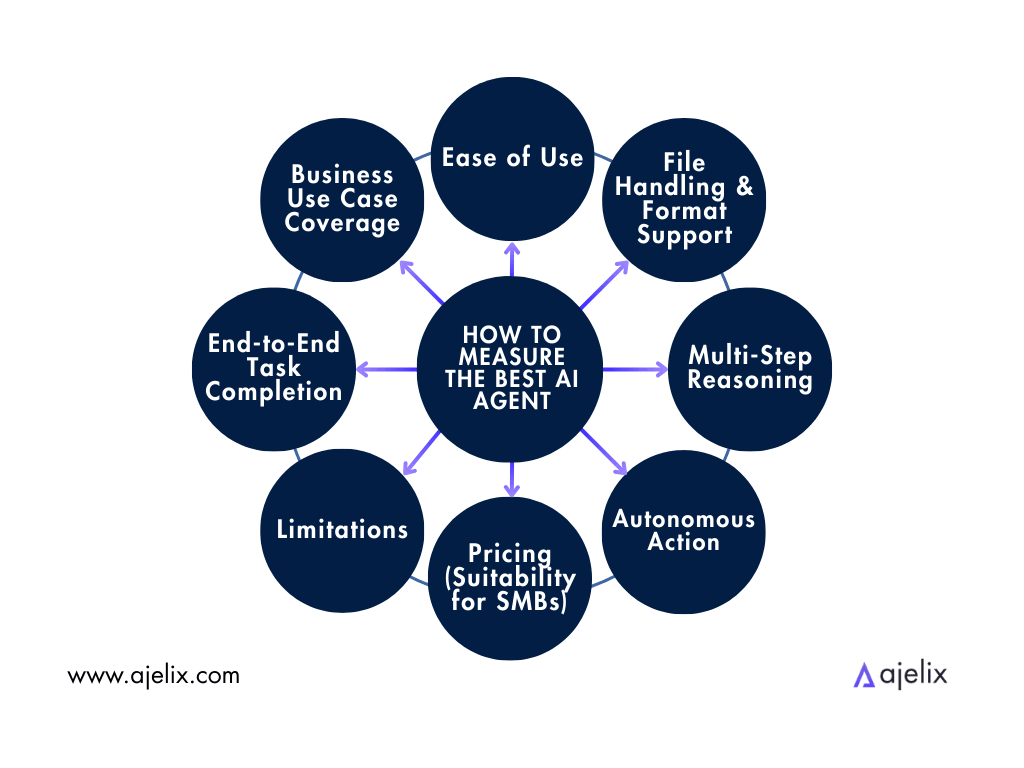
I based these criteria on what I look for in AI agents as a Digital Business Professional myself:
- End-to-End Task Completion: Can the agent complete a full, deliverable workflow from raw input? Agents that handle analysis, output, and file creation score higher.
- Business Use Case Coverage: Does the agent support real business workflows: data analysis, reporting, dashboards, presentations? General-purpose agents that lack business depth score lower.
- Ease of Use (No-Code Friendly): Can a non-technical user – analyst, manager, small business owner – use it without writing code? Usability for non-developers is weighted heavily.
- File Handling & Format Support: Can the agent work with real-world file types: CSV, Excel, PDF, PowerPoint? Agents limited to text-only or unfamiliar outputs score lower.
- Multi-Step Reasoning: Can the agent handle follow-up questions and drill down into data while maintaining context? Single-shot agents that can’t keep up score lower.
- Autonomous Action: Does the agent take initiative, or only respond to exact prompts? Agents that flag anomalies and suggest next steps score higher – controlled autonomy, not reckless automation.
- Pricing (SMB – Small to Medium Business – and Team Suitability): Is the pricing realistic for small teams and SMBs, or is it built for enterprise?
- Limitations: Does the agent acknowledge when it can’t complete a task or makes a mistake? Trust is built when I can rely on an agent to point out its setbacks.
My core question is: would I use this in my own professional workflow?
The 8 Best AI Agents Right Now
Here are my Top AI Agents at a Glance:
| AI Agent | Best For | Key Features | Pricing |
|---|---|---|---|
| Ajelix | End-to-End Task Completion (#1) + File Handling (#4) + Business Use Cases (#2) | File creation (Excel, PDF, dashboards), data analysis, business report generation, no-code workflow | Free trial available · Lite $39/mo · Pro $99/mo · Max $199/mo |
| Microsoft Copilot | Business Use Case Coverage (#2) + File Handling (#4) + Ease of Use (#3) | Microsoft 365 integration, document augmentation, team collaboration, enterprise data privacy | Copilot Chat included with Microsoft 365 · Copilot Pro $20/user/mo · M365 Copilot Business $21/user/mo · Enterprise add-on $30/user/mo |
| CloudTalk | Autonomous Action (#6) + Business Use Case Coverage (#2) + Ease of Use (#3) | AI voice agents, CRM integration, appointment booking, multilingual support, call routing, and analytics | Lite €25/user/mo · Essential €29/user/mo · Expert €49/user/mo · Custom Enterprise |
| Manus AI | Autonomous Action (#6) + End-to-End Task Completion (#1) + Multi-Step Reasoning (#5) | Autonomous multi-step execution, minimal hand-holding, complex task planning, high initiative | Free plan with limited credits · Basic ~$20/mo · Plus ~$40/mo · Extended ~$200/mo (credit-based) |
| Claude (Anthropic) | Multi-Step Reasoning (#5) + Limitations Transparency (#8) | Structured reasoning, honest uncertainty disclosure, long-form analysis, nuanced responses | Free tier available · Pro $20/mo · Max $100/mo (5×) or $200/mo (20×) · Team from $20/seat/mo · Enterprise $20/seat + usage |
| ChatGPT | Ease of Use (#3) + Multi-Step Reasoning (#5) + General Coverage | Broad general-purpose coverage, user-friendly, versatile task handling, large plugin ecosystem | Free tier available · Plus $20/mo · Pro $200/mo · Business $30/user/mo · Enterprise (custom) |
| Zapier AI | Autonomous Action (#6) + Business Use Case Coverage (#2 – process side) | Cross-app workflow automation, 8,000+ integrations, trigger-based actions, process automation | Free tier and 14-day free trial available · Professional from $19.99/mo · Team from $69/mo · Enterprise (custom) |
| Gemini Deep Research | Multi-Step Reasoning (#5) + Business Use Case Coverage (#2 – research side) | Real-time web research, cited report generation, Google Workspace integration, deep synthesis | 1-month free trial on AI Pro · AI Plus $7.99/mo · AI Pro $19.99/mo · AI Ultra $249.99/month |
| Perplexity AI | Limitations Transparency (#8) + Ease of Use (#3) – with a narrow scope | Fast sourced answers, real-time search, citation transparency, lightweight research lookups | Free tier available · Pro $20/mo ($200/yr) · Max $200/mo · Enterprise Pro $40/user/mo |
No single agent leads on all 8 criteria. The agents that score highest on autonomous action (Manus) tend to be priced for enterprise. The ones best at research (Gemini, Perplexity) don’t produce business file outputs. The ones easiest to use (ChatGPT, Copilot) trade depth for accessibility.
Each agent here represents a different approach to the same problem. The rankings reflect full-workflow performance, not a single standout feature.
Below, I cover what each one does well, where it falls short, and who it’s built for.
1. Ajelix
Who is it for? SMBs, freelancers, founders/CEO/managers, digital professionals.
- Pros: Turns chat commands into ready-to-use deliverables – Excel files, dashboards, presentations, and web apps – without any coding skills required.
- Cons: Lacks team plan to share resources internally. Optimized for more complex work and tasks, meaning simple tasks may take more time.
Ajelix handles the full workflow. Start with a raw data file or a simple prompt. Get back a finished Excel spreadsheet, PDF report, dashboard, or presentation. No code, formulas, or technical setup required. That end-to-end capability is what separates it from generalist tools that hand the work back to you halfway through.
For SMBs and founders/managers/CEOs, the practical advantage is that Ajelix was designed around their actual tasks. Data analysis, reporting, file creation, and business output generation. My favorite part – you can follow the full reasoning process as it works. That transparency builds trust – you see how the result was reached, not just the result itself.
Pricing starts at a free tier, with Lite at $39/month, Pro at $99/month, and Max at $199/month. It doesn’t win every criterion in isolation. It wins the combination – and that’s what this evaluation measures.

2. Microsoft Copilot
Who is it for? Teams and enterprises already embedded in the Microsoft 365 ecosystem.
- Pros: Deeply integrated across Microsoft 365. A study commissioned by Microsoft found up to 70% reduction in enterprise search time.
- Cons: It assists rather than acts – it can’t execute workflows autonomously. AI hallucinations remain a recurring issue.
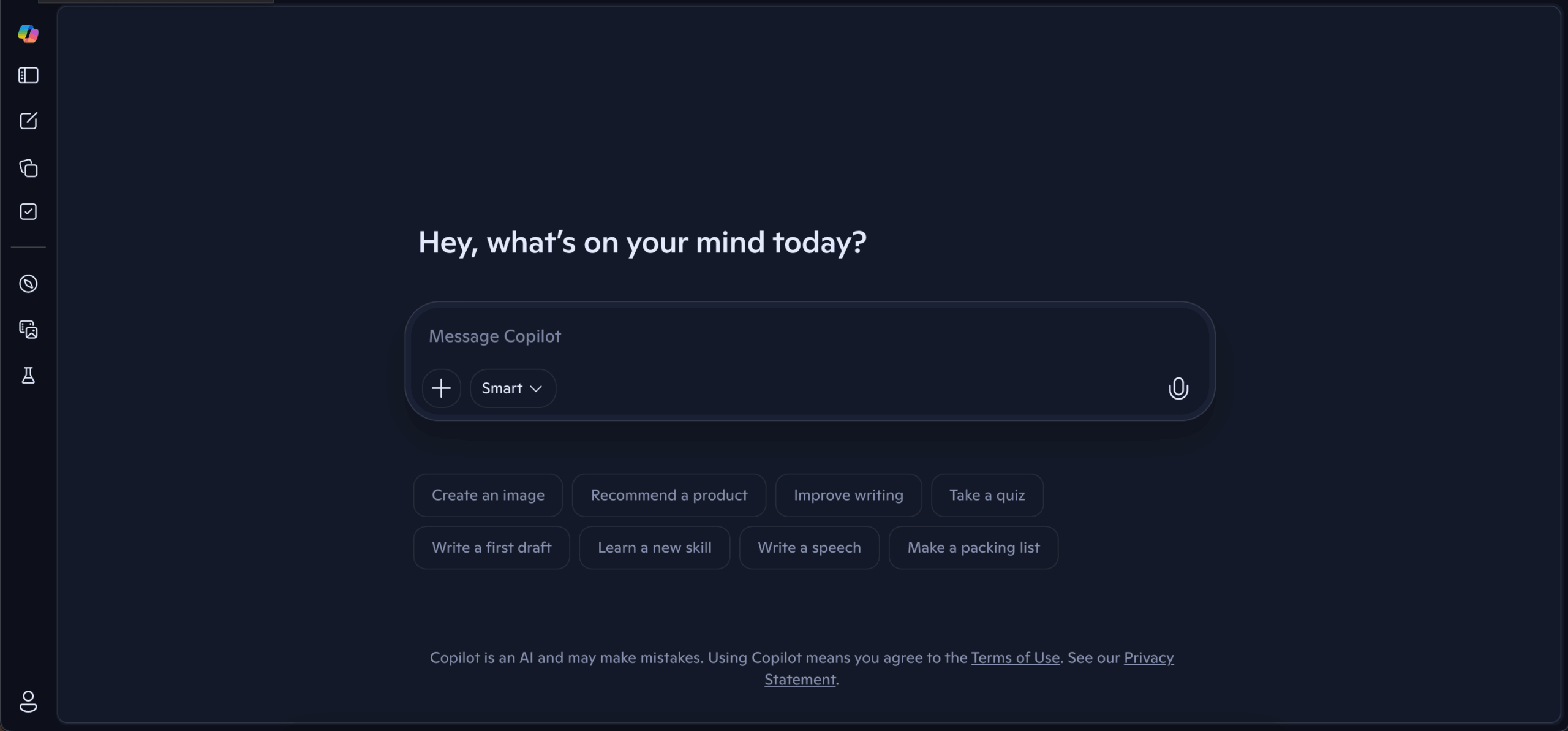
Microsoft Copilot earns its place at #2 through deep, native integration across Microsoft 365 – Word, Excel, PowerPoint, Teams, and Outlook. For teams already in that ecosystem, it fits right into existing workflows. It can augment files, summarize meetings, and draft documents without ever leaving the apps you’re already in.
The key distinction from Ajelix is directional: Copilot works within the Microsoft ecosystem only. It enhances, edits, and extends. Ajelix works in Microsoft, G Suite environments and builds the finished output from a raw prompt or data file.
Need to polish existing files? Copilot excels. Need a deliverable built from scratch? It falls short.
One more limitation: Copilot is locked to the Microsoft stack. It wasn’t built for external tools or outside workflows.
3. CloudTalk
Who is it for?
Growing teams and SMBs that want an AI voice agent and a full calling platform in one ecosystem, with 24/7 coverage on every inbound and outbound call.
- Pros: The only agent on this list that actually picks up the phone. Its AI VoiceAgents answer inbound calls and place outbound ones autonomously, 24/7, in 60+ languages, and sync what they hear straight to your CRM.
- Cons: Built for growing teams and SMBs rather than large enterprise deployments.
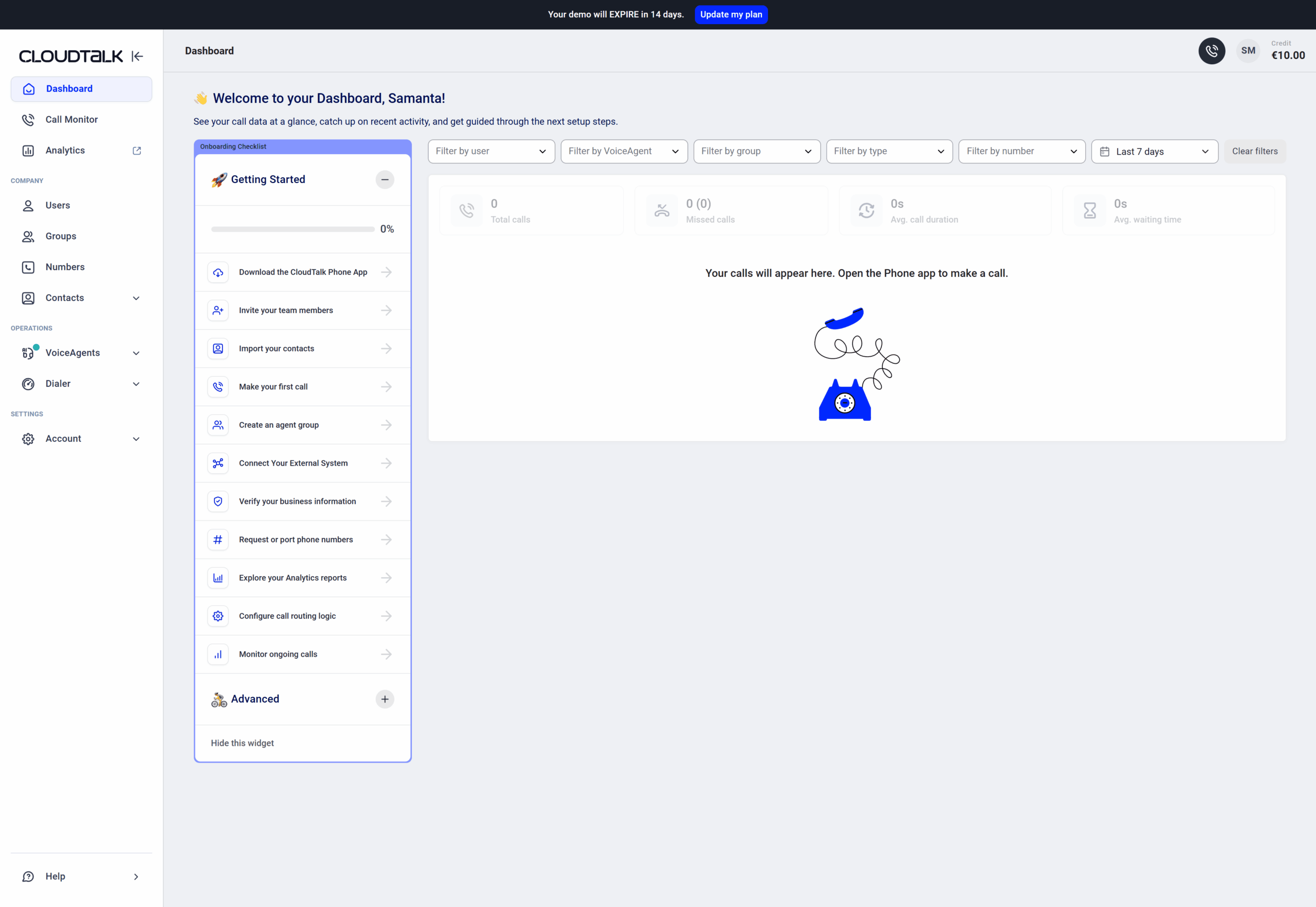
Every other agent here works in text. CloudTalk works on the line. Its AI VoiceAgents answer inbound calls; checking order and ticket status, booking appointments, resolving FAQs, and routing or transferring to a human the moment a call needs one, and place outbound calls for follow-ups, appointment confirmations, surveys, notifications, and lead outreach. Each agent runs from a prompt and your uploaded knowledge base, speaks 60+ languages, captures structured data mid-call, and syncs it straight to your CRM, so the outcome of every conversation lands where your team already works.
You pick the conversational AI provider, the language model, and the voice. And because the agent sits inside CloudTalk’s calling platform; dialers, call flows, integrations, analytics, the same setup covers your human reps and your AI ones. Pricing of CloudTalk starts at €25/user/mo, Essential at €29/user/mo, and Expert- the most popular plan at €49/user/mo (billed annually), with a custom tier for larger needs.
4. Manus AI
Who is it for? Technical users, developers, and power users running complex multi-step workflows.
- Pros: Runs complex, multi-step tasks autonomously in the background. Recent updates have significantly improved speed and added an unlimited context window.
- Cons: Struggles with branching logic, has limited native integrations, and remains in beta with inconsistent reliability.
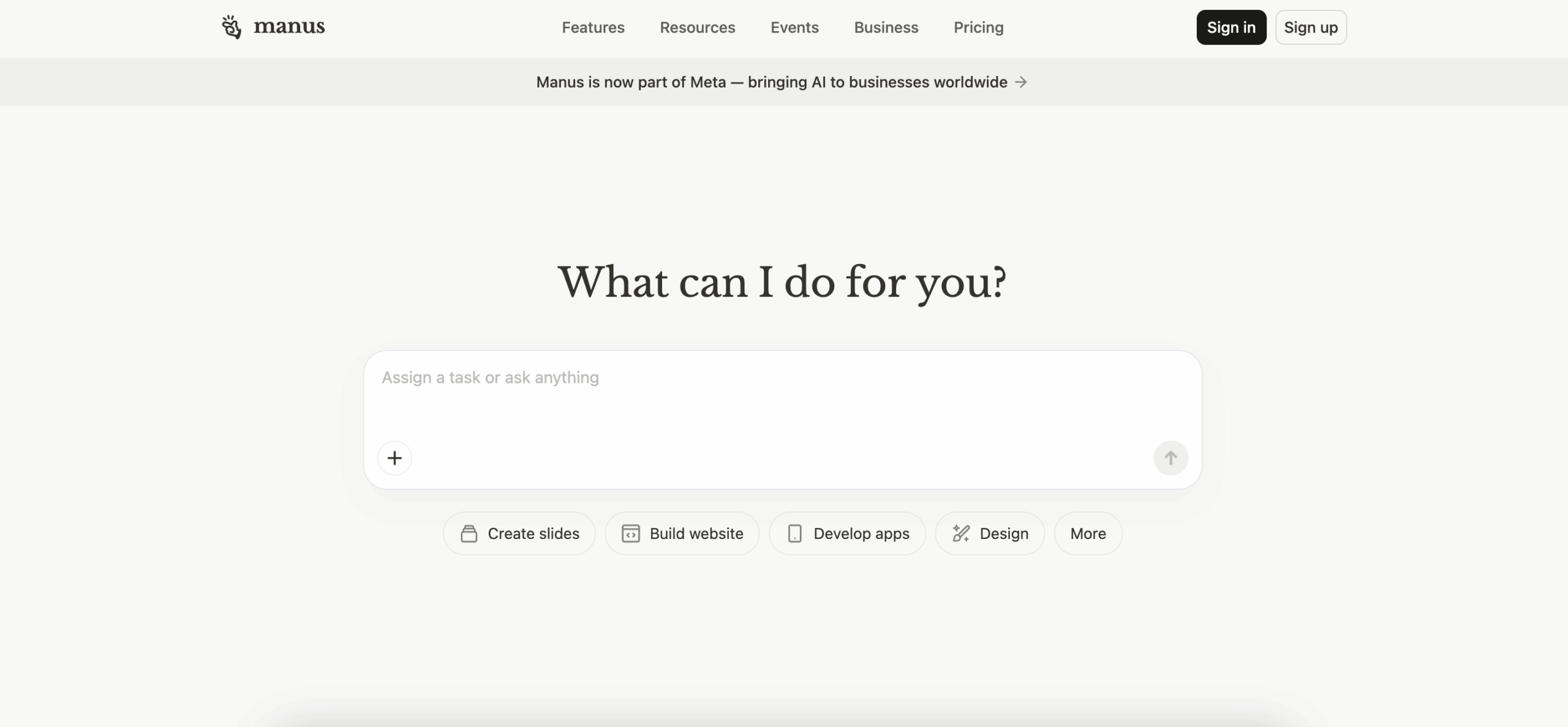
Manus is arguably the most autonomous AI agent on this list. It operates in its own sandboxed environment. From a single instruction, it browses the web, runs code, manipulates files, and completes multi-step workflows. On end-to-end completion and autonomous action, it often beats anything else available.
The reason it ranks third rather than first is audience fit. Manus was built for technical users and power workflows: programmatic SEO, data extraction, competitive research, and complex automation. Credit-based pricing at ~$199/month adds unpredictability that’s hard to justify for everyday SMB use.
Powerful, but not beginner-friendly.
5. Claude (Anthropic)
Who is it for? Researchers, writers, enterprises, and professionals who prioritize reasoning quality and output accuracy.
- Pros: Best-in-class for long-context reasoning (up to 1M tokens) and instruction-following, especially in compliance-sensitive enterprise workflows.
- Cons: The browser agent requires broad access to your browsing data, and deep code reviews can cost $15-$25 per run.
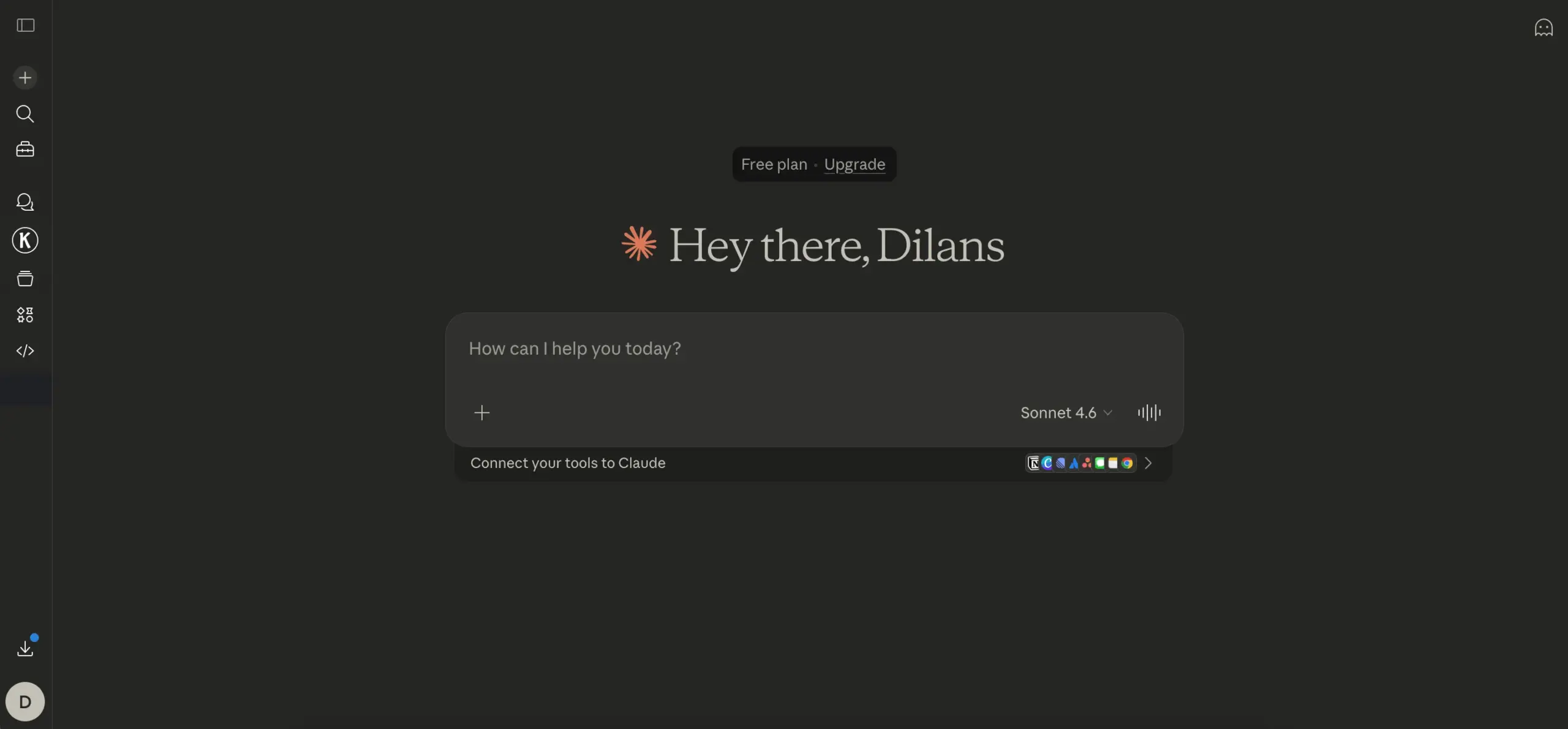
Claude is the standout on two specific criteria: multi-step reasoning and limitations transparency. It’s the most honest model family about its own limits – it tells you when it can’t do something rather than hallucinate an answer. That builds real trust in professional workflows. Its reasoning, document analysis, and writing quality are best-in-class.
Claude is ideal for enterprises and devs, which is primarily their target audience. The solution can get pricey, and usage bills grow pretty fast.
With Pro at $20/month and Max from $100/month, the pricing is accessible, but the usage is very limited, especially in Claude Code. However, Claude specializes in providing their services to developers and enterprises.
We compared Claude and Ajelix in this article.
6. ChatGPT
Who is it for? Generalists, first-time AI users, and teams exploring AI across a broad range of tasks.
- Pros: Agent mode handles multi-step autonomous tasks across 500+ app integrations with full multimodal support.
- Cons: Optimal results demand good prompt engineering, and hallucinations on niche or complex prompts are still a persistent problem.
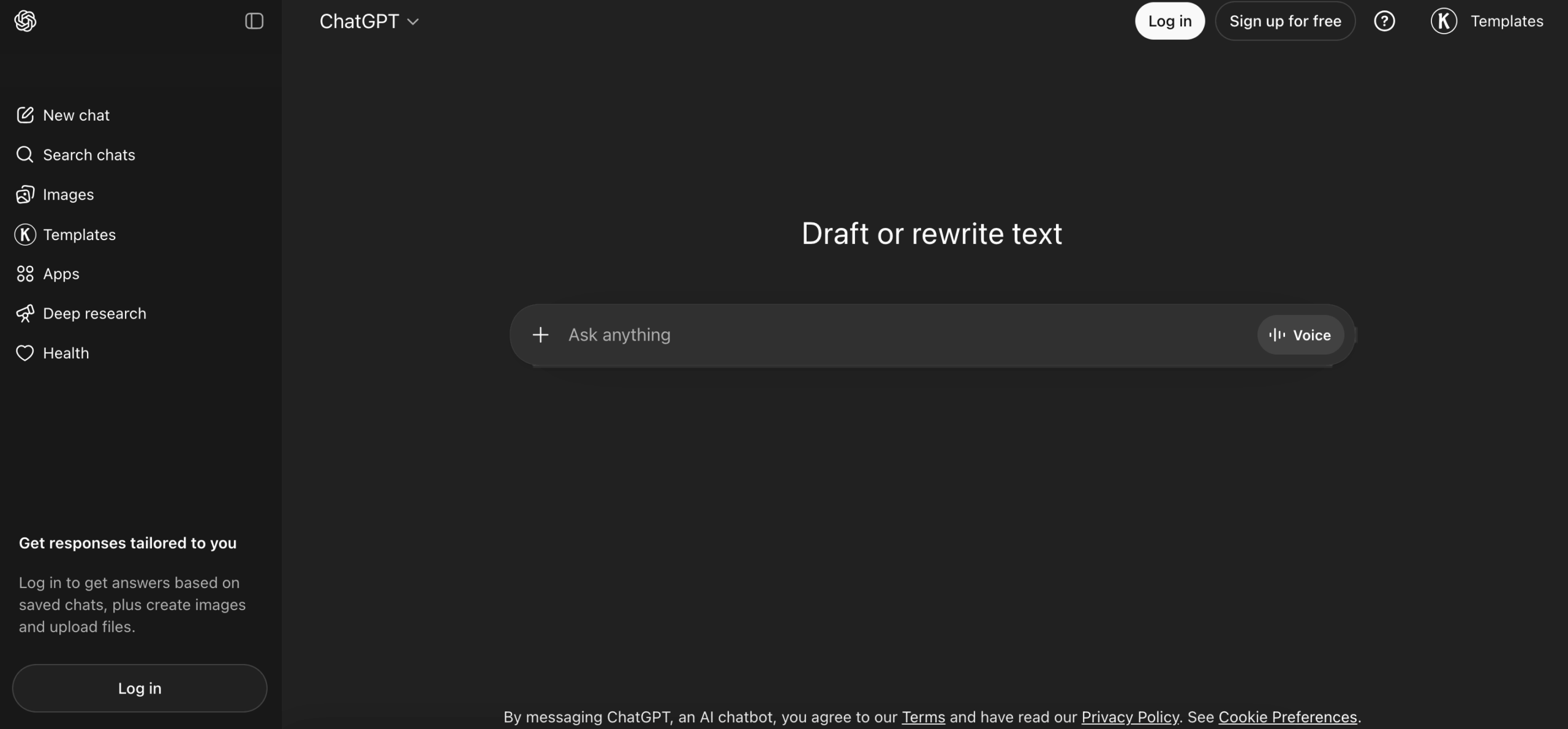
ChatGPT remains the world’s most-used AI tool for a reason. It’s approachable, versatile, and capable across a wide range of tasks without requiring any learning curve. At Plus ($20/month) and above, it does produce some file outputs and handles multi-step reasoning reasonably well. For someone new to AI agents, it’s a natural starting point.
The limitation is depth. ChatGPT is a generalist. It scores mid-range across almost every criterion on this list without excelling at the business-specific ones that matter most. It can help draft a report, but it won’t analyze your CSV, build the charts, and export a formatted Excel file in one workflow.
For an SMB analyst, it’s where people start. Specialist agents are where they end up.
We compared Ajelix and ChatGPT in this article.
7. Zapier AI
Who is it for? Operations teams and SMBs automating workflows across large app stacks.
- Pros: Connects 8,000+ apps with a no-code interface, and its AI Copilot builds automated workflows from plain-language descriptions.
- Cons: The flow builder lacks loops, version control, and error handling – and its AI agents can’t handle complex decision-making.
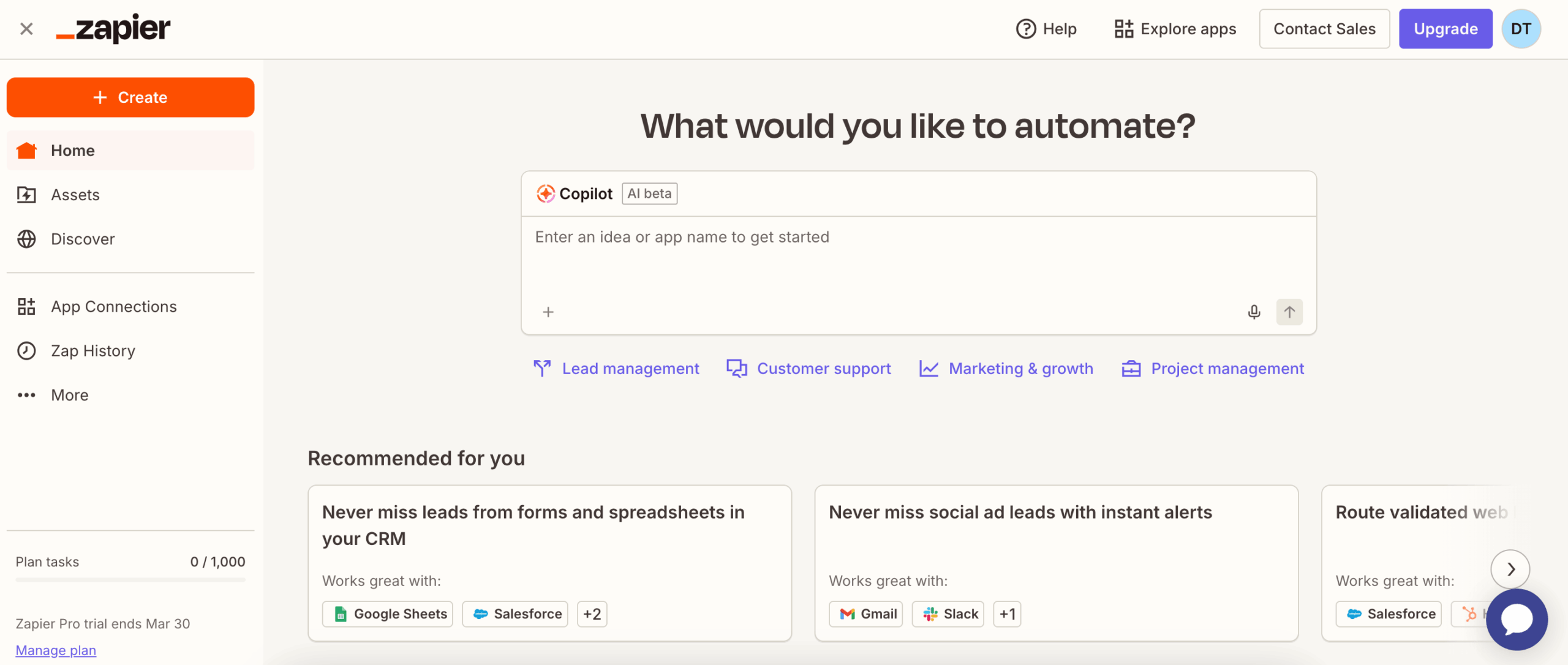
Zapier’s strength is connectivity. With 8,000+ app integrations and agents that can research leads, update CRMs, manage tickets, and trigger cross-app workflows, it excels at process automation at scale. Pricing starts free (400 activities/month) and scales from $19.99/month – one of the more accessible options on this list.
Zapier connects tools and automates movement between them. It doesn’t produce deliverables – no dashboards, no Excel, no reports. Zapier can help you move work. It doesn’t finish it. Additionally, Zapier is quite expensive compared to other agents on this list, and it works more as a connector than an agent.
8. Gemini Deep Research
Who is it for? Strategists, analysts, and Google Workspace users who need deep, cited research fast.
- Pros: Autonomously browses 100+ sources and produces fully cited, multi-page research reports in under 5 minutes, grounded in real-time Google Search.
- Cons: Still prone to confident hallucinations, and the top-tier plan costs $250/month – steep for most individual users.
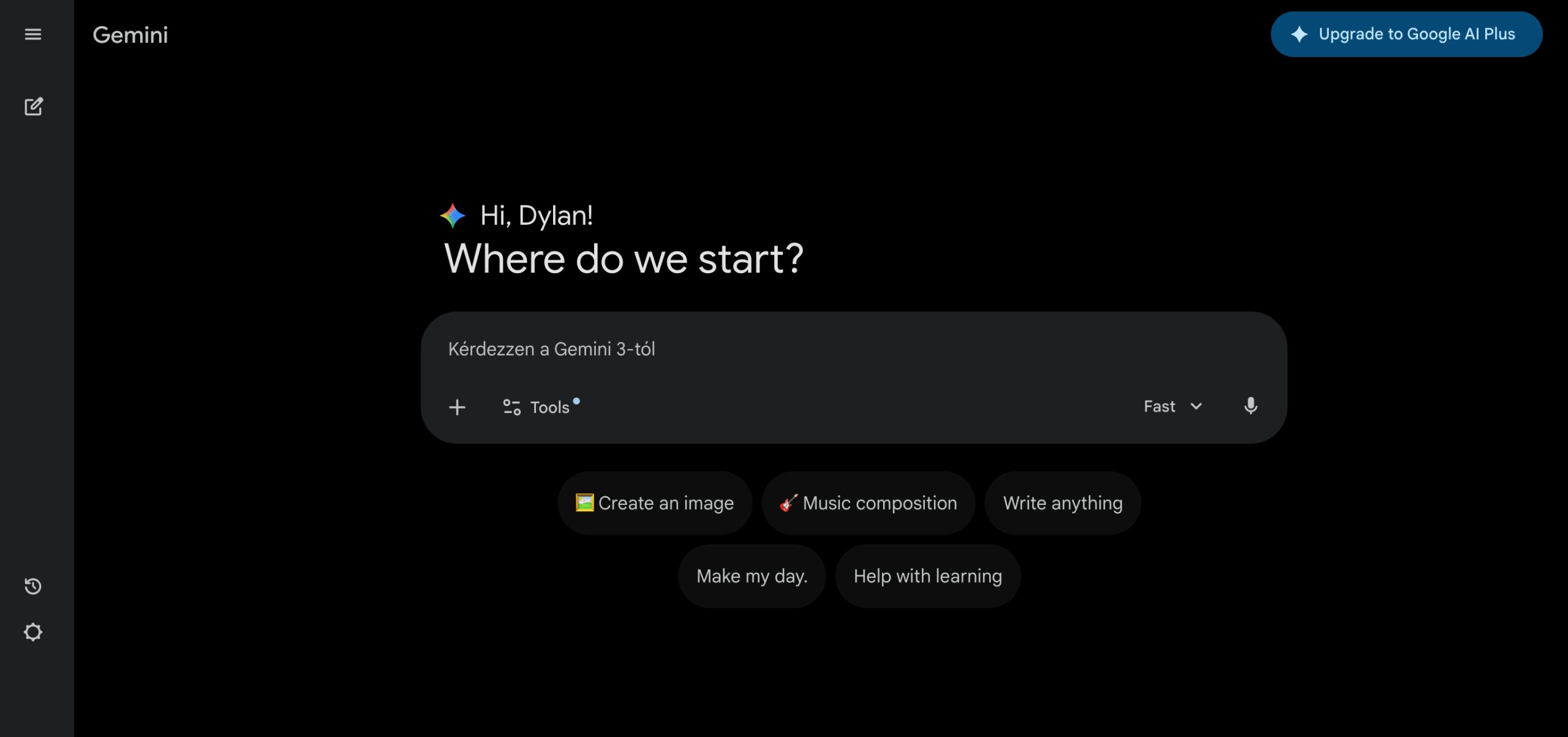
Gemini Deep Research is the best research tool on this list. Powered by Gemini 2.5 Pro (currently experimental), it autonomously browses hundreds of sources and produces a long-form cited report that rivals hours of manual research. Google Workspace integration is available on supported plans, and the output quality on research-heavy tasks is hard to match.
The limitations are real. Free users are capped at 5 reports per month while Pro users get up to 20 per day. More importantly, output stays within the Google ecosystem – reports export to Docs or PDF, not to standalone Excel files, dashboards, or presentations. If your workflow lives outside Google Workspace, that’s a real limitation.
If you need a finished file, not just research, every other agent on this list goes further.
We compared Ajelix and Gemini in this article.
9. Perplexity AI
Who is it for? Professionals and researchers who need fast, sourced answers to specific questions.
- Pros: Every answer comes with clickable source citations, making it the most transparent and research-efficient AI tool for fact-heavy work.
- Cons: Weaker on creative writing and deep reasoning, with token limits and conversational memory loss frustrating power users.
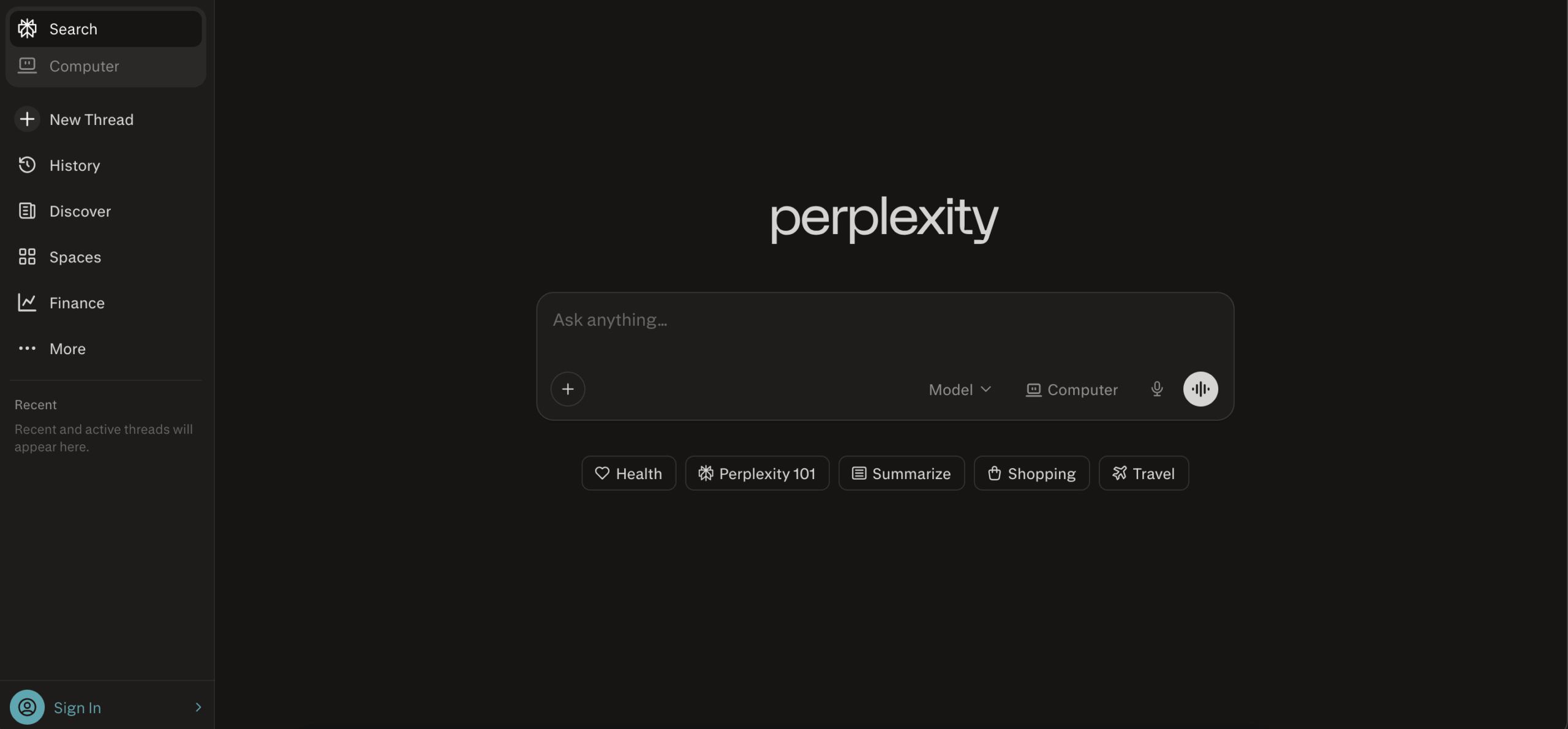
Perplexity is a research-first tool – fast, cited answers from the web. For quick fact-finding or sourced summaries, it does the job cleanly. Pro is $20/month; the Max tier at $200/month includes Perplexity Computer, their newly launched agentic system orchestrating 19 AI models.
The core Pro product stops at cited text answers – no dashboards, no Excel, no presentations. Max unlocks Perplexity Computer, which can produce finished outputs, but at $200/month it’s a different conversation entirely. It ranks last not because it’s a poor tool, but because the version most users actually pay for is a narrow one.
We compared Perplexity and ChatGPT in this article.
How to Choose the Right AI Agent for Your Needs
There is no universally “best” AI agent. The right one depends entirely on what you’re trying to accomplish, how technical your workflow is, and what a finished result looks like for you.
This section cuts through the ranking to give you a practical shortcut to the agent that fits.
Choose By Use Case
| “I need to turn raw data into a finished report, dashboard, presentation, or Excel file.”→ Ajelix. The only agent on this list that takes a CSV or prompt and returns a ready-to-use file. No manual assembly after the fact. |
| “I need to automate a workflow that spans 10+ apps.”→ Zapier AI. 8,000+ integrations and plain-language Zap building. Best for operations teams who want triggers, not text. |
| “I need to automate customer calls, appointment booking, and phone support.”→ CloudTalk. AI Voice Agents answer inbound and outbound calls, resolve FAQs, book appointments, and sync every conversation to your CRM. |
| “I need a deep research report with real sources, fast.”→ Gemini Deep Research or Perplexity AI. Both return cited, sourced reports. Gemini goes deeper on long-form synthesis; Perplexity is faster for quick fact-finding. |
| “I want an agent that runs a complex task completely hands-off.”→ Manus AI. Designed for autonomous multi-step execution. Browses, codes, and delivers with minimal prompting. Built for power users. |
| “I work inside Microsoft 365 every day and just want AI built in.”→ Microsoft Copilot. Native integration across Word, Excel, Teams, and Outlook. No context-switching, no new tools to learn. As an enterprise, Copilot comes with more security. |
| “I’m new to AI agents and want something versatile to start with.”→ ChatGPT. The broadest, most basic entry point. Approachable, capable across many tasks, and the easiest to learn on before specializing. |
| “I need precise reasoning on complex documents without hallucinations.”→ Claude. Best-in-class for nuanced, long-context analysis. Honest about its limits. Built for trust-sensitive work. |
Choose by Role
| Your Role | Start With | Why |
|---|---|---|
| Founders / CEOs / Managers / Digital Professionals | Ajelix | Turns your raw files or prompt into a formatted, finished project – apps, landing pages, presentations, dashboards and more. |
| Operations / Process Manager | Zapier AI | Connects your entire app stack and automates repetitive triggers without developer support. |
| Sales & Support Teams | CloudTalk | Automates customer calls, appointment booking, and CRM updates with AI Voice Agents. |
| Researcher / Strategist | Gemini Deep Research | Produces long-form, cited research reports autonomously – from 100+ sources in under 5 minutes. |
| Developer / Technical Power User | Manus AI | Handles multi-step automated execution at depth. Browses, codes, and delivers with minimal input. |
| First-Time AI User / Generalist | ChatGPT | The lowest barrier to entry. Versatile, approachable, and the most documented tool to learn on. |
| Enterprise / Microsoft 365 Team | Microsoft Copilot | Built into your existing stack. No new tools, no migration – AI layered into workflows you already use. |
| Legal / Compliance / Research Writer | Claude | Best reasoning transparency and lowest hallucination tolerance. Tells you when it doesn’t know. |
What do you actually get at entry-level?
Price points across these agents range from free to $250/month. Here’s what each one realistically delivers at its lowest paid tier, so budget-sensitive teams can shortlist fast:
| Agent | Entry-Level Price* | What You Actually Get |
|---|---|---|
| Ajelix | Free → $39/mo (Lite) | File creation, data analysis, dashboards, presentations, website and app development, MS/PDF/Excel output – full workflow at Lite. |
| Microsoft Copilot | Included in M365 → $20/user/mo (Pro) | AI assistance within Word, Excel, Teams, Outlook. No standalone output. |
| CloudTalk | €25/user/mo (Lite) → €29/user/mo (Essential) | AI calling platform with CRM sync, AI Voice Agents, call routing, and AI summaries. |
| Manus AI | Free (limited credits) → ~$20/mo | Credit-based. Limited autonomous tasks per month; deeper usage hits Pro quickly. |
| Claude | Free → $20/mo (Pro) | Strong reasoning and long-context analysis. No file output generation. |
| ChatGPT | Free → $20/mo (Plus) | Broad general capability, some file output, 500+ integrations via agent mode at Plus+. |
| Zapier AI | Free (400 tasks/mo) → $19.99/mo | Automated cross-app workflows. No content creation or file output. |
| Gemini Deep Research | Free (5 reports/mo) → $20/mo (Pro) | Up to 20 research reports/day at Pro. Text-only; no Excel, dashboards, or presentations. |
| Perplexity AI | Free → $20/mo (Pro) | Cited web answers and sourced summaries. Agentic features at Max ($200/mo). |
*Prices as of March 2026. Ajelix pricing updated in July 2026. Check each provider’s pricing page for current plans.
Not sure where to start? Try Ajelix first.
If your goal is a finished, usable business output, Ajelix is the only agent on this list built to deliver that end-to-end from a single prompt or data file. No code. No formulas and no manual steps between the AI and the file you actually need.
Start with the free trial. You can go from raw, messy files to formatted, exportable projects in a few minutes. If your workflow demands more apps, research depth and autonomous execution – our specialist tools are clearly mapped.
FAQ
It depends on your goal. For end-to-end business file output – reports, dashboards, Excel – Ajelix is the strongest all-in-one option. For autonomous multi-step execution, Manus AI leads. But for research with citations, Gemini Deep Research or Perplexity AI. If you need to automate inbound and outbound customer calls, CloudTalk stands out with its AI Voice Agents.There is no single best agent; there is only the best agent for your workflow.
A chatbot responds. An AI agent acts. Chatbots return text answers; AI agents plan, execute, and deliver a finished output – a file, a workflow run, a completed task – without step-by-step guidance.
Ajelix and Zapier AI are the strongest SMB options. Ajelix handles data analysis and file creation from a single prompt. Zapier AI automates cross-app workflows with 8,000+ integrations. Both require no coding.
For most business users, yes. Entry-level plans start at $0–$20/month across all eight agents reviewed here. The time saved on a single report or automation typically justifies the monthly cost within days. The bigger question is fit: the wrong agent wastes time, not money.
Not replace – but significantly extend what one person can do. AI agents handle the repetitive, assembly-line parts of knowledge work: pulling data, building reports, drafting documents, triggering workflows. The judgment, strategy, and relationships remain human.
Perplexity AI and ChatGPT both offer capable free tiers for general use. For business-specific tasks, Ajelix offers a free trial that covers the full workflow. Gemini Deep Research allows 5 free reports per month – useful for light research needs.
No – for most agents on this list. Ajelix, ChatGPT, Copilot, Perplexity, and Gemini Deep Research are fully no-code. Zapier AI is no-code by design. Manus AI is the exception: it’s most powerful in the hands of technical users, though basic tasks are accessible to anyone.
Agentic AI chat that helps you complete projects
AI for work that ingests, transforms, and delivers the exact deliverables your team needs, while you stay focused on strategy. No more chatting, agents can get the job done.