How to Analyze SEO Data (And Do Something With It)

Most people collecting SEO data are not short on data, but on a clear process for turning that data into decisions.
Google Search Console shows impressions and clicks. Ahrefs handles keyword difficulty scores. GA4 – traffic and engagement numbers. And somewhere in between all of that, you are supposed to figure out what to write next, what to fix, what is working and what isn’t.
So, how to analyze SEO data to achieve this?
Table of Contents:
What Is SEO Analysis?
SEO analysis is the process of collecting data about how your website and content perform in search engines, then interpreting that data to make better decisions.
That can mean different things depending on what you are trying to accomplish. At the broadest level, SEO analytics covers:
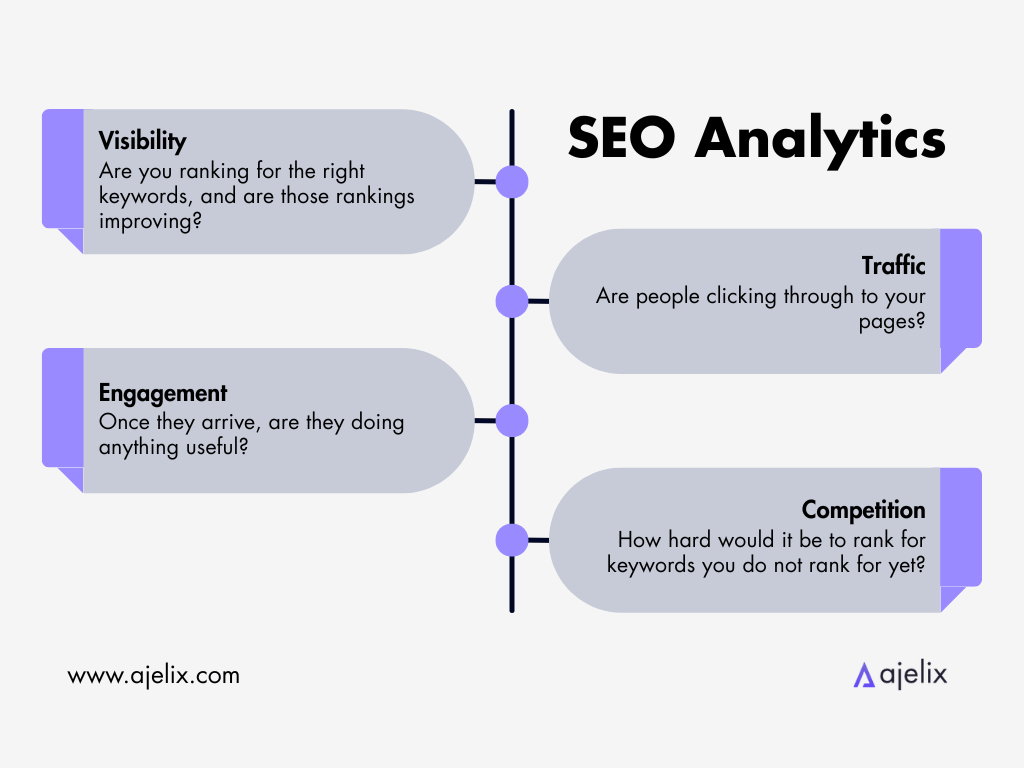
- Visibility: Are you ranking for the right keywords, and are those rankings improving?
- Traffic: Are people clicking through to your pages?
- Engagement: Once they arrive, are they doing anything useful?
- Competition: How hard would it be to rank for keywords you do not rank for yet?
SEO marketing analysis is an ongoing process – you check performance, identify gaps, make changes, and measure again. Because the data lives across multiple tools, connecting it manually is slow. But there is another way.

Key Metrics in SEO Performance Analysis
Before you can analyze SEO data, you need to know what you are looking at. These are the core metrics that show up in any serious SEO performance analysis:
From Google Search Console
- Impressions: how often your pages appeared in search results
- Clicks: how many people clicked through
- CTR (click-through rate): clicks divided by impressions; a low CTR on high-impression pages usually signals a weak title or meta description
- Average position: where you typically rank for a given query
From Ahrefs (or similar tools)
- Keyword difficulty (KD): a score indicating how hard it would be to rank for a keyword
- Search volume: estimated monthly searches for a term
- Backlink profile: the quantity and quality of links pointing to your site
From Google Analytics 4
- Sessions and users: raw traffic numbers
- Engagement rate / average engagement time: how actively users interact with your content
- Landing page performance: which pages are driving real engagement vs. just traffic
None of these metrics tells the full story on its own. The true insights come from combining them, which is where AI analysis has become useful.
How AI Can Help You Analyze SEO Data Faster
Traditional SEO data analysis involves exporting CSVs from multiple platforms, which leads to then organizing them in spreadsheets. Sheets is a whole ‘nother beast you have to battle before you have even started interpreting anything.
Agentic AI changes that workflow meaningfully. Instead of manually cross-referencing data across tools, you can upload your files directly into an AI chat and describe what you want to find. The AI agent handles the merging, filtering, pattern recognition, and offering you suggestions. The interpretations and decisions that come from the result is all you.
This approach works well for:
- Finding keyword opportunities buried in GSC data
- Identifying which content topics drive the best engagement
- Comparing channel-specific SEO performance (LinkedIn, YouTube, website)
- Spotting underperforming pages that rank but do not convert
Our tool Ajelix is built specifically for this kind of data analysis workflow. You upload your files, write a prompt describing your goal, and get a structured output back: tables, dashboards, ranked lists, and specific recommendations.
Go through the three use cases below to find out what that looks like in practice.
Use Case 1: Analyzing LinkedIn SEO Performance
LinkedIn has its own internal search and content ranking system. If you post regularly but have not looked at your post analytics in detail, you are missing a structured way to improve.
LinkedIn lets you export your post performance data as an Excel file – impressions, clicks, reactions, comments, shares, and more for every post you have published. The file itself is straightforward to export, but reading through months of post data manually and drawing conclusions from it is not.
In our video, the Ajelix co-founder exports that LinkedIn analytics file and uploads it directly to chat.ajelix.com. The prompt asks the AI to analyze post history, identify patterns in top-performing content, and surface what is working across hooks, topics, post length, and engagement.
The output includes:
- A breakdown of which post types and topics drive the most impressions and engagement
- Patterns in hooks across high-performing posts
- An interactive visual dashboard for exploring the data
- Specific tips on what to focus on going forward
This is a good starting point if you want to understand LinkedIn SEO without building a manual analysis process from scratch.
Use Case 2: Analyzing YouTube SEO Performance
YouTube is the second largest search engine in the world. Videos rank both within YouTube and in Google search results, which means YouTube SEO involves many of the same factors as traditional web SEO – titles, descriptions, keywords, click-through rates, watch time, and audience retention.
YouTube Studio provides detailed analytics for every video: views, impressions, CTR, average view duration, traffic sources, and audience demographics. Like LinkedIn, the data is available, but interpreting it across a full channel history takes time.
Our use case demonstrates using Ajelix to analyze YouTube channel data, identify which video topics and formats are performing best, and surface patterns that are not obvious when you are looking at individual video dashboards.
The AI can look across your entire upload history to find:
- Which topics consistently generate more impressions and clicks
- Where your CTR drops relative to impressions (a signal that titles or thumbnails need work)
- Watch time patterns that indicate which video formats hold attention longer
- Gaps in your content coverage relative to what your audience is searching for
You can find an example of a Youtube analysis we generated for our channel here.
If you are using YouTube as part of a content marketing or SEO strategy, this kind of analysis helps you prioritize what to create next.
Use Case 3: Merging GSC + GA4 + Ahrefs Data to Find Keywords
This is the most comprehensive SEO data analysis use case in the series, as well as the one that most directly answers the question of how to find keyword opportunities worth acting on.
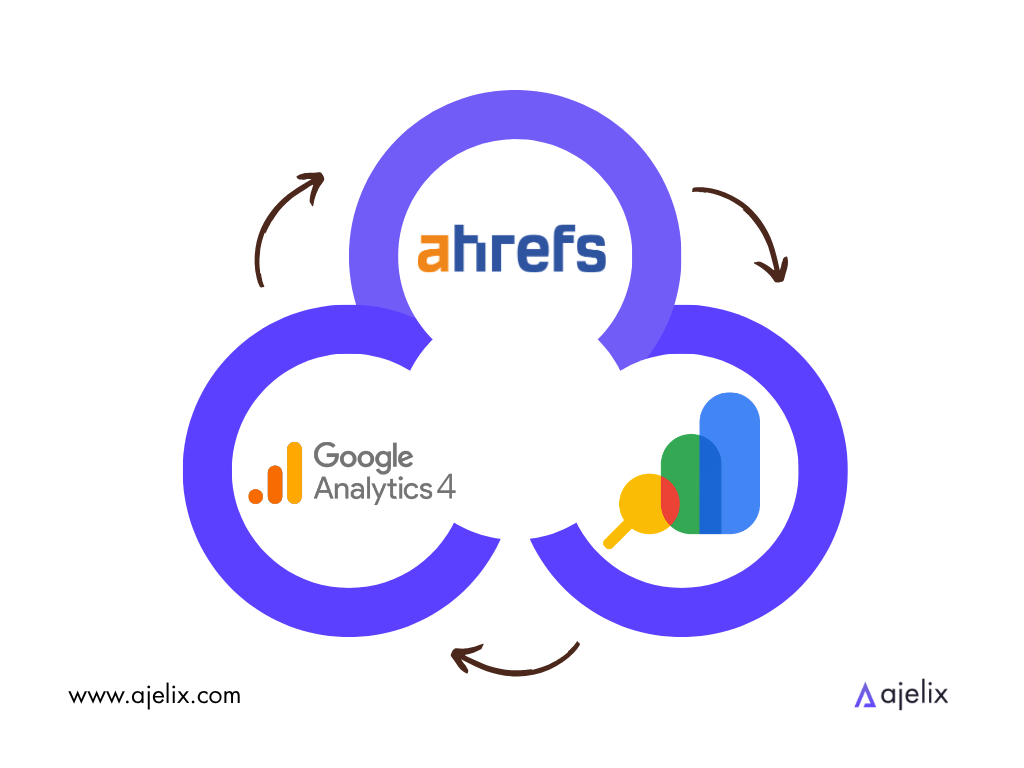
Google Search Console tells you what you already rank for, Ahrefs tells you keyword difficulty and volume, and GA4 tells you which pages actually engage users. But these three datasets live in separate tools and are almost never looked at together.
In the video, three CSV exports – one from each tool – are uploaded to Ajelix in a single chat. The prompt instructs the AI to merge the files and apply a specific filtering logic to surface quick-win opportunities:
- GSC keywords with positions 8–20 (close to page one, but not there yet) and impressions above 100
- Matched against Ahrefs data, keeping only keywords with a KD under 30 (achievable difficulty)
- Matched against GA4 landing page data, keeping only pages with above-average engagement time (content that already works)
In turn, Ajelix creates a ranked table of keyword opportunities, with columns for current position, volume, KD, impressions, CTR, and engagement time. For the top 5 opportunities, the AI also provides a one-line action recommendation. For example, updating the title tag to include the keyword, or adding a dedicated H2 section for a specific query.
What would normally take several hours of spreadsheet work can be done in a single prompt. The analysis can also be reproduced: export fresh data next month, run the same prompt, and get an updated opportunity list.
This is one of the clearest examples of what AI-assisted SEO data analysis looks like when applied to a structured, repeatable workflow.
Is SEO Marketing Worth It?
SEO marketing involves creating and optimizing content so that it ranks in search engines and brings in traffic over time. Unlike paid advertising, results typically take months, not days.
Whether it is worth it depends on the context. For businesses where customers search before they buy, ranking for relevant keywords creates a consistent source of traffic that doesn’t require maintaining an ongoing ad spend.
The catch is that SEO requires consistent effort: producing content, building authority, monitoring performance, and updating what is not working.
Done inconsistently, results are slow and hard to attribute. Done with a clear process, it is one of the more sustainable long-term channels available.
The tools and workflows covered in this article do not make SEO easier to accomplish. They make the analysis faster, so more of your time goes toward content and decisions rather than spreadsheet work.
How to Start Analyzing Your SEO Data
The three use cases above all follow a simple pattern: export your data, upload it to Ajelix, describe what you want to find, and review the output.
Whether you are starting with LinkedIn analytics, YouTube Studio data, or a combination of GSC, Ahrefs, and GA4 exports, the process is the same. You do not need to clean the data first or set up a reporting template. You only need the files and a clear question.
FAQ
SEO analysis is the process of collecting data about how your website and content perform in search engines, then interpreting that data to make better decisions. It covers visibility (rankings), traffic (clicks), engagement (user behavior), and competition (keyword difficulty).
Upload your CSV exports from Google Search Console, GA4, and Ahrefs to an AI agent like Ajelix, describe what you want to find (e.g., “quick-win keywords with low difficulty”), and the AI will merge files, filter patterns, and surface recommendations without manual spreadsheet work.
It is the practice of identifying which search terms your target audience uses, assessing their difficulty and volume, and determining which ones are worth targeting based on your current rankings and content gaps.
Core metrics include impressions and clicks from Google Search Console, keyword difficulty and search volume from Ahrefs, and engagement rate and average engagement time from GA4. The best insights come from combining these datasets.
Filter for keywords where you rank positions 8–20 (close to page one) with meaningful impressions, match against low keyword difficulty scores (under 30), and cross-reference with pages that already show above-average engagement time. AI agents like Ajelix can automate this entire workflow.
SEO analytics refers to the tools and data collection (what happened), while SEO data analysis is the interpretation process that turns those numbers into decisions (what to do next).
For businesses where customers search before buying, yes. Ranking for relevant keywords creates consistent traffic without ongoing ad spend. However, it requires consistent effort and a clear analysis process to improve over time.
Agentic AI chat that helps you complete projects
AI for work that ingests, transforms, and delivers the exact deliverables your team needs, while you stay focused on strategy. No more chatting, agents can get the job done.