6 Google Sheets Alternatives For Teams In 2026

Most Google Sheets alternatives are simple spreadsheet programs, but the people searching for them nowadays rarely need somewhere new to type numbers. They need the formula written, the report assembled, and the CSV cleaned without a person doing it by hand.
While Google Sheets has doubled the limit for its cell count, applied the higher limit to existing and imported files, added a manual calculation mode, and shipped Sheets canvas, capacity is no longer the reason teams switch to alternatives.
The manual work is.
Our list features five tools that replace the editor, and one that replaces the labor while you get to keep the editor.
Why Teams Are Leaving Google Sheets
The main complaint teams have is the manual work. Someone has to rebuild the same tab every month, hunt for the cell that broke a total, or export a CSV, email it, and paste it into another workbook an hour later.
In the 2026 Finance Architecture Survey, 36% of organizations said their controllers and senior managers spend between 31% and 50% of their working time manually intervening in data.
A spreadsheet that helps you type faster stopped being impressive, which is why recent Sheet feature updates don’t impact the manual work much. With the introduction of AI, the Google Sheets automation tool alternatives shortlist is more compelling. Here, fewer entries compete on cell counts, more compete on who finishes the file.
Some teams need a different editor, a relational model, or bigger capacity, and we will suggest several tools for that. The rest need to keep the sheet everyone already shares and take the manual steps out of it, which we also offer options for.
Top 6 Alternatives To Google Sheets
Here are the best alternatives to Google Sheets at a glance:
| Tool | Category | Best for |
| Ajelix | AI agent on top of your files | Getting the work done without migrating |
| Microsoft Excel Online | Spreadsheet app | Desktop depth and macros |
| Airtable | Database with a grid | Tracked workflows with owners |
| Grist | Open source relational sheet | Data that cannot leave your servers |
| Row Zero | Cloud spreadsheet for big data | Files past a million rows |
| Zoho Sheet | Free cloud spreadsheet | A grid with no Google account |
Below, we cover what each tool does well, what not so much, and who it’s for.
1. Ajelix
Who is it for? Teams that want spreadsheet work finished without leaving Sheets.
- Pros: One add-on covers Sheets, Docs, Slides and Forms; works on files you already share, so you don’t need to migrate and rebuild; executes tasks end-to-end; writes and runs Google Apps Script; enterprise layer with MCP connections, per-action audit logs, EU-hosted GPUs, and self-hosted or on-premises deployment.
- Cons: It doesn’t fully replace the grid but makes edits to existing files or creates files from scratch.

Ajelix is an AI agent that works inside your spreadsheet rather than a spreadsheet you move into. You can install it from the Workspace Marketplace and it opens as a panel under Extensions.
It executes spreadsheet tasks end-to-end:
- Builds reports with working formulas;
- Formats the sheet to your house style;
- Exports a PDF;
- Writes and runs Apps Script;
- Generates new tabs from a prompt;
- Cleans and standardizes imports;
- Pulls live research from the web into cells;
- Turns the output into visual, interactive charts or panels.
With the Ajelix Enterprise platform, agents reach outside systems through MCP endpoints, and IT decides which connections exist, which teams can use them, and what an agent may do once connected.
Every agent and user action becomes a log your team can read, filter and export. Models run on GPUs Ajelix owns in the EU, and the platform runs in your own cloud account or on your own hardware, with a disconnected install available.
Let’s do an example task for Ajelix inside Google Sheets. We will use this prompt to use raw data and turn it into a deliverable:
Take the CSV in this tab, build a P&L by month, add a variance column against budget, match the budget tab's formatting, and export a PDF.
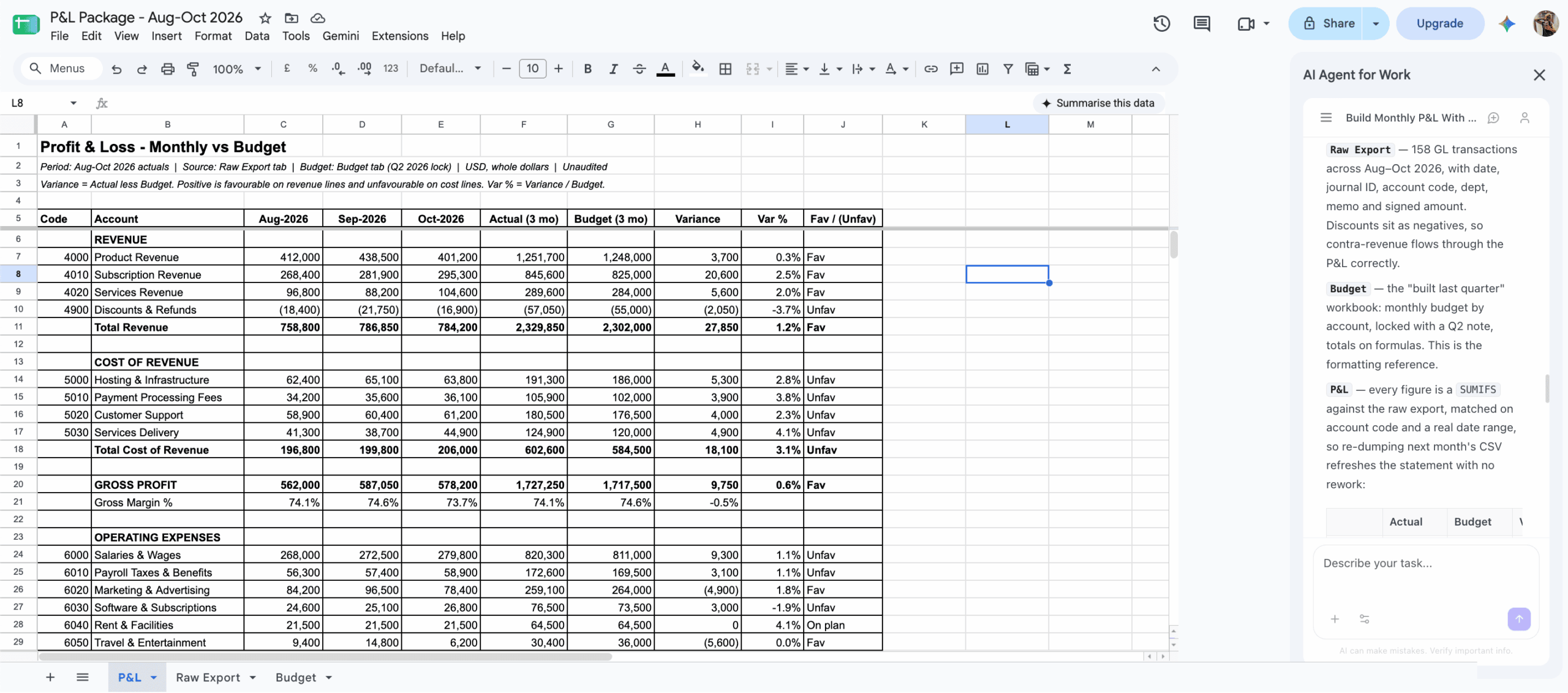
The agent reads the data, writes the formulas, keeps them editable, formats, and exports. The analyst spends the afternoon checking the numbers instead of typing formulas manually.
Ajelix is the only tool here that adds capability without changing where the work happens. The others require a migration and a rebuild of at least some models.


2. Microsoft Excel Online
Who is it for? Teams already paying for Microsoft 365 that need desktop depth, and anyone who wants a capable spreadsheet in a browser.
- Pros: Keeps the formula language your team knows, plus has VBA and Power Query; free web version with real-time collaboration; Copilot edits formulas, tables and formatting on request and shows what changed; Agent Mode plans multi-step changes, applies them and checks the result.
- Cons: Copilot needs an eligible Copilot license; Copilot is also the only AI in the file, so the model choice belongs to Microsoft.
Microsoft Excel Online is a collaborative spreadsheet platform for making data more insightful. The browser version handles co-editing and offers AI agent execution with Copilot.
Copilot in Excel is not a standalone purchase. Commercial accounts need a qualifying Microsoft 365 plan, as well as the Copilot add-on assigned per user.
3. Airtable
Who is it for? Product, operations, HR and marketing teams whose spreadsheets have turned into a system with owners, stages and approvals.
- Pros: Records, linked tables, views, interfaces and automations in one workspace; Omni builds an app from a prompt and imports your existing files; AI fields summarize, classify, translate or extract across your records; offers RBAC, audit logs, SOC 2, ISO and HIPAA, as well as EU and Australian data residency.
- Cons: No self-hosted option; AI runs on metered credits.

Airtable offers one workspace where all your teams and their workflows connect. The recent Fall 2026 release added Omni 2.0, which imports spreadsheets and PDFs, builds the data model, and configures automations and AI fields in one pass.
Recent additions also include a Canvas for apps and dashboards on live data, agent audit logs, and a stronger MCP server so that Claude, ChatGPT, Gemini and Cursor can work with your Airtable files.
4. Grist
Who is it for? Regulated and security-conscious teams in IT, manufacturing, construction and the public sector that need relational data on infrastructure they control.
- Pros: Open core, self-hosted or fully managed; access rules constrain the AI assistant; formulas in Python or Excel style; forms, charts, dashboards and custom widgets; documents stored as portable SQLite files; localized into 20+ languages.
- Cons: Grist keeps documents modest in size; self-hosting means owning upgrades and backups.

Grist turns the spreadsheets running your business into secure applications, available as no-code apps, managed or self-hosted.
Grist is open core: the community edition uses Apache 2.0, a permissive license that lets you run, modify and even resell it. Every document is a portable SQLite file, and access rules decide who sees what, including what the AI assistant is allowed to read.
5. Row Zero
Who is it for? Anyone weighing alternatives to Excel for data analysis at warehouse scale.
- Pros: Billion row datasets (in Enterprise); two-way connections to Snowflake, Databricks, BigQuery, Redshift, Postgres, S3 and more; connected tables refresh on schedule and cannot be overwritten; Excel compatible formulas, pivots and charts; AI chat that is auditable and editable.
- Cons: Built for warehouse teams, so the value is lower without a warehouse or very large files.
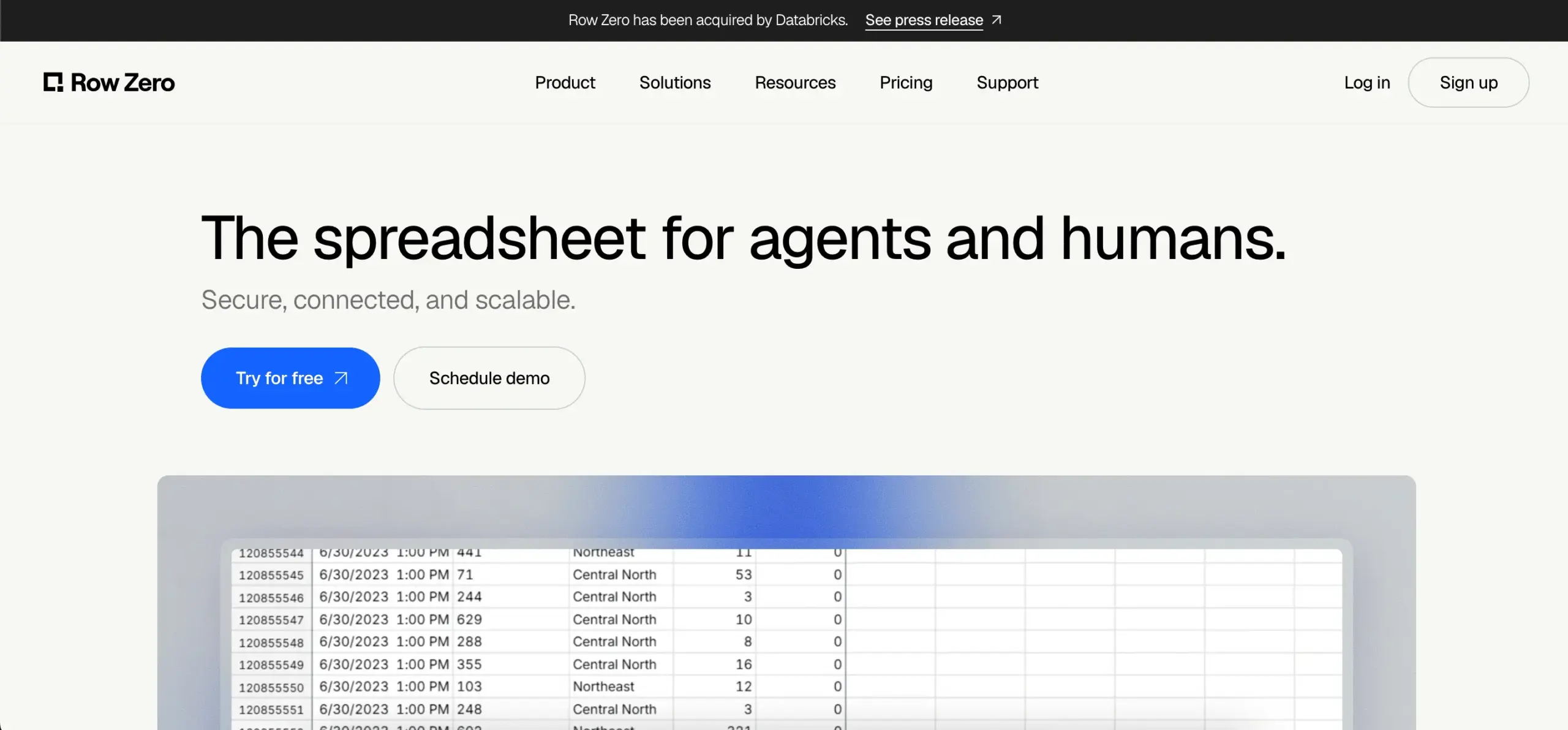
Row Zero calls itself the spreadsheet for agents and humans. Connected tables pull warehouse data in, refresh on schedule, and keep the pivots and formulas above them in sync.
Databricks acquired Row Zero and is building it into Genie, with access governed through Unity Catalog. Row Zero says existing workbooks and connections will keep working and non-Databricks sources stay supported.
6. Zoho Sheet
Who is it for? Teams that want a free collaborative spreadsheet outside Google and Microsoft accounts.
- Pros: Free, with Excel imports; Zia covers data cleaning, chart and pivot suggestions, around 40 chart types with a dynamic pivot builder; 1,000+ integrations through Zoho Flow; desktop and mobile apps that work offline; cell locking and version restore.
- Cons: Limits at 65,536 rows, 256 columns per worksheet and 2 million cells per workbook; collaboration is not at Google’s level; most of the value comes from already using the Zoho ecosystem.
Zoho Sheet is a free, collaborative spreadsheet editor with an AI assistant and more than a thousand integrations. You can import a workbook from Excel and the formatting survives it.
Zia handles the analysis side, from chart and pivot suggestions to questions asked in natural language, and it will draft formulas and VBA macro code for you.
What To Check Before You Migrate
Deciding what is better than Excel spreadsheets almost never comes down to a feature count, as every tool on this list is capable of spreadsheet work. You can ask these four questions to decide whether a switch is worth it:
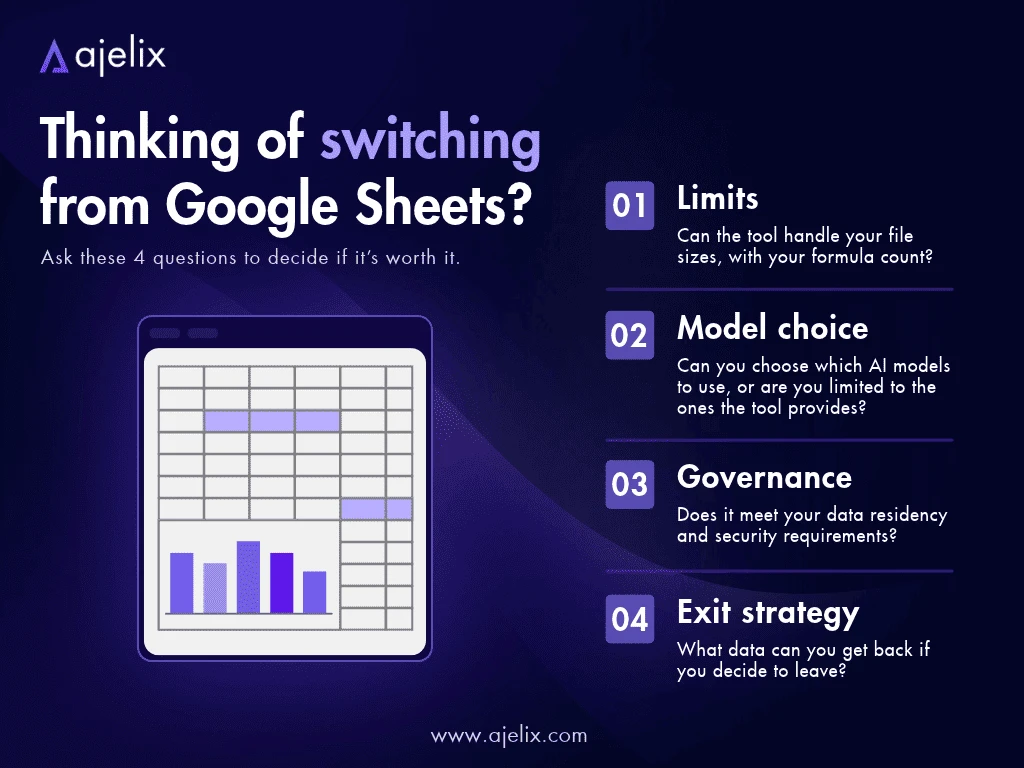
- The limits you hit. Ask whether the tool can handle your file sizes, with your formula count.
- Which models you are allowed to use. Many tools pick its AI for you, meaning you may get stuck with models you don’t want to use.
- Governance. If you work somewhere data can’t leave your premises, cloud-only products are automatically disqualified.
- The potential exit if you change your mind. Ask what data you get back if you decide to leave.
Ajelix runs on the file you already have, so there is no new limit to test and nothing to export if you leave; you can bring your own model or self-host one; and it can run in your own cloud or on your own hardware, with every agent action written to an audit log.
Choose The Right Tool For Your Needs
Depending on what you need to do change in your spreadsheet work, find the fitting tool/platform for you by the use case:
| You need… | Best tool |
| Reports, models and cleanups finished inside the sheet you already use | Ajelix |
| VBA, Power Query and desktop depth | Microsoft Excel Online |
| A tracked workflow with owners, views and approvals | Airtable |
| A relational sheet that never leaves your infrastructure | Grist, or Ajelix on premises |
| Files past a million rows, already in a warehouse | Row Zero |
| A free grid without a Google or Microsoft account | Zoho Sheet |
If getting the work done without migrating is your priority, contact the Ajelix team.

FAQ
For capacity, Row Zero. For structure, Airtable or Grist. For a free swap, Zoho Sheet. For teams that want the manual work gone without migrating, Ajelix.
Yes. Zoho Sheet is free with Zia AI included, and Grist’s community core is free to self-host under Apache 2.0. Both have limits worth reading before you migrate.
No, an add-on agent works inside the file you already share, so nothing moves, links don’t break, and your team keeps the interface it knows.
A spreadsheet built for warehouse data. Row Zero connects to Snowflake, Databricks, BigQuery, Redshift, Postgres and S3 and refreshes without overwriting your work, which a desktop file cannot do.
For straightforward workbooks and shared trackers, yes. For complex financial models, macros and Power Query, Excel Online remains the safest to keep.
Agentic AI chat that helps you complete projects
AI for work that ingests, transforms, and delivers the exact deliverables your team needs, while you stay focused on strategy. No more chatting, agents can get the job done.