


Private AI Platforms: Keep AI On Your Own Servers

Private AI has become the default answer for teams that want strong model output without handing their sensitive documents to a vendor. Every serious AI platform now offers a way to host it yourself, but which one is fit for your specific needs?
We compiled a list of five platforms worth considering, as well as explain what private AI means and how to implement it in your business.
What Is Private AI
Private AI is AI that runs where you decide to run it. The model, the questions people type, the documents it reads, and the logs it leaves all stay inside an environment you control. This can be either your own servers, your private cloud, or a cloud account. Nothing goes to a vendor that can read it, use it for model training, or hand it over if a court in another country asks for it.
A tool that promises not to train on your data is not automatically private AI. It all depends on who can access the files, not who promised not to look.
Test any private AI system with three questions to tell whether it’s truly private:
- Where does the model run, on whose hardware, and in which country?
- Where do the questions, uploads, and logs end up, and who can access them?
- Can you keep the same model version, or can the vendor swap it overnight?
If you can’t confidently answer the questions, it’s likely the AI isn’t private.
What Data Says About It
Cyberhaven Labs’ AI Adoption and Risk Report, built on billions of data movements across 222 companies, found that:
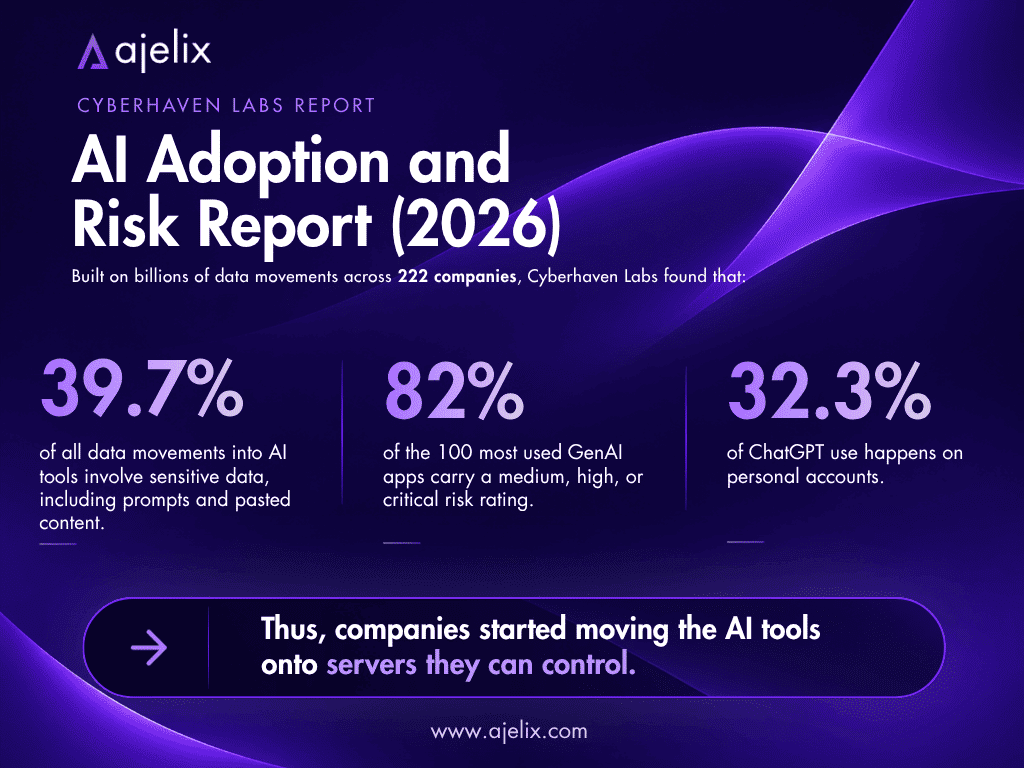
- 39.7% of all data movements into AI tools involve sensitive data, including prompts and pasted content;
- 82% of the 100 most used GenAI apps carry a medium, high, or critical risk rating;
- 32.3% of ChatGPT use happens on personal accounts.
Thus, companies started moving the AI tools onto servers they can control. A Broadcom-sponsored survey found that 56% senior IT decision makers run or plan to run production AI inference on a private cloud, while a public cloud for the same workload fell from 56% to 41% in a year. Of the companies already moving work back, 43% are moving model training, LLMs, or inference.
Private AI for business became a regulation, too. EU transparency rules for AI software have applied since August 2026, while the strictest duties for high risk systems moved to December 2027.
Private AI Systems On Premises
Your own server room is not necessary for every private AI solution. We split the possible scenarios into four levels:
| Level | Where it runs | Who controls it | Realistic fit |
|---|---|---|---|
| Desktop app | One laptop or workstation | The person using it | Testing, solo work, a few sensitive files |
| Your own servers | Your hardware, your network | Your IT team | Teams that need shared data and controls |
| Your own cloud account | Cloud capacity you rent | You | Growth without building a data centre |
| Cut off from the internet | Hardware you own, no outside connection | You, completely | Defence, health, regulated research |
A private AI system to run entirely on premises is the third or fourth level. Here, the model, the document index, the chat window, and the logs all stay inside your network, and updates arrive as files you choose to install.
Keep this in mind if you’re considering using your own private AI inference:
- If the platform can’t connect to your company directory, employees will share logins, and the audit log won’t be able to prove who did what.
- If the AI model can’t read your files, the answers will come back generic and miss the context that makes them useful.
Best Platforms And Software To Use In 2026
Below, we cover what each private AI software option is good at, what not so much, and who it is for.
1. Ajelix Enterprise
Who is it for: Business teams that need custom agents, workflows, and document search inside their own environment, with strong privacy and security controls.
- Pros: Run it yourself, on its own hardware, with audit logs and access rules built in, under EU jurisdiction; agents produce files rather than just text; visual custom workflow and agent building; powerful knowledge base; no training on client data.
- Cons: Setup runs through the Ajelix team, so you cannot simply download it.
Ajelix Enterprise is a sovereign AI platform with three ways to deploy it: Ajelix’s own cloud based in the EU, on premises, and on cloud providers like AWS, Azure, or Google Cloud.
Ajelix owns and runs its own GPUs and serves open models directly. If you want to bring your own private AI model, it supports (upon request) running your own models on Kubernetes or third-party ones through an API key. Ajelix also runs the hosting and model serving, so your team is not singlehandedly responsible for tuning private AI inference.
The private AI agents are built around your workflows. Agents can read PDF, Word, email, and scanned files, produce Excel files, dashboards, and decks, show the source behind each claim, and pass high-value decisions to a person.
Access rules apply to each agent, data source, and output; a full log of every prompt, decision, and answer is recorded; guardrails apply to every message in and out, including catching personal data before it leaves; and spending limits are enforced.

2. Ollama + Open WebUI
Who is it for: Technical teams that want a private AI chatbot working as soon as possible.
- Pros: Free to use when run locally on your own computer; quick to start up; a large model library; works with no internet connection.
- Cons: You are responsible for patching, backups, and uptime; free to self host, but above 50 users the licence requires visible Open WebUI branding unless you buy Enterprise; audit logging exists but is off by default.
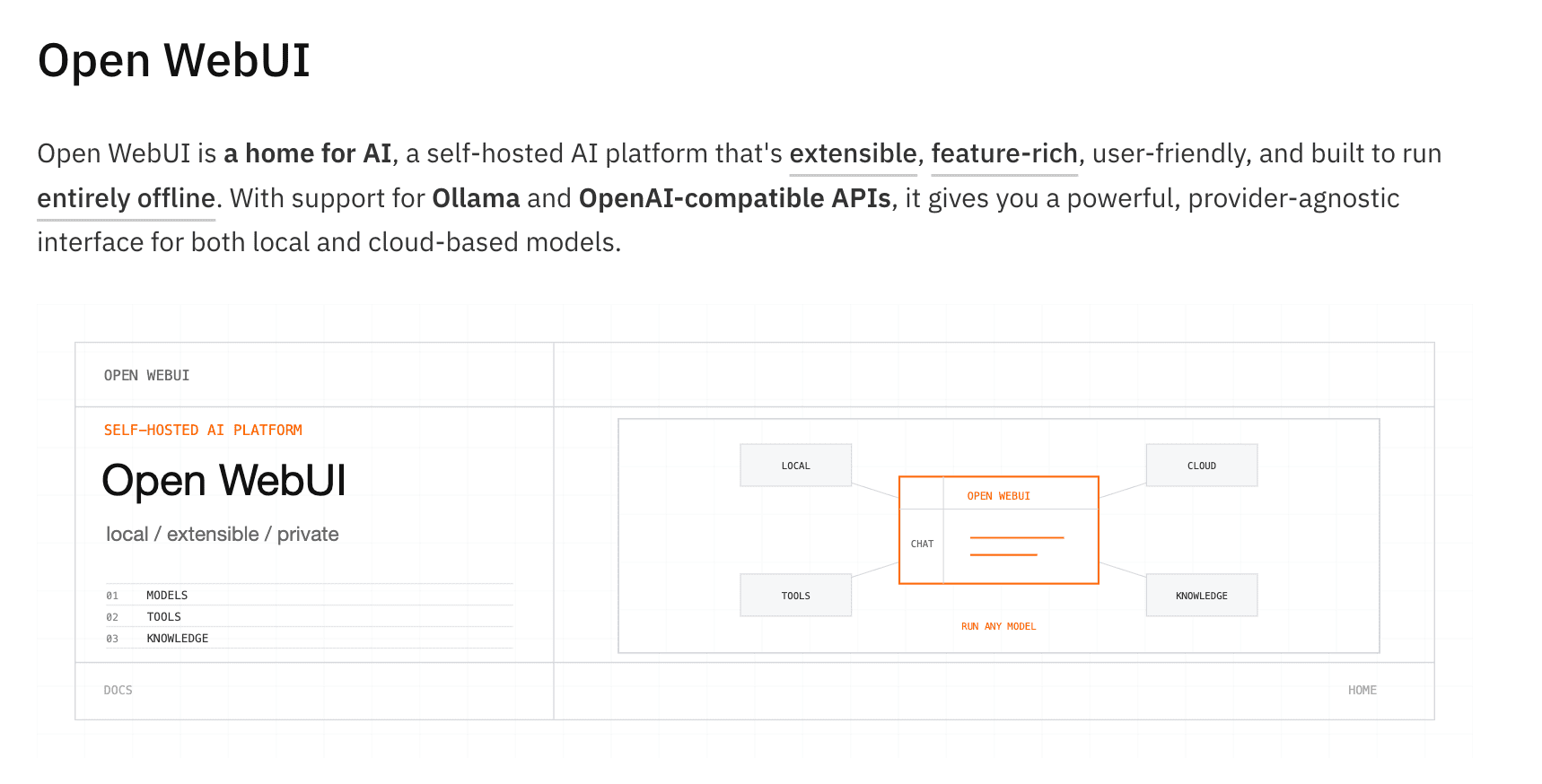
Ollama runs the model. You install it, select a model, and it answers using the same API format as OpenAI. A paid cloud and enterprise tiers exist; local use stays free.
Open WebUI includes chat history, file upload, model switching, users, roles, and groups. Its licence became source-available in April 2025: free to host yourself (including at work), with branding conditions above 50 users, and an Enterprise tier for SSO, roles, and audit logs.
3. vLLM
Who is it for: Teams serving one or many models to a lot of people, where every GPU has to answer as many requests as it can.
- Pros: Fast with many users at once, works with existing OpenAI code, runs on NVIDIA, AMD, and CPU.
- Cons: You own the server and the operations around it; sign in is a single API key rather than user accounts with roles; no document ingestion or index.
vLLM is a serving engine with:
- 200+ model types;
- The same API format as OpenAI;
- The ability to split a model across GPUs;
- Compression support;
- Caching on by default.
It can also run two models a document assistant needs: one that turns your text into something searchable, and one that ranks which passages are worth quoting. A separate web app, vLLM Playground, starts servers and gives you a chat window.
4. AnythingLLM
Who is it for: Teams that want documents and agents in one package.
- Pros: MIT licence; no charge per seat; documents, web search, agents, and meeting notes available; works with most model providers and several vector databases.
- Cons: Access control is less advanced than an enterprise platform would have.
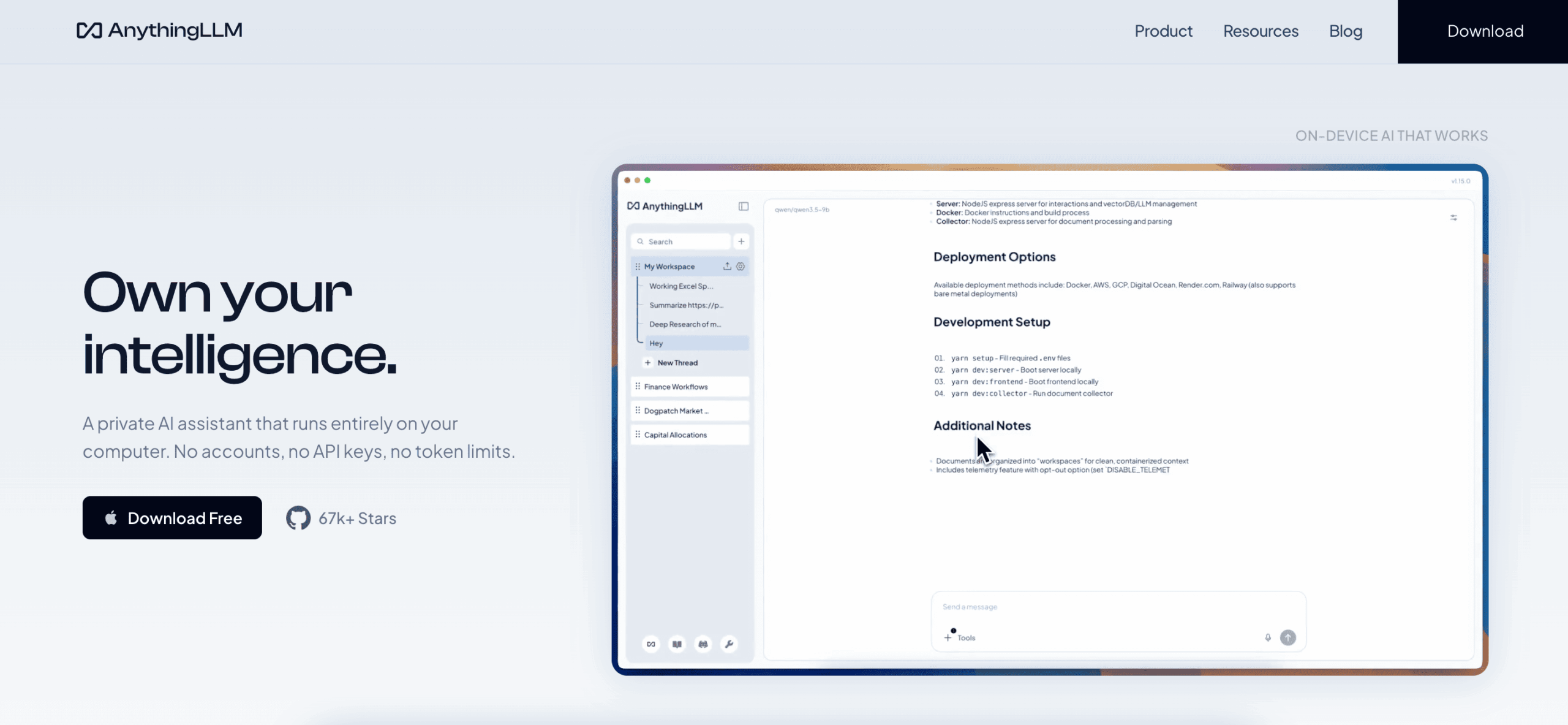
AnythingLLM is a private AI assistant that runs entirely on your computer, with no accounts, API keys, or token limits. It is MIT licensed and runs as a desktop app for one person or a Docker server for a team, with workspaces that keep each project’s files and answers apart.
The desktop app is one file with no dependencies, and it picks a model that fits your machine. It also takes meeting notes on your own computer (without a bot joining the call), and uses web search.
5. LM Studio
Who is it for: People and small teams who want a desktop app for local models, as well as a way to hand those models to other software.
- Pros: Hardware check, one click download, no terminal; works with no internet connection once models are saved; Chat using your documents; you can use outside tools, and serve models to other apps from one window.
- Cons: Closed source; built around one person at a desk, meaning others can reach a shared endpoint, but there are no user accounts and no record of who asked what, which is needed for audit trails.
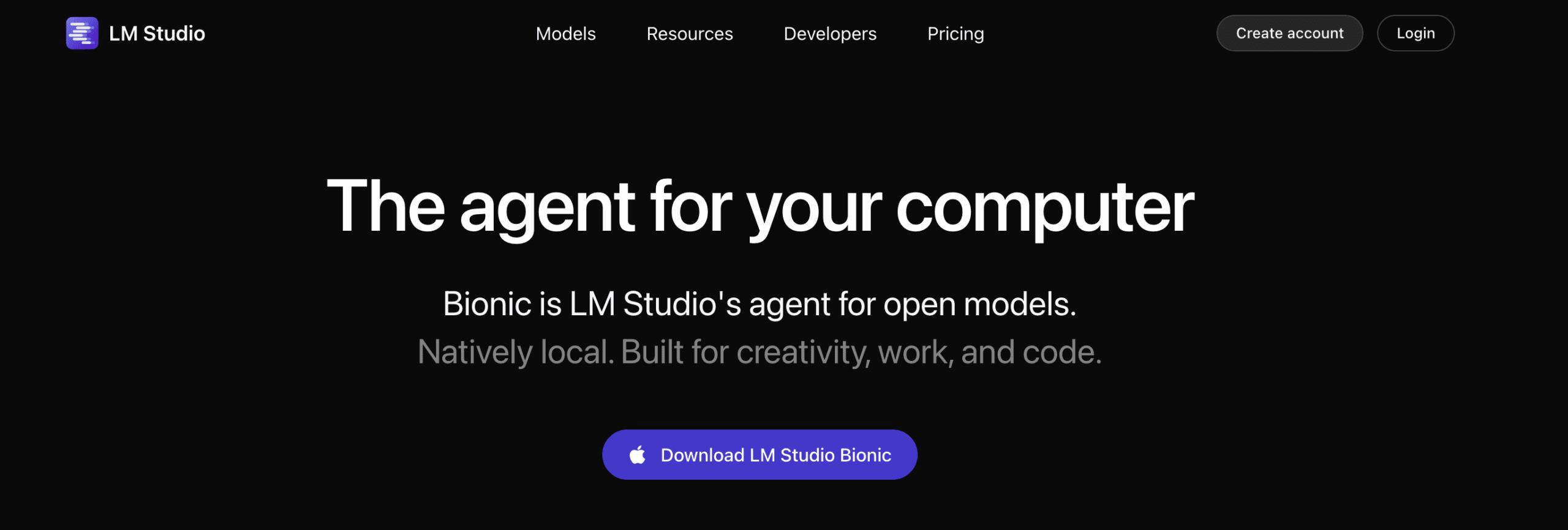
LM Studio is a model that can run on any ordinary computer. You install it, pick a model from a catalogue pulled from Hugging Face, and start chatting. It checks your hardware first, so you rarely download something your machine cannot load.
You can attach documents and ask questions about them with no internet connection, connect outside tools so the model can act on your machine, and make the model into a local server that uses the same API format as OpenAI. A free headless version called llmster is offered, and the desktop app can also run in the background so a team points at one machine.
The company also offers a separate agent app, Bionic, which drafts documents, slides, and code with a local model and transcribes speech on your machine. Teams can run it on a cloud with zero data retention, on their own hardware, or on edge devices.
Choose The Private AI Solution For Your Needs
The best private AI platform depends on what you need to keep inside your company walls: the model, the documents, or the record of who asked what. To help guide your decision, we built a comparison table.
| If you need… | Start with | Why it fits | Watch out for |
|---|---|---|---|
| A governed rollout across departments | Ajelix Enterprise | Run it yourself on its own hardware, with audit logs and access rules built in and EU jurisdiction | No self-serve signup; onboarding is handled by the Ajelix team. |
| A private chatbot working this week | Ollama + Open WebUI | Free to run locally, quick to start, a large model library, and it works with no internet connection | You are responsible for patching, backups, and uptime; branding clause above 50 users; audit log is off by default until you configure it |
| Fast answers for many users at once | vLLM | Handles as many requests per GPU as it can and works with existing OpenAI code | You own the server and the operations; sign in is a single API key, and there is no document index |
| Documents and agents in one package | AnythingLLM | MIT licence, no charge per seat, with documents, web search, agents, and meeting notes | Access control is less advanced than an enterprise platform |
| A desktop app for local models | LM Studio | Hardware check and one click download, no terminal, and it works offline | Closed source, with no user accounts and no record of who asked what |
| Handing a model to other software | LM Studio | Turns the model into a local server that uses the same API format as OpenAI | Built around one person at a desk, so a team shares one endpoint |
| Bringing your own model | Ajelix Enterprise | Runs your own models on Kubernetes or connects a third party through an API key | Available on request |
If governed, secure, and sovereign AI is your priority, contact the Ajelix team.
FAQ
AI where the model, the questions, and the data run in an environment you control, so no vendor can read them, learn from them, or hand them over.
No. Running on your own servers is one route. A private cloud in your own account, or a machine with no internet connection, also counts.
Usually the one you already own. Most teams get further running a platform on hardware they have than buying GPUs, and only steady, heavy use justifies dedicated equipment.
Only with checks and logs. An agent that can write to your systems is a privileged user, and it should be reviewed like one.
Agentic AI chat that helps you complete projects
AI for work that ingests, transforms, and delivers the exact deliverables your team needs, while you stay focused on strategy. No more chatting, agents can get the job done.


